AI-powered website builder that generates a professional site in under a minute and includes tools for content, SEO, and analytics.
52M visits/mo+0.7%#4 Coding & Development
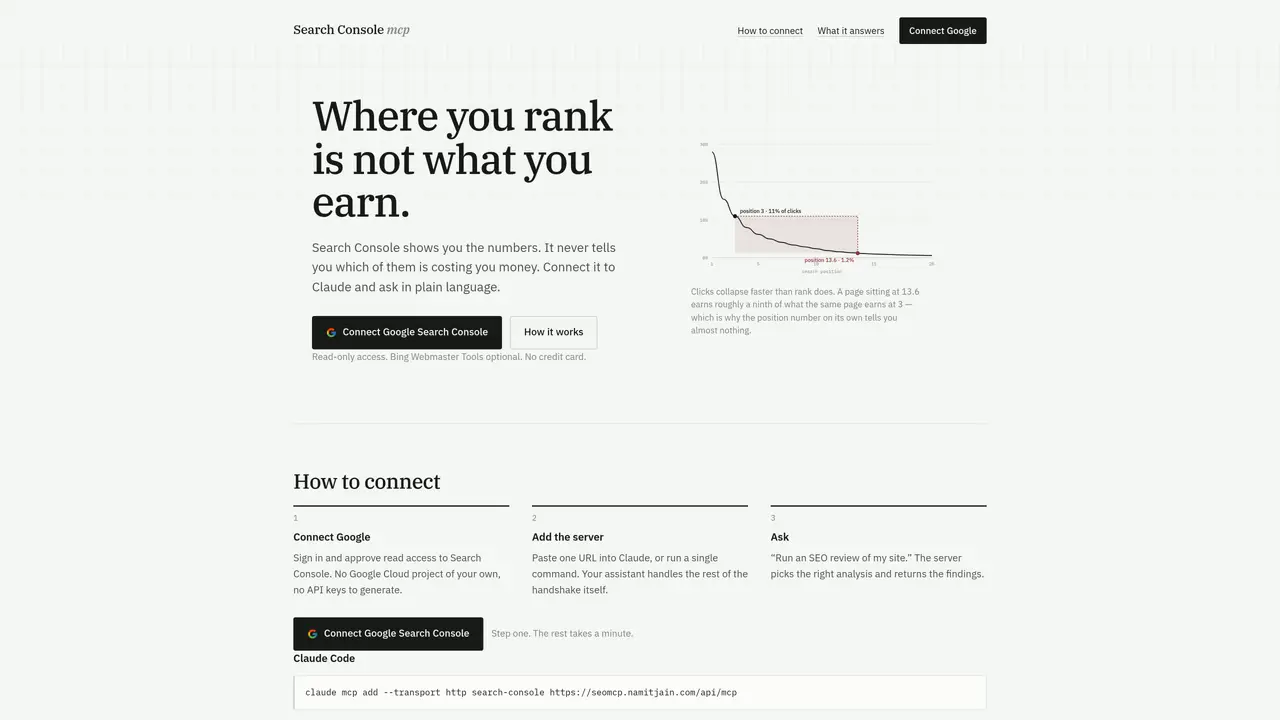
Search Console MCP connects Google Search Console data to AI assistants like Claude for natural-language SEO analysis. It provides read-only access to Search Console properties, performance metrics, index status and sitemaps without requiring API keys or Google Cloud projects. The tool translates raw Search Console data into prioritized findings by interpreting metrics like clicks, rankings and click-through curves. It identifies underperforming keywords, traffic drops, cannibalization issues and slow-loading pages that impact revenue. The server also reads live HTML for on-page issues such as duplicate titles, missing canonicals or structured data errors. Answers are computed from the user’s own data before reaching the AI model, avoiding generic interpretations. Guidance on how to use the tool and its limitations is delivered through the connection itself, eliminating installation requirements.
Search Console MCP is a server that connects Google Search Console data to AI assistants like Claude, enabling natural-language SEO analysis without requiring API keys or Google Cloud projects.
It suits website owners, SEO professionals, and analysts who want to interpret Search Console data in plain language and prioritize fixes based on their own site metrics.
The tool provides read-only access to Search Console properties and reads live HTML for on-page issues. It computes answers from the user’s own data before delivering findings to the AI model.
It can analyze performance metrics, identify underperforming keywords, detect cannibalization issues, flag slow-loading pages, and read live HTML for issues like duplicate titles or missing canonicals.
No, it does not require API keys or Google Cloud projects. Users only need to sign in and approve read access to their Search Console data.
Users can connect by pasting a URL into Claude or running a single command. Guidance on usage is built into the connection, so no additional installation is required.
We use essential cookies to run aitoolnavio™, and optional cookies to analyze traffic and measure our marketing. You choose what we use — optional cookies stay off unless you turn them on. See our Privacy Policy.
One short email a week: fresh tools worth trying, honest takes and the updates that actually matter. No spam, unsubscribe any time.
AI-powered website builder that generates a professional site in under a minute and includes tools for content, SEO, and analytics.
Discover keywords, analyze competitors' SEO strategies, and make data-driven decisions for website performance.
Analyze website performance, track competitors' tactics, and access comprehensive analytics and optimization features.
Boost post reach and engagement with AI-generated hashtags
All-in-one SEO suite for website performance analysis, keyword tracking, plagiarism checks, sitemap generation, and article rewriting.
Analyze, collaborate, optimize content for quality, speed, and wider reach, with tailored suggestions.
Track keyword rankings, analyze competitors' strategies, and create custom reports.
Search, analyze, and visualize large datasets for valuable insights with minimal setup.
All-in-one suite for Amazon and Walmart sellers, offering product research, keyword optimization, and AI-powered advertising tools.
Identify questions, trends, & insights to create targeted content and connect with your target market.
WordPress SEO plugin that automates keyword optimization, tracks rankings, and provides content analysis to improve search visibility.
Generate high-quality, SEO-optimized content effortlessly, saving time for blog posts, social media, and marketing copy.
Matched on what this tool does — grouped by the job you would be replacing.
matches Reads Search Console properties and performance data · Analyzes keyword rankings by potential revenue impact · Detects cannibalization between URLs
WordPress SEO plugin that automates keyword optimization, tracks rankings, and provides content analysis to improve search visibility.
AI platform that analyzes and improves SEO, content, and AI search visibility to boost rankings and traffic.
AI-powered tool that analyzes GA4 and Search Console data to identify high-impact content opportunities
Enhance brand visibility with AI-driven search insights.
matches Provides built-in guidance for AI assistant usage · Automates on-page SEO adjustments (titles, meta descriptions, internal links) · Tracks keyword performance and AI overview rankings
matches Tracks slow decay in traffic over four windows · AI search visibility tracking · SEO keyword tracking
Automates SEO tasks like titles, meta descriptions, and internal links to boost search rankings and traffic.
Analyze, track, and optimize website content for SEO, identifying areas for improvement and monitoring keyword rankings.
AI-powered website builder with SEO and multilingual publishing
AI-powered SEO audits and competitor analysis with actionable plans
Open source SEO platform offering keyword research, rank tracking, and AI agent integration for self-hosted or usage-based access.
Tracks and analyzes brand visibility across AI search platforms like ChatGPT and Google AI Overviews