

An AI chat platform for roleplaying, storytelling, and learning by chatting with millions of user-created AI characters.
151M visits/mo-5.5%#2 Chatbots & Assistants
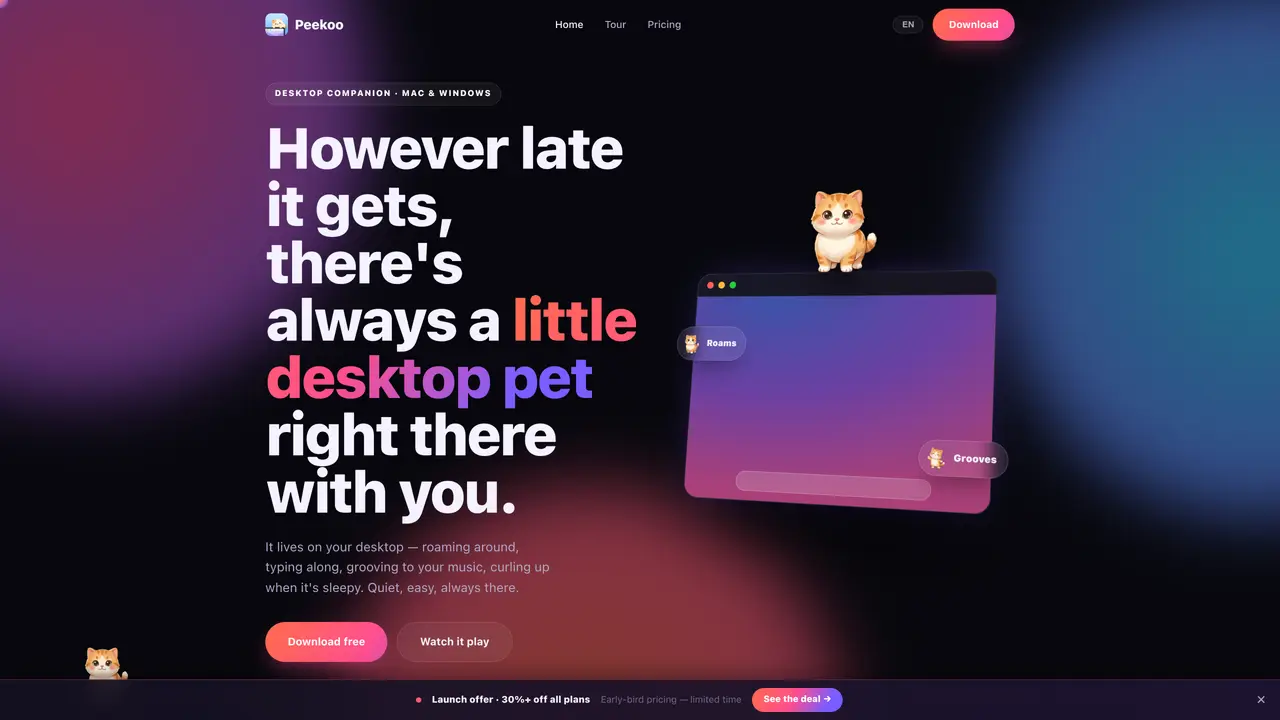
Peekoo turns a single uploaded photo into a small animated desktop pet that lives on the desktop of Mac or Windows computers. The pet roams across windows, climbs screen edges, types along with keyboard input, sways to music, and performs various actions such as parachuting down or curling up to nap. It can be created from any photo including people, pets, or self-portraits, and styled in multiple art styles like chibi, plush, pixel, or watercolor. The app is designed to be lightweight, using about 11 MB of memory, and runs natively on Apple Silicon and Intel Macs as well as Windows 10 and 11. It operates quietly in the background without interfering with normal computer use. Users can unlock additional animations and features through a subscription or one-time purchase, with options to generate multiple pets and unlimited character versions. The pet’s behavior responds to user interaction and system events, providing a playful and customizable presence on the desktop.
Peekoo is a desktop companion application that turns a single uploaded photo into an animated desktop pet. It runs on Mac and Windows, roaming the desktop, reacting to music, typing alongside keyboard input, and performing various playful actions.
Peekoo is designed for anyone who uses a computer and wants a playful, customizable presence on their desktop. It appeals to users seeking lighthearted companionship or a creative way to personalize their workspace.
Users upload a photo, choose an art style, and the app generates a desktop pet in about a minute. The pet interacts with the user and system events, such as typing, music playback, and window movements.
Peekoo supports macOS 14 and later (both Apple Silicon and Intel) and Windows 10 or 11. A single purchase covers both operating systems.
Yes. Peekoo is a lightweight, native app that uses about 11 MB of memory and is designed not to interfere with normal computer use. It operates quietly in the background.
Download Peekoo for free from the official website, upload a photo, select an art style, and the desktop pet will be ready to use on your desktop within a minute.
peekoo.app · third-party estimates from Similarweb
Traffic figures are third-party estimates, good for scale and trends; they can differ from a company's own numbers. Updated monthly.
We use essential cookies to run aitoolnavio™, and optional cookies to analyze traffic and measure our marketing. You choose what we use — optional cookies stay off unless you turn them on. See our Privacy Policy.
One short email a week: fresh tools worth trying, honest takes and the updates that actually matter. No spam, unsubscribe any time.
An AI chat platform for roleplaying, storytelling, and learning by chatting with millions of user-created AI characters.
Create and interact with AI companions and virtual characters using GPT-4o on Chub AI's platform.
Create stunning visuals, access image recognition and processing, and express creatively with natural language processing.
Create fully customizable AI companions with persistent memory, selfies, and live voice calls.
Practice conversing with AI, improve pronunciation, and learn a new language in an immersive, safe environment.
Train, customize, optimize, and deploy models easily for powerful AI projects.
AI-powered tarot readings and personalized interpretations for self-reflection and guidance.
Quickly narrow searches by category, control results by country or language, and find relevant, accurate results with ease.
Chat with AI friends, mentors, and characters on the world's largest conversational AI platform for entertainment.
Generate presentations, create interactive slideshows, and customize with themes, fonts, and colors.
Trendspider is a sophisticated all-in-one market research and trading software designed to enhance the trading strategies of investors and traders.
An AI chat platform for immersive, personalized interactions with virtual companions, including image generation.
Matched on what this tool does — grouped by the job you would be replacing.
Paid placement · similar tools from listings that support aitoolnavio™
Instant lead response for home-service pros: your phone rings on every new lead, plus 14 days of follow-up
matches Desktop pet animation from a single photo · Multiple art styles (chibi, plush, pixel, watercolor) · Roaming, climbing, typing, and grooving animations
AI Couple Photo & Video Generator — Turn Your Love Story Into Living Memories
Turns static photos into dancing animations set to music with one tap, no editing skills required.
Turns a selfie into a digital AI action figure photo
Creates personalized watercolor storybooks where a child is the hero on every page