

AI chatbot for conversation, work, research, coding, and content creation.
5.9B visits/mo+5%#1 Chatbots & Assistants
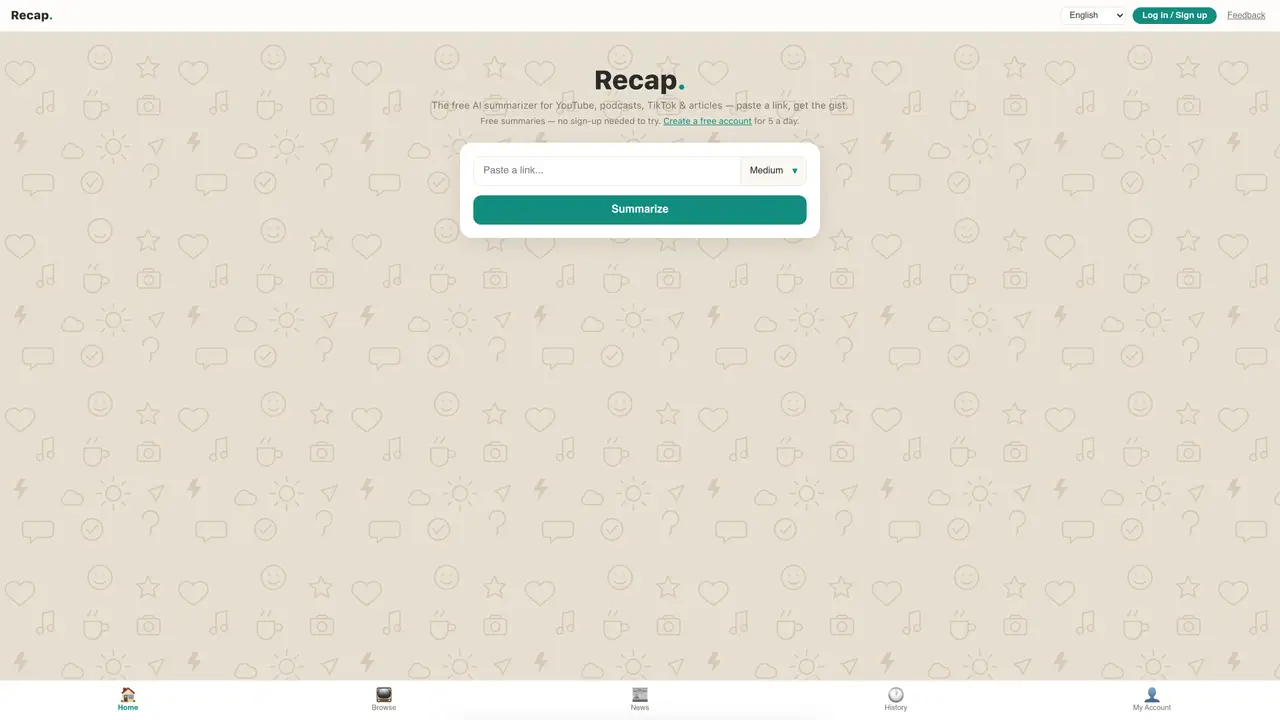
Recap generates concise summaries of online content including YouTube videos, podcasts, TikTok clips and articles. Users paste a link to the content and select a summary length—short, medium or long—before receiving an AI-generated brief. The tool supports multiple languages including English, Spanish, Portuguese, French, Hebrew and Mandarin. Free accounts allow up to five summaries per day without signing up, while registered users can browse ready-made summaries and save their own work. A premium tier removes daily limits, enables automatic email summaries of new uploads from up to 15 followed channels, and removes advertisements. The service also provides a daily news briefing and maintains a history of past summaries for review.
Recap generates concise summaries for YouTube videos, podcasts, TikTok clips, and articles. Users simply paste a link to the content to receive an AI-generated brief.
No, you can try Recap without signing up and generate up to five summaries per day. Creating a free account allows browsing ready-made summaries and saving your own work.
Recap supports multiple languages including English, Spanish, Portuguese, French, Hebrew, and Mandarin. Users can select their preferred language for summaries.
Recap Pro removes daily summary limits, enables automatic email summaries of new uploads from up to 15 followed channels, and removes advertisements for a faster, cleaner experience.
Yes, with Recap Pro, users can follow up to 15 YouTube channels and receive email alerts with full transcripts of every new upload automatically.
To get started, paste a link to the content you want summarized, select a summary length (short, medium, or long), and click 'Summarize.' No sign-up is required for basic use.
We use essential cookies to run aitoolnavio™, and optional cookies to analyze traffic and measure our marketing. You choose what we use — optional cookies stay off unless you turn them on. See our Privacy Policy.
One short email a week: fresh tools worth trying, honest takes and the updates that actually matter. No spam, unsubscribe any time.
AI chatbot for conversation, work, research, coding, and content creation.
Efficiently answer research queries, translate natural language to SQL, and utilize OpenAI WebGPT and larger language models.
Search privately, customize interface, track search history, and stay in control of online activities.
Transforms queries into real-time, customized pages with expert insights.
Search scientific papers, discover relevant publications, and enhance understanding of academic literature.
Access research, sort data, and get insights with predictive analytics.
Access hundreds of millions of answers powered by AI technology.
Create research report with references
Search a large knowledge base for verified articles, facts, opinions, and multimedia to answer questions across any topic.
Chat with many top models for everyday tasks.
Centralized AI industry news aggregator with curated daily selections, model rankings, and trending topics.
A free AI platform that answers questions, searches across languages, and generates slides, mind maps, docs, images, and webpages.
Matched on what this tool does — grouped by the job you would be replacing.
matches Summarize links from YouTube, podcasts, TikTok and articles · Adjustable summary length: short, medium or long · Multi-language support
Free AI text summarizer that condenses articles, essays, and documents into bullet or paragraph summaries from text, URLs, or file uploads.
Summarize articles, studies, and more in seconds with this free AI Article Summarizer that supports 80+ languages.
Summarize textbooks, news articles, and reports for efficient studying, quick updates, and executive summaries.
Simplify content analysis with our AI Text Summarizer!
matches Summarize links from YouTube, podcasts, TikTok and articles · Adjustable summary length: short, medium or long · Multi-language support
Summarize & Listen any YouTube & Podcasts in 30 Seconds
AI-powered YouTube video summarizer and transcript generator
Summarize YouTube videos into concise text to save time and quickly review content.
AI-generated summaries of Youtube transcripts with customizable length, manual editing, and input custom prompts.