Build Discord bots with words, not code
551K visits/mo-4.7%#65 Chatbots & Assistants

Create, customize, and streamline chatbots using a drag-and-drop interface, AI engine, and ready-made templates.
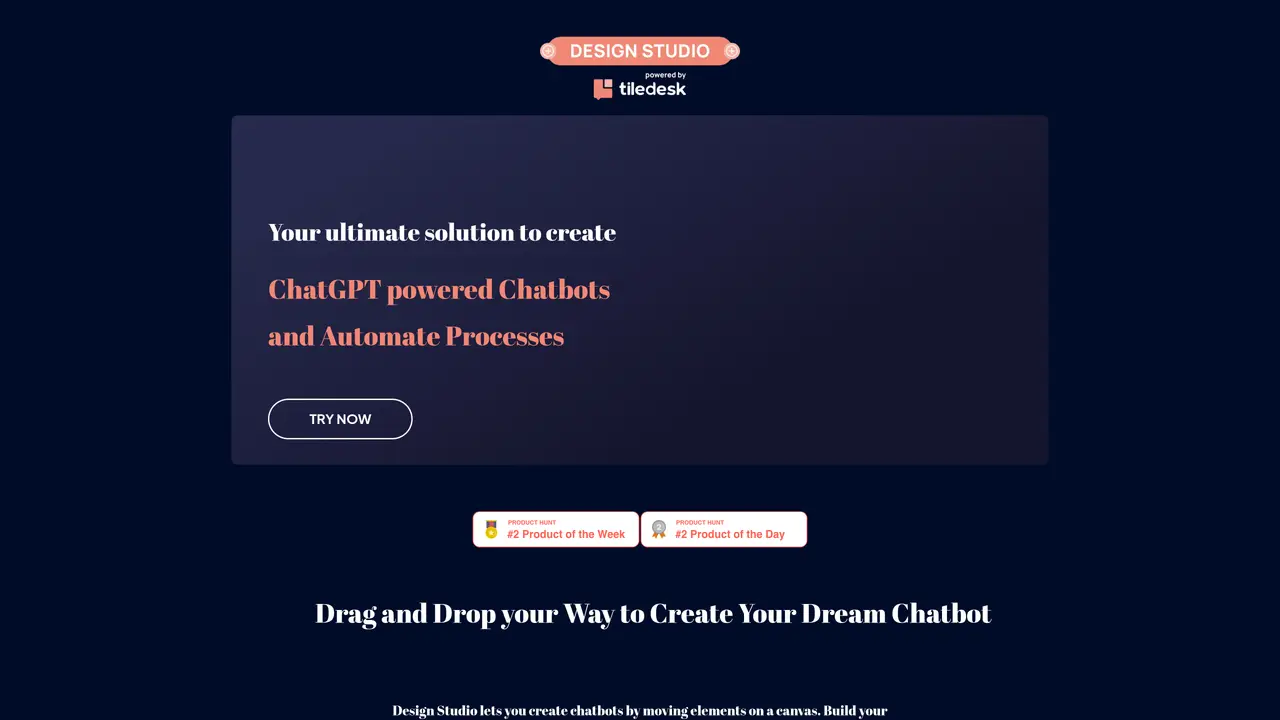
Chatbot Design Studio from Tiledesk is the perfect tool for businesses of all sizes to create custom chatbot solutions. With our intuitive drag-and-drop interface, you can quickly create sophisticated chatbots that seamlessly integrate with your existing website or app. Our chatbot design tools are highly customizable and can be tailored to meet the specific needs of your business. Chatbot Design Studio allows you to create chatbots that can understand and respond to customer inquiries, process transactions, help with onboarding and more. Our chatbot solutions are designed to help streamline customer interaction and improve customer engagement. With a built-in artificial intelligence engine, our chatbots can understand natural language and deliver accurate and helpful answers quickly. Our chatbot design studio includes an extensive library of templates, allowing you to easily customize your chatbot to match the look and feel of your website or app.
Chatbot Design Studio is a no-code tool from Tiledesk that enables users to create chatbots through a drag-and-drop interface. It supports building chatbots for purposes such as lead generation, customer support, and process automation without requiring coding skills.
The tool is designed for businesses of all sizes, developers, and non-technical users who want to create custom chatbots or conversational apps. It suits those looking to automate customer interactions or integrate AI-powered responses.
Yes, Chatbot Design Studio allows integration with ChatGPT to generate human-like conversational responses. You can also train your chatbot to retrieve answers from your knowledge base for more accurate interactions.
Yes, Tiledesk is a fully open source solution, meaning you can access, modify, and share the source code. You can also export, import, or move your chatbot from the Tiledesk cloud to your own infrastructure.
Chatbot Design Studio offers a library of templates, but it also provides access to a community-built collection of conversational apps called Tiledesk Conversational Apps Community. These are ready to deploy for free in one click.
You can start by visiting the Tiledesk website and accessing the Chatbot Design Studio tool. The drag-and-drop interface allows you to begin building your chatbot immediately, with options to customize and deploy it directly.
We use essential cookies to run aitoolnavio™, and optional cookies to analyze traffic and measure our marketing. You choose what we use — optional cookies stay off unless you turn them on. See our Privacy Policy.
One short email a week: fresh tools worth trying, honest takes and the updates that actually matter. No spam, unsubscribe any time.
Build Discord bots with words, not code
No-code platform to build and deploy custom chatbots for Discord, Telegram, and Cici without coding skills.
Unified, customizable interface for AI-powered conversations
Create custom dialogs, deploy bots to multiple channels, and leverage NLP and ML for understanding user inputs.
Create personalized GPT models, deploy to websites and chatbots, and unlock powerful possibilities with OpenAI's LLMs and GPT.
Automate customer support, capture leads, and promote offers with personalized chatbot conversations.
Unified interface for chatting with multiple AI models and building web apps from prompts
Build no-code chatbots for Facebook, Instagram, and WhatsApp to automate conversations and customer interactions.
No-code AI chatbot builder for websites and WhatsApp with drag-and-drop simplicity.
Build no-code AI chatbots and agents for WhatsApp, web, Instagram, Facebook, Telegram, MS Teams and more.
Create custom chatbot templates, track conversions with dynamic prompts, and optimize campaigns with detailed analytics.
No-code platform to build AI chatbots, CRM, and multichannel messaging with built-in automation and payments.
Matched on what this tool does — grouped by the job you would be replacing.
matches Create custom chatbot solutions with an intuitive drag-and-drop interface · Streamline customer interaction and improve customer engagement with an AI engine · Customize chatbots with an extensive library of templates
No-code AI chatbot builder for websites and WhatsApp with drag-and-drop simplicity.
Alicebot is a conversational artificial intelligence (AI) platform designed to enable businesses to create their own custom chatbots.
Accelerate application development with drag-and-drop interface, AI capabilities, and a supportive expert community.
Creates branded chatbots trained on custom knowledge bases without coding