

AI chatbot for conversation, work, research, coding, and content creation.
5.9B visits/mo+5%#1 Chatbots & Assistants
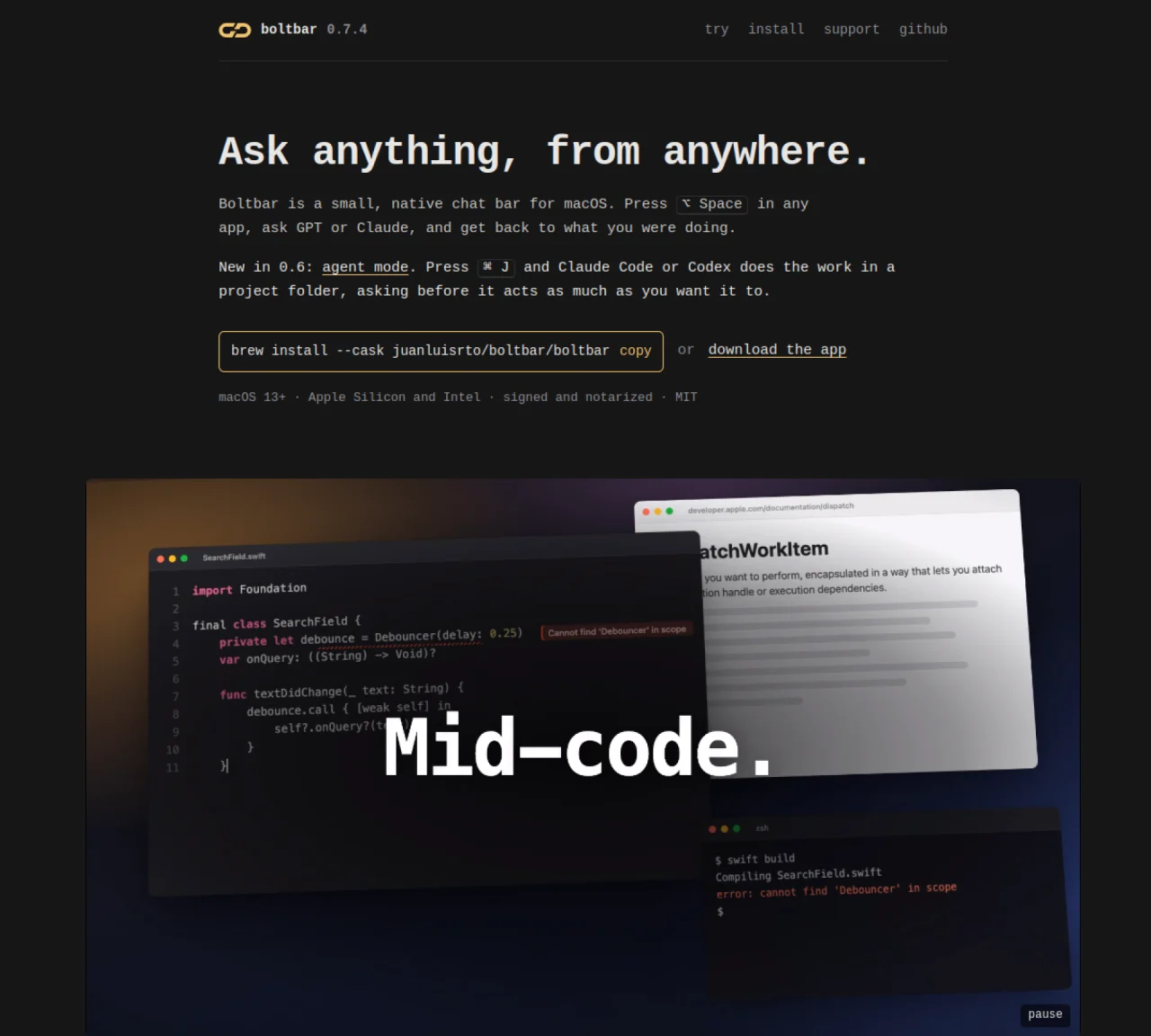
Boltbar is a lightweight, native chat bar for macOS that allows users to interact with AI models directly from any application. Pressing Option+Space opens the bar, where queries can be sent to GPT or Claude. The tool supports both quick chat and agent mode, where Claude Code or Codex CLI performs tasks in a selected project folder. Agent mode can be toggled with Command+J, and permissions can be adjusted to control how much the agent can act without confirmation. The bar remains hidden until summoned and supports keyboard navigation for efficiency. Messages and replies are stored locally on the Mac, and attachments like images or PDFs can be included for context. Boltbar integrates with the system Keychain for secure storage of API keys and avoids using Electron or requiring user accounts.
Boltbar is a lightweight, native chat bar for macOS that allows users to interact with AI models like GPT or Claude directly from any application. Pressing Option+Space opens the bar, where queries can be sent and replies are received without leaving the current app.
Boltbar is designed for macOS users who want a quick, keyboard-driven way to interact with AI models while working in other applications. It suits developers, writers, and anyone seeking a streamlined, private chat interface.
Boltbar stores messages, replies, and attachments locally on the user's Mac in ~/Library/Application Support/Boltbar. API keys are securely stored in the system Keychain, and no user accounts or analytics are required.
Yes, Boltbar includes an agent mode where Claude Code or Codex CLI can perform tasks in a selected project folder. Users can adjust permissions to control how much the agent can act without confirmation.
Boltbar requires an OpenAI or Anthropic API key, or a Codex or Claude Code login. It supports attachments like images, PDFs, and text files, though PDFs need an API key for processing.
Boltbar can be installed via Homebrew using 'brew install --cask juanluisrto/boltbar/boltbar' or by downloading the signed DMG/ZIP from the latest release. It requires macOS 13 Ventura or later and is free to use, with optional supporter licensing.
We use essential cookies to run aitoolnavio™, and optional cookies to analyze traffic and measure our marketing. You choose what we use — optional cookies stay off unless you turn them on. See our Privacy Policy.
One short email a week: fresh tools worth trying, honest takes and the updates that actually matter. No spam, unsubscribe any time.
AI chatbot for conversation, work, research, coding, and content creation.
Create and interact with AI companions and virtual characters using GPT-4o on Chub AI's platform.
Open-source Chinese AI chatbot for conversational AI, coding, and agentic workflows, built on the GLM-5 architecture.
Automate customer responses, personalize messages, and create an AI-powered chatbot for 24/7 customer service.
Chat with many top models for everyday tasks.
Overchat AI is an all-in-one platform that brings together the world’s leading AI models in a single application.
AI-powered platform for targeted online ad management, performance analysis, and strategy optimization with human oversight.
AI-powered tarot readings and personalized interpretations for self-reflection and guidance.
Turn hand-drawn sketches into editable 3D models and photorealistic images with AI.
Empower teams with AI-driven chat, data analysis, and workflow automation.
Get answers, writing help, and plans across devices with Nova AI App.
AI-powered app builder that turns data into functional web apps without coding.
Matched on what this tool does — grouped by the job you would be replacing.
Paid placement · similar tools from listings that support aitoolnavio™
Anonymous AI chat for 200+ models. No email or phone: a random account number, or chat as a guest.
matches Quick chat with GPT or Claude via Option+Space · Agent mode for project task automation with Command+J · Keyboard shortcuts for navigation and model switching
A MacOS app that lets users control their computer with voice commands, dictate text, and automate workflows using GPT-4.
Native macOS workspace combining AI conversations, files and voice control
Centralizes and deploys AI agent skills locally on macOS
Voice-first AI assistant for macOS that executes tasks via natural language commands