

AI chatbot for conversation, work, research, coding, and content creation.
5.9B visits/mo+5%#1 Chatbots & Assistants
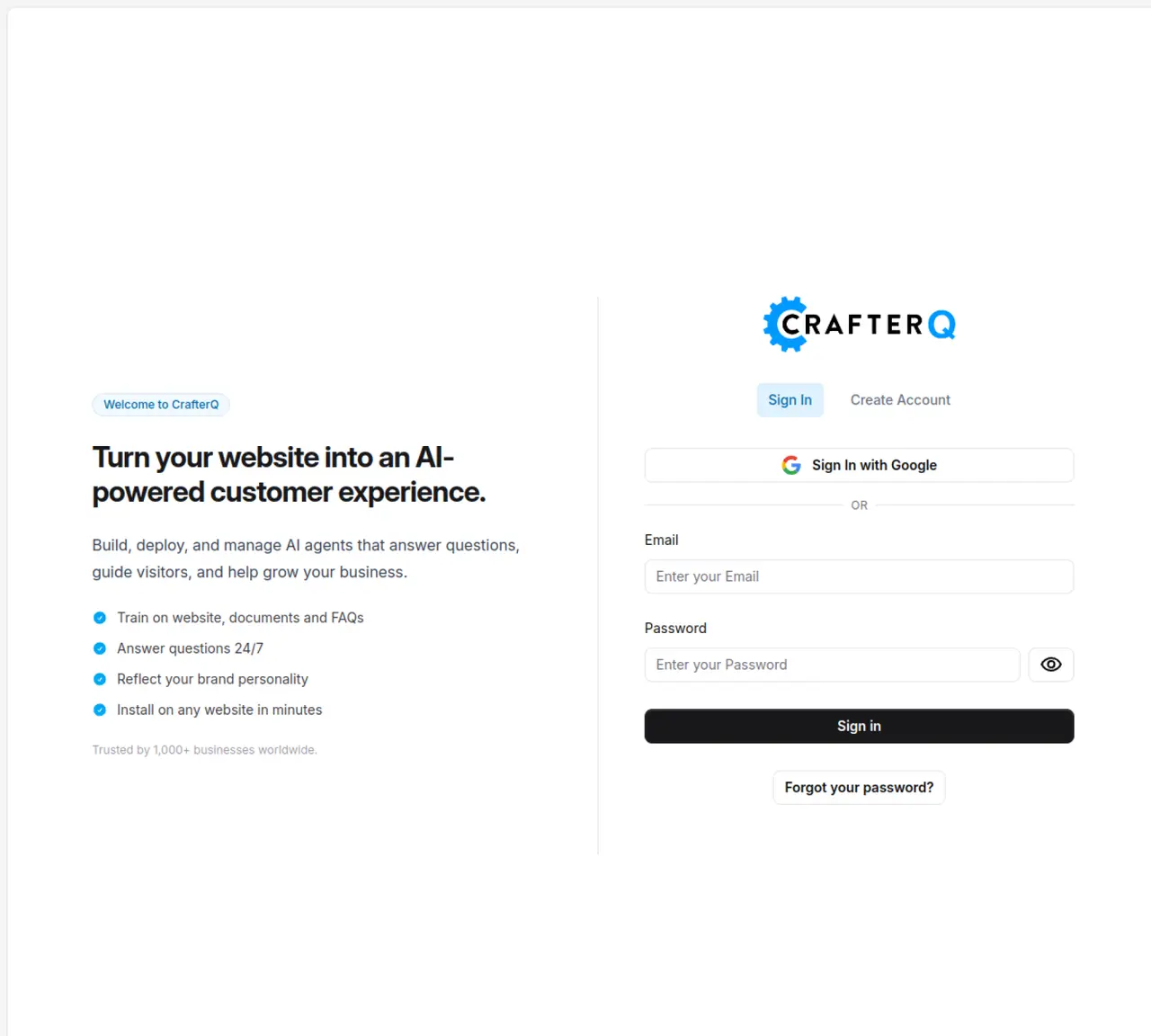
CrafterQ AI turns static websites into interactive conversation layers via AI agents trained on a company’s own content. It focuses on sales, marketing, and support automation for business websites, using large language models and retrieval over documentation, FAQs, and product pages. The tool targets teams that want website chat that actually answers questions, captures leads, and deflects support tickets, without requiring engineers to build a custom stack. Key Features: Website AI agents trained on your data: Connect docs, knowledge bases, and site content so the agent answers contextually. No-code deployment script: Install on Shopify, WordPress, Webflow, Squarespace, Wix, and other builders via simple embed. Sales and marketing funnels: Conversation flows tuned for capturing intent, qualifying leads, and nudging visitors toward booking or checkout. Customer support automation: 24/7 agents resolve common issues, surface relevant help articles, and hand off to humans when needed. Analytics and console: Central console with dashboards, chat logs, feedback, usage limits, and conversation insights such as topics and sentiment. CrafterQ AI is easy to get started with a free plan and simple script that let small teams test an agent quickly. It has a strong business focus, with messaging, templates, and solutions tailored around revenue, support deflection, and measurable website outcomes. The tool also offers good observability, with dashboards, logs, and feedback scores helping teams understand quality and iterate content. Additionally, CrafterQ AI has a security-first posture, with SOC 2 Type II controls and a dedicated trust center appealing to organizations with compliance requirements.
CrafterQ AI transforms static websites into interactive conversation layers by deploying AI agents trained on a company’s own content such as documentation, FAQs, and product pages. These agents provide contextual answers, automate sales and support tasks, and integrate with existing website builders without requiring custom engineering.
The tool is designed for businesses focused on sales, marketing, and customer support automation, particularly teams that want to enhance website engagement without building a custom AI stack. It suits organizations looking to capture leads, deflect support tickets, and provide 24/7 assistance through AI-driven conversations.
Getting started involves installing a no-code deployment script on supported website builders like Shopify, WordPress, or Webflow. A free plan is available to test an agent quickly, and the process is designed to be accessible for small teams without technical expertise.
Yes, CrafterQ AI supports integration with popular website builders such as Shopify, WordPress, Webflow, Squarespace, and Wix. It also offers analytics and observability features through its central console, which includes dashboards, chat logs, and feedback scores.
CrafterQ AI maintains a security-first approach, adhering to SOC 2 Type II controls. It provides a dedicated trust center for organizations with compliance requirements, ensuring data protection and secure handling of sensitive information.
Yes, CrafterQ AI automates customer support by resolving common issues, surfacing relevant help articles, and escalating complex queries to human agents when necessary. It operates 24/7 to provide immediate assistance and reduce support ticket volume.
crafterq.ai · third-party estimates from Similarweb
Last 4 months · grows by one month every month
Share of visits · estimated visits
Chatbots & Assistants · Sep 2026
Traffic figures are third-party estimates, good for scale and trends; they can differ from a company's own numbers. Updated monthly.
We use essential cookies to run aitoolnavio™, and optional cookies to analyze traffic and measure our marketing. You choose what we use — optional cookies stay off unless you turn them on. See our Privacy Policy.
One short email a week: fresh tools worth trying, honest takes and the updates that actually matter. No spam, unsubscribe any time.
AI chatbot for conversation, work, research, coding, and content creation.
Create and interact with AI companions and virtual characters using GPT-4o on Chub AI's platform.
Open-source Chinese AI chatbot for conversational AI, coding, and agentic workflows, built on the GLM-5 architecture.
Automate customer responses, personalize messages, and create an AI-powered chatbot for 24/7 customer service.
Chat with many top models for everyday tasks.
Overchat AI is an all-in-one platform that brings together the world’s leading AI models in a single application.
AI-powered platform for targeted online ad management, performance analysis, and strategy optimization with human oversight.
AI-powered tarot readings and personalized interpretations for self-reflection and guidance.
Turn hand-drawn sketches into editable 3D models and photorealistic images with AI.
Empower teams with AI-driven chat, data analysis, and workflow automation.
Get answers, writing help, and plans across devices with Nova AI App.
AI-powered app builder that turns data into functional web apps without coding.
Matched on what this tool does — grouped by the job you would be replacing.
Paid placement · similar tools from listings that support aitoolnavio™
Anonymous AI chat for 200+ models. No email or phone: a random account number, or chat as a guest.
matches Website AI agents trained on your data · Sales and marketing funnels for capturing intent and qualifying leads · Customer support automation for resolving common issues
Automate customer support, capture leads, and promote offers with personalized chatbot conversations.
AI platform for B2B SaaS teams that engages website visitors, qualifies leads, and guides in-app onboarding in real time.
Create personalized customer support, engage visitors with custom conversation flows, and customize your bot's look and feel.
AI chatbot for websites that answers questions and captures leads 24/7