AI-powered website builder that generates a professional site in under a minute and includes tools for content, SEO, and analytics.
52M visits/mo+0.7%#4 Coding & Development

Automate coding tasks, generate blog posts, and improve writing thanks to its ChatGPT NLP tool.
Cmd J is the ultimate productivity tool for anyone who spends a lot of time on the computer. With Cmd J, users can quickly and easily supercharge their productivity. It’s powered by ChatGPT, an advanced natural language processing (NLP) tool. With just a simple Cmd/Alt + J keyboard shortcut, users can effortlessly improve their writing, get answers to coding questions and generate blog posts. Cmd J is a must-have tool for developers, bloggers, and anyone who wants to get the most out of their workday. It helps you work smarter, not harder. With Cmd J, you can get more done in less time, so you can focus on the things that really matter. Use cases include automating coding tasks with its ChatGPT NLP tool, instantly generating blog posts with a simple keyboard shortcut, and quickly improving writing quality with Cmd J’s AI-powered features.
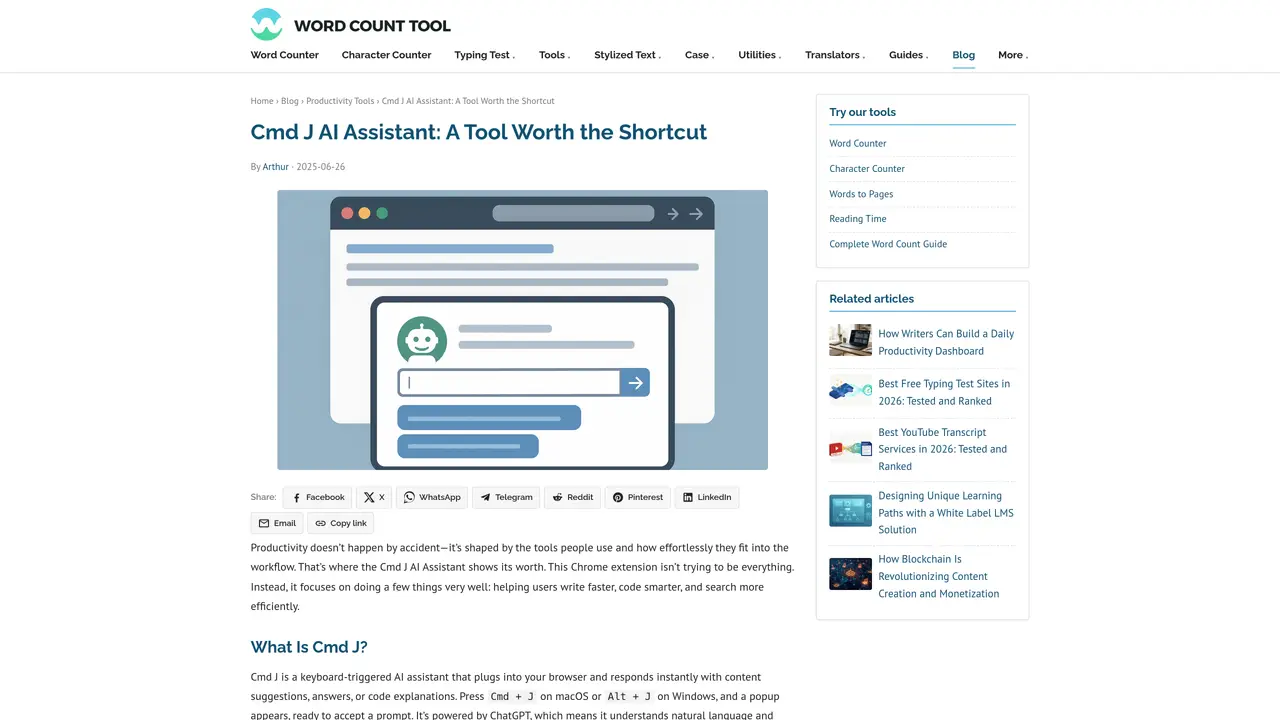
Cmd J is a keyboard-triggered AI assistant that integrates into the Chrome browser, providing instant content suggestions, answers, or code explanations when activated via the Cmd + J (macOS) or Alt + J (Windows) shortcut.
Cmd J is designed for writers, content creators, developers, engineers, researchers, and knowledge workers who need quick AI-powered assistance without disrupting their workflow.
Cmd J operates through a compact popup interface triggered by a keyboard shortcut, allowing users to type prompts and receive responses directly within the active browser tab without switching applications.
Key features include a non-intrusive popup interface, context-sensitive suggestions, speed and simplicity, seamless Chrome integration, and adaptability across different content types like writing, coding, and research.
Yes, Cmd J can read and explain code, suggest cleaner syntax, assist with debugging, and generate boilerplate code for functions or components directly within the browser.
Yes, Cmd J provides a free tier with limited prompts and slower response speeds, alongside a paid plan that offers additional features and capabilities.
We use essential cookies to run aitoolnavio™, and optional cookies to analyze traffic and measure our marketing. You choose what we use — optional cookies stay off unless you turn them on. See our Privacy Policy.
One short email a week: fresh tools worth trying, honest takes and the updates that actually matter. No spam, unsubscribe any time.
AI-powered website builder that generates a professional site in under a minute and includes tools for content, SEO, and analytics.
AI-powered coding platform that uses agents to plan, write, and test software with real-time feedback and verifiable artifacts.
Automate code, research, and documents using agents.
AI-powered code assistant that generates, reviews, optimizes, and debugs code with natural language prompts and editor integrations.
AI assistant for safe, reliable productivity with code, collaboration, and integrations.
AI-powered IDE for autonomous coding tasks and agentic development workflows
Privacy-focused AI chatbot that generates uncensored text, code, images, and translations without storing conversations or requiring an account.
A free web-based AI chatbot and agent for writing, coding, research, and content creation with multilingual support.
Write & run code in 50+ languages, auto-complete with AI, and code faster with an intuitive interface.
An IDE that automates legacy-to-modern code migration using autonomous coding agents.
AI models that return typed decisions with calibrated confidence for software automation
Practice coding challenges, improve technical skills, get detailed explanations, compare performance with peers.
Matched on what this tool does — grouped by the job you would be replacing.
matches Automate coding tasks
Collaboration and version control platform for software development and AI model hosting.
Transform ideas into fully functional applications with Lovable, a groundbreaking AI tool.
matches Generate blog posts
matches Improve writing quality
Generate blog posts, create social media content, and automatically generate poems in minutes.
Generate blog posts, articles, and content using intuitive templates in minutes, without research.
Generate content, correct spelling, suggest synonyms to enhance writing.
AI-powered writing tool for paraphrasing, summarizing, and enhancing writing effortlessly.
AI writing assistant that streamlines content creation for social media, blogs, scripts, and more with advanced AI models.
Streamline content creation with AI detection, paraphrasing, and generation.