
OpenAI builds and deploys advanced AI models like GPT-4o for autonomous agents and workflows.

LM-Kit One
$1Starting price
0Popularity
About LM-Kit One
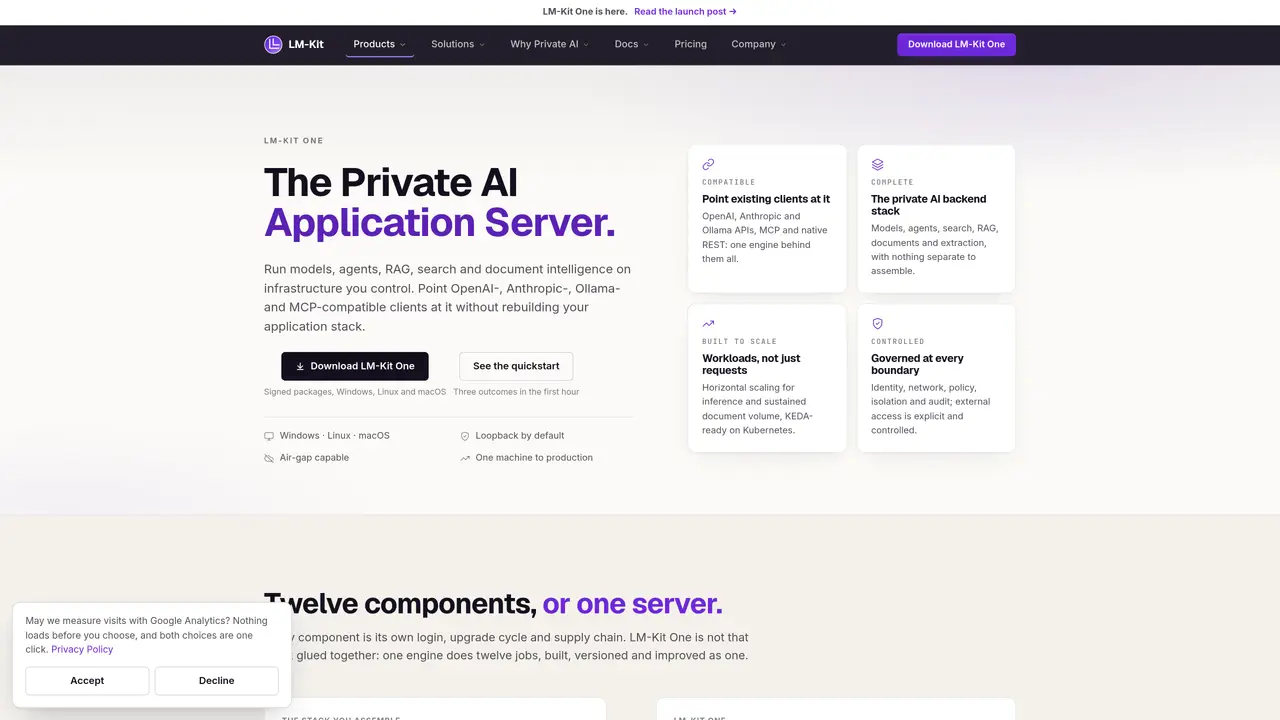
LM-Kit One is a private AI application server designed to run on infrastructure under the user’s control. It consolidates multiple AI capabilities into a single engine, including model inference, embeddings, reranking, search, RAG, document processing, OCR, structured extraction, and agent runtime. The server supports OpenAI-, Anthropic-, Ollama-, and MCP-compatible clients without requiring application stack modifications. It provides a full REST API surface with twelve distinct components managed through a single installer and versioned release cycle. The system emphasizes security and governance with identity management, network controls, policy enforcement, audit trails, and explicit external access boundaries. Horizontal scaling is supported for both inference workloads and sustained document processing, with KEDA compatibility for Kubernetes deployments.
Key features
- Model inference and embeddings
- Search, RAG, and answer generation with citations
- Document processing, OCR, and structured extraction
- Agent runtime with tools, skills, and memory
- Authentication, policy enforcement, and audit logging
- Fine-tuning as tracked jobs with telemetry
- Admin console for operations and configuration
- MCP host for AI assistant tool integration
Use cases
- Enterprise document intelligence without cloud dependency
- On-premises AI agent deployment for regulated environments
- Private RAG and search systems for internal knowledge bases
Pros
- Single installer and versioned release for twelve integrated components
- Supports OpenAI, Anthropic, Ollama, and MCP-compatible clients without rebuilding applications
- Horizontal scaling for inference and document workloads with KEDA readiness
- Full REST API surface covering models, agents, search, RAG, documents, and fine-tuning
- Local deployment with PostgreSQL, MySQL, SQL Server, and Qdrant storage options
Cons
- No free tier beyond published thresholds
- Requires local hardware deployment
- No cloud-hosted option
Frequently asked questions about LM-Kit One
What is LM-Kit One and what does it do?
LM-Kit One is a private AI application server that consolidates multiple AI capabilities into a single engine, including model inference, embeddings, reranking, search, RAG, document processing, OCR, structured extraction, and agent runtime. It runs on infrastructure under the user’s control and supports OpenAI-, Anthropic-, Ollama-, and MCP-compatible clients without requiring application stack modifications.
Who should use LM-Kit One?
LM-Kit One is designed for organizations or individuals who require private, self-hosted AI capabilities with full control over data, security, and governance. It suits use cases involving sensitive documents, compliance requirements, or offline deployment where cloud-based solutions are not viable.
How does LM-Kit One handle scaling and deployment?
LM-Kit One supports horizontal scaling for both inference workloads and sustained document processing, with KEDA compatibility for Kubernetes deployments. It can run on a single machine for production or scale across multiple nodes, and it is designed for air-gap capable and loopback-by-default configurations.
What integrations does LM-Kit One support?
LM-Kit One is compatible with OpenAI-, Anthropic-, Ollama-, and MCP-compatible clients, allowing existing applications to point at it without modification. It also integrates with PostgreSQL, MySQL, SQL Server, and Qdrant for storage, and supports native REST APIs for all its capabilities.
How does LM-Kit One ensure security and governance?
LM-Kit One emphasizes security and governance with identity management, network controls, policy enforcement, audit trails, and explicit external access boundaries. It operates within a Trust Center architecture that defines data flows and network behavior, ensuring controlled and isolated operations.
How do I get started with LM-Kit One?
Getting started with LM-Kit One involves downloading the installer for your operating system (Windows, Linux, or macOS) and following the quickstart guide to go from install to a first result in five minutes. The process includes selecting a model and configuring the server for your specific use case.