
OpenAI builds and deploys advanced AI models like GPT-4o for autonomous agents and workflows.

Remote Dev Environments (RDE)
$12.50Starting price
0Popularity
About Remote Dev Environments (RDE)
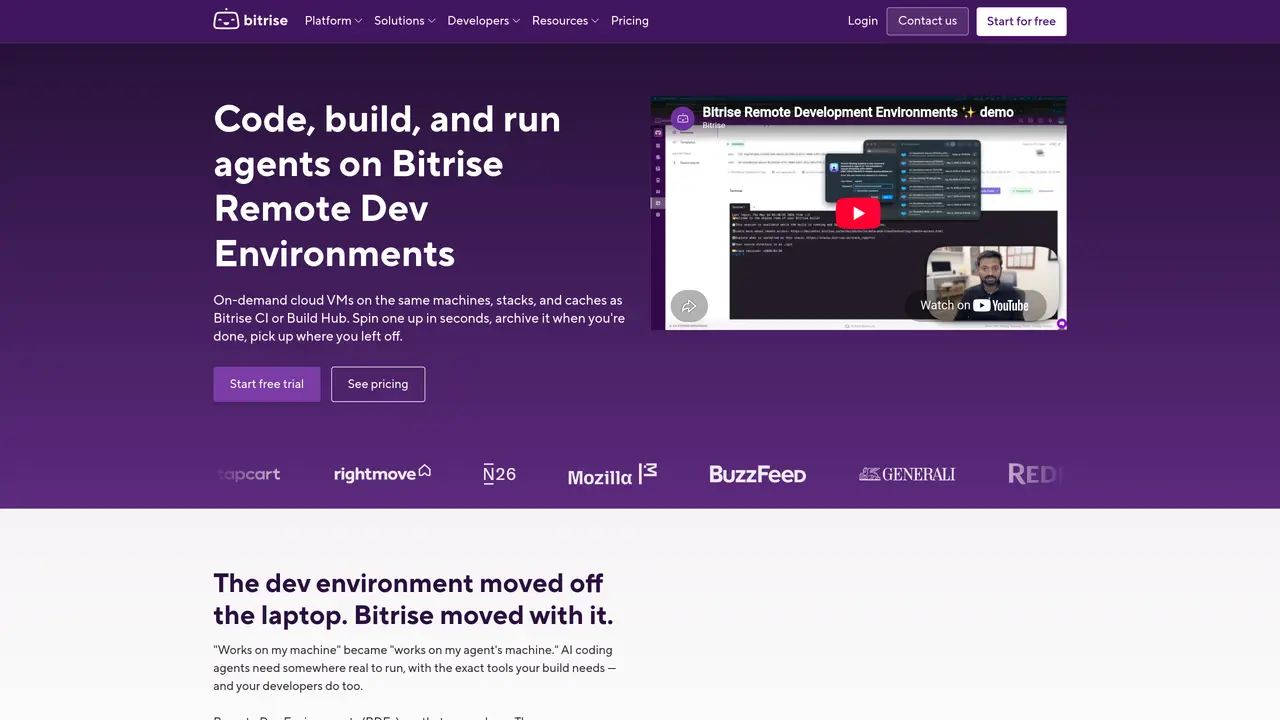
Remote Dev Environments (RDE) provides on-demand cloud virtual machines that replicate the same machines, stacks, and caches used by Bitrise CI or Build Hub. These environments can be spun up in seconds and archived when not in use, allowing developers to resume work without local setup. The service targets mobile development teams working with iOS, Android, Flutter, React Native, Ionic, Cordova, or Unity who need consistent build and test environments. It addresses issues like ‘works on my machine’ discrepancies by ensuring the development environment matches the CI environment. AI coding agents can also run in these environments, leveraging the exact tools required by the build process. The tool is designed to reduce setup time and eliminate environment-related bugs by providing identical infrastructure for development, testing, and deployment.
Key features
- Cloud-based development environments
- Instant environment provisioning
- Archiving and resume functionality
- Consistent stacks and caches
- AI agent execution support
- Integration with Bitrise CI
- Mobile platform compatibility
- On-demand resource allocation
Use cases
- Mobile app development with consistent environments
- AI coding agent execution in cloud VMs
- Debugging environment-specific issues
Pros
- On-demand cloud VMs matching CI infrastructure
- Instant spin-up and archive of environments
- Consistent development and testing environments
- Supports mobile platforms including iOS, Android, and Flutter
- Integrates with Bitrise CI and Build Hub
Cons
- Requires Bitrise infrastructure
- No free tier mentioned
- Limited to cloud-based use
Frequently asked questions about Remote Dev Environments (RDE)
What are Remote Dev Environments (RDE) on Bitrise?
Remote Dev Environments (RDE) are on-demand cloud virtual machines that replicate the same machines, stacks, and caches used by Bitrise CI or Build Hub. They allow developers to spin up consistent environments in seconds, work within them, and archive them when not in use.
Who should use Remote Dev Environments?
RDE is designed for mobile development teams working with iOS, Android, Flutter, React Native, Ionic, Cordova, or Unity. It is particularly useful for teams that need consistent build and test environments to avoid 'works on my machine' discrepancies.
How do Remote Dev Environments work?
RDE environments are spun up in seconds and can be archived when not in use. They provide identical infrastructure for development, testing, and deployment, and can also run AI coding agents using the exact tools required by the build process.
Can AI coding agents run in Remote Dev Environments?
Yes, AI coding agents can run within Remote Dev Environments, leveraging the exact tools and infrastructure required by the build process, enabling intelligent and context-aware development workflows.
What are the benefits of using Remote Dev Environments?
RDE reduces setup time, eliminates environment-related bugs by ensuring consistency between development and CI environments, and allows developers to resume work without local setup. It also supports running AI agents and automating workflows in the cloud.
How do I get started with Remote Dev Environments?
To get started, you can add your project and configure it using YAML. Bitrise provides documentation and guides to help you set up and migrate projects from other platforms like Jenkins or App Center.