AI-powered website builder that generates a professional site in under a minute and includes tools for content, SEO, and analytics.
52M visits/mo+0.7%#4 Coding & Development

Auto-complete code, syntax highlighting, code formatting, and integrated debugger for intelligent coding.
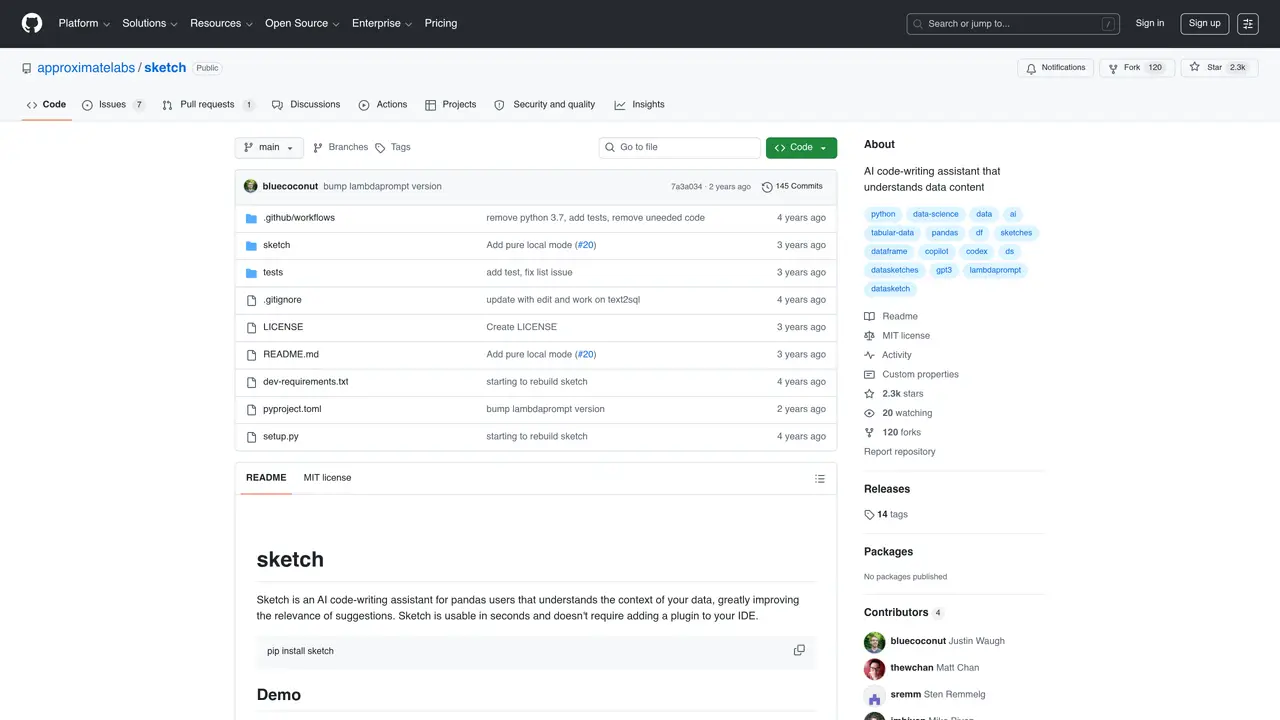
Sketch offers a variety of helpful features, such as auto-completion of code, syntax highlighting, and code formatting, as well as an integrated debugger for debugging any errors. It also provides an intelligent code search feature that can help you quickly find the code you need. With Sketch, you can quickly and easily find the code you need, helping you save time and focus on more important tasks. Whether you’re a beginner or a professional coder, Sketch can help you write better, faster code. It’s the perfect tool for pandas users who want to increase their programming productivity. Use Cases And Features: 1. Auto-complete code with intelligent search. 2. Syntax highlighting and code formatting. 3. Integrated debugger for debugging errors.
GitHub, Inc.
San Francisco, California, US · Founded 2008
Sketch is an AI code-writing assistant specifically designed for pandas users, helping them understand data context and generate relevant code suggestions. It is suitable for data analysts, scientists, and engineers working with tabular data.
Getting started with Sketch is simple: install it via pip, import the library, and use the .sketch extension on any pandas DataFrame. No IDE plugin is required, and it can be used immediately after installation.
Sketch offers features like natural language querying of data, code generation for data cleaning, feature extraction, visualization, and model building. It also supports local model execution and integration with OpenAI or Hugging Face models.
Yes, Sketch can run entirely locally by using pre-built Hugging Face models like MPT-7B or StarCoder. This requires downloading model weights and setting specific environment variables.
No, Sketch does not require an OpenAI API key by default. It can use its own remote prompts or local models. However, an OpenAI API key can be used optionally for enhanced functionality.
Sketch can assist with data cataloging, metadata generation, data cleaning, feature creation, answering data-related questions, generating plots, and even building models using natural language prompts.
We use essential cookies to run aitoolnavio™, and optional cookies to analyze traffic and measure our marketing. You choose what we use — optional cookies stay off unless you turn them on. See our Privacy Policy.
One short email a week: fresh tools worth trying, honest takes and the updates that actually matter. No spam, unsubscribe any time.
AI-powered website builder that generates a professional site in under a minute and includes tools for content, SEO, and analytics.
AI-powered coding platform that uses agents to plan, write, and test software with real-time feedback and verifiable artifacts.
Automate code, research, and documents using agents.
AI-powered code assistant that generates, reviews, optimizes, and debugs code with natural language prompts and editor integrations.
AI assistant for safe, reliable productivity with code, collaboration, and integrations.
AI-powered IDE for autonomous coding tasks and agentic development workflows
Privacy-focused AI chatbot that generates uncensored text, code, images, and translations without storing conversations or requiring an account.
A free web-based AI chatbot and agent for writing, coding, research, and content creation with multilingual support.
Write & run code in 50+ languages, auto-complete with AI, and code faster with an intuitive interface.
An IDE that automates legacy-to-modern code migration using autonomous coding agents.
AI models that return typed decisions with calibrated confidence for software automation
Practice coding challenges, improve technical skills, get detailed explanations, compare performance with peers.
Matched on what this tool does — grouped by the job you would be replacing.
matches Auto-completion of code · Syntax highlighting · Code formatting
AI-powered IDE for autonomous coding tasks and agentic development workflows
Automate coding, understand code better, and streamline coding with AI-powered auto-complete.
Create custom software, auto complete code, debug and test with powerful tools.
An AI coding assistant that integrates with IDEs to provide code completion, generation, editing, debugging, and explanations.
matches Code generation, editing, and visualization
matches Intelligent code search feature
Streamline Webflow coding with AI-driven predictions.
Convert code between languages like Java to JavaScript with syntax highlighting and debugging support.
Write SQL queries in natural language, convert SQL to code, and generate data visualizations effortlessly.
Query databases naturally, with a streamlined chat-based interface and intelligent error correction.
Simplify SQL coding with automated SQL generation, correction, and intelligent query building capabilities.