AI-powered website builder that generates a professional site in under a minute and includes tools for content, SEO, and analytics.
52M visits/mo+0.7%#4 Coding & Development

A WebGPU library that unifies browser and headless rendering for agents, shaders, and CI pipelines from a single shader.
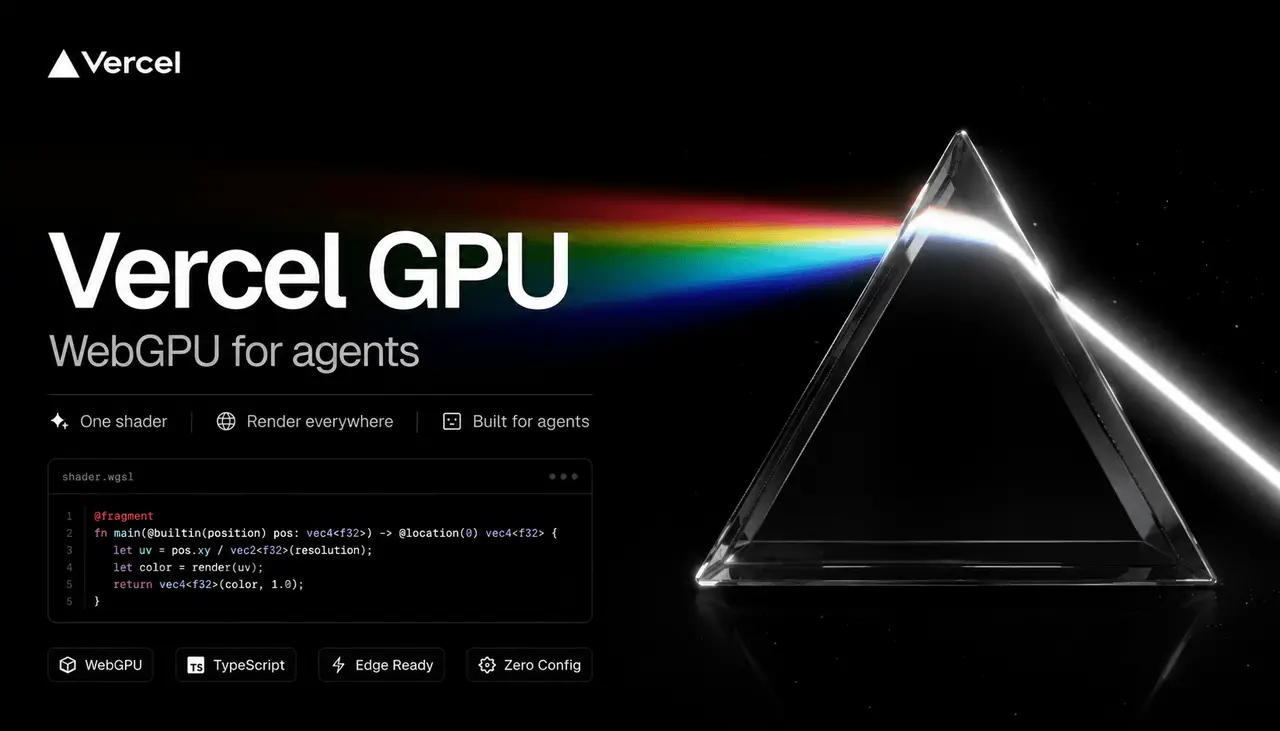
Vercel GPU (vgpu) is a WebGPU library purpose-built for agent workflows, shader development, and CI-safe rendering. It enables developers to write a single shader that runs identically in browsers and headless environments, streamlining the path from experimentation to production. The tool automates interactive canvases, high-resolution image and video exports, and deterministic headless renders for testing and CI pipelines. It includes a CLI for documentation, validation, diagnostics, and snapshot comparisons to guard against graphic regressions. WGSL modules are imported like TypeScript, with automatic binding reflection, layout validation, and tree-shaken builds for smaller, more reliable shader outputs. The runtime and build pipeline support agent automation, MCP endpoint integration, and zero-copy GPU buffer handling, making it suitable for graphics engineers, ML practitioners, and front-end teams. By unifying logic across targets, vgpu eliminates the need for hand-rolled pipelines and ensures consistent behavior from development to deployment.
Vercel GPU (vgpu) is a WebGPU library designed for agent workflows, shader development, and CI-safe rendering. It allows developers to write a single shader that runs consistently across browsers and headless environments.
The tool is suitable for graphics engineers, ML practitioners, and front-end teams who need to unify shader logic across development and production environments, automate rendering tasks, and ensure consistent behavior in CI pipelines.
vgpu resolves WGSL module imports like TypeScript, reflects bindings, removes unused declarations, and emits compact shader source at build time. This streamlines the development process and reduces shader output size.
Yes, vgpu includes CLI tools for validation, diagnostics, and snapshot comparisons, enabling deterministic headless renders and graphic regression testing in CI pipelines.
vgpu supports agent automation, MCP endpoint integration, and zero-copy GPU buffer handling. It is designed to work with agent stacks, AI SDKs, and frameworks like Next.js, Nuxt, and SvelteKit.
To get started, install vgpu using npm or pnpm, then use the CLI to explore documentation, examples, and validation tools. The library provides a straightforward API for initializing GPU contexts and rendering shaders.
vgpu.sh · third-party estimates from Similarweb
Last 2 months · grows by one month every month
Share of visits by channel
No measurable traffic from Paid Referrals.
Share of visits · estimated visits
Other countries: 9.7%
Coding & Development · Sep 2026
Traffic figures are third-party estimates, good for scale and trends; they can differ from a company's own numbers. Updated monthly.
We use essential cookies to run aitoolnavio™, and optional cookies to analyze traffic and measure our marketing. You choose what we use — optional cookies stay off unless you turn them on. See our Privacy Policy.
One short email a week: fresh tools worth trying, honest takes and the updates that actually matter. No spam, unsubscribe any time.
AI-powered website builder that generates a professional site in under a minute and includes tools for content, SEO, and analytics.
AI-powered coding platform that uses agents to plan, write, and test software with real-time feedback and verifiable artifacts.
Automate code, research, and documents using agents.
AI-powered code assistant that generates, reviews, optimizes, and debugs code with natural language prompts and editor integrations.
AI assistant for safe, reliable productivity with code, collaboration, and integrations.
AI-powered IDE for autonomous coding tasks and agentic development workflows
Privacy-focused AI chatbot that generates uncensored text, code, images, and translations without storing conversations or requiring an account.
A free web-based AI chatbot and agent for writing, coding, research, and content creation with multilingual support.
Write & run code in 50+ languages, auto-complete with AI, and code faster with an intuitive interface.
An IDE that automates legacy-to-modern code migration using autonomous coding agents.
AI models that return typed decisions with calibrated confidence for software automation
Practice coding challenges, improve technical skills, get detailed explanations, compare performance with peers.
Matched on what this tool does — grouped by the job you would be replacing.
matches Unified shader runtime for browser and headless environments · Automated interactive canvases and high-resolution media exports · WGSL module imports with TypeScript-like tooling and tree-shaken builds
Cloud-based headless browsers for AI agents, web scraping, and automated testing with fast launches and CAPTCHA handling.
Cloud simulator streaming platform for iOS, Android and TV apps
Open-source framework that lets AI agents compose, preview, and render videos using HTML, CSS, and JavaScript with CLI workflows.