
Cloud platform for web scraping, browser automation, and AI data extraction with 20,000+ pre-built tools and scalable cloud runs.
4M visits/mo-5%#13 Automation & Agents

Browser-extension web scraper that extracts structured data from any website without coding.
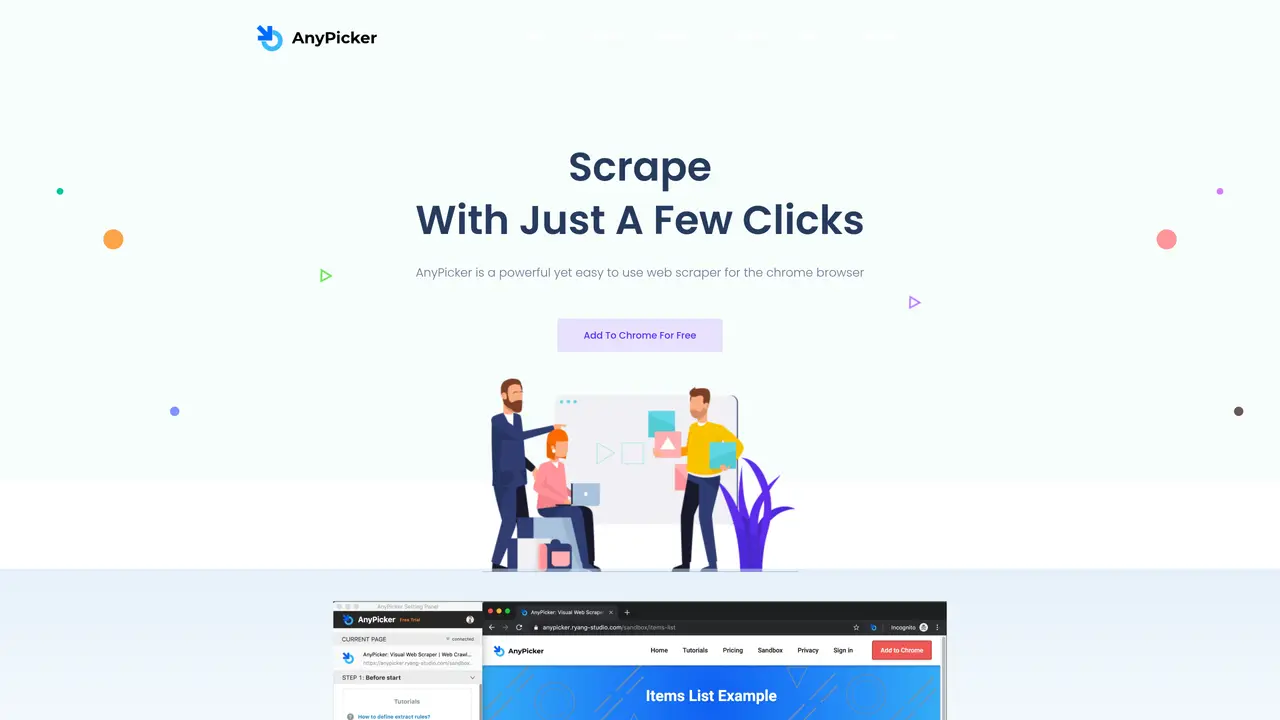
AnyPicker AI is a no-code web scraping tool that operates as a browser extension, allowing users to extract structured data from websites without requiring any programming knowledge. The tool is designed for individuals, researchers, and businesses that need to collect data for analysis, market research, competitor tracking, lead generation, or other data-driven tasks. It works by enabling users to select and define the specific data elements they want to extract from web pages, such as product details, contact information, or pricing data, and then exports the collected data in a structured format like CSV or Excel for further use. AnyPicker AI supports dynamic content loading, including infinity scrolling and the ability to specify scrolling areas, which ensures that large or continuously loaded datasets can be captured comprehensively. The tool is compatible with Windows and macOS systems, though its functionality may be limited on other operating systems. It offers flexible pricing plans, including a free tier, making it accessible to both novice users and experienced professionals who require a straightforward and efficient way to gather web data for analysis, visualization, or integration with other tools.
AnyPicker AI is a no-code web scraping tool that operates as a Chrome browser extension. It allows users to extract structured data from websites by simply pointing and clicking, without requiring any coding skills or complex configurations.
The tool is designed for individuals and businesses across various industries, including retail, marketing, finance, real estate, and academia, who need to gather web data for analysis, research, or other purposes.
Yes, AnyPicker AI can scrape data from websites that require login credentials. Users can activate the tool after logging in, and it will handle the scraping process automatically.
Scraped data can be exported in multiple formats, including XLS, CSV, and TSV, depending on the pricing plan selected.
Yes, AnyPicker AI supports infinite scrolling and pagination, allowing users to capture large or dynamically loaded datasets efficiently.
To get started, users can add the AnyPicker AI extension to their Chrome browser for free. They can then activate the tool on a data source page, point and click to select the target data, and scrape it into structured formats.
anypicker.com · third-party estimates from Similarweb
Last 4 months · grows by one month every month
Share of visits · estimated visits
Coding & Development · Sep 2026
Traffic figures are third-party estimates, good for scale and trends; they can differ from a company's own numbers. Updated monthly.
We use essential cookies to run aitoolnavio™, and optional cookies to analyze traffic and measure our marketing. You choose what we use — optional cookies stay off unless you turn them on. See our Privacy Policy.
One short email a week: fresh tools worth trying, honest takes and the updates that actually matter. No spam, unsubscribe any time.
Cloud platform for web scraping, browser automation, and AI data extraction with 20,000+ pre-built tools and scalable cloud runs.
AI web crawler that extracts clean web data into JSON or markdown for developers and marketers.
Labelbox is an enterprise-grade data labeling platform designed to help organizations create, manage, and deploy AI applications.
Real-time AI search and crawling API for developers and AI teams to extract and summarize web data for agents and research workflows.
Enterprise-grade proxy networks, web scrapers, and ready-to-use datasets for reliable web data collection.
Map, analyze, and visualize geospatial data effortlessly while securely tracking real-time locations.
Open-source analytics platform to build interactive dashboards, automate data prep, and enforce enterprise-grade security.
Converts scanned documents and images into editable, searchable formats with AI-powered OCR and data extraction.
Open-source AI document parser that converts PDFs, images, and documents into structured Markdown or JSON for AI workflows.
Streamlines AI data retrieval for efficient processing.
Automate data extraction, capture data from images and text, streamline data entry processes with easy-to-use tools and APIs.
Web scraping and data extraction API that simplifies gathering data from websites with features like JavaScript rendering and geotargeting.
Matched on what this tool does — grouped by the job you would be replacing.
matches Browser extension for easy installation and use · No-code data extraction from any website · Infinity scrolling to capture dynamically loaded content
Create automated web crawlers and automate web scraping tasks without coding.
No-code web scraping tool to extract structured data from websites, automate runs, and export to sheets or databases without coding.
Turns plain-English prompts into reusable web scrapers that extract structured data and automate site interactions without coding.
Extracts and updates structured data from websites without coding
matches AI-powered web scraping API that extracts structured data from any website with rendering, proxies, and multiple output formats · Structured JSON output for easy data processing · Handles dynamic content on websites
AI web crawler that extracts clean web data into JSON or markdown for developers and marketers.
Web scraping and data extraction API that simplifies gathering data from websites with features like JavaScript rendering and geotargeting.
Web scraping API that automates data extraction from websites, including those that block scraping, designed for developers.
AI-powered web scraping API that extracts structured data from any website with rendering, proxies, and multiple output formats.