Cloud platform for web scraping, browser automation, and AI data extraction with 20,000+ pre-built tools and scalable cloud runs.
4M visits/mo-5%#13 Automation & Agents

Extract text from photos, handwritten notes, and convert PDFs into editable documents with customizable settings.
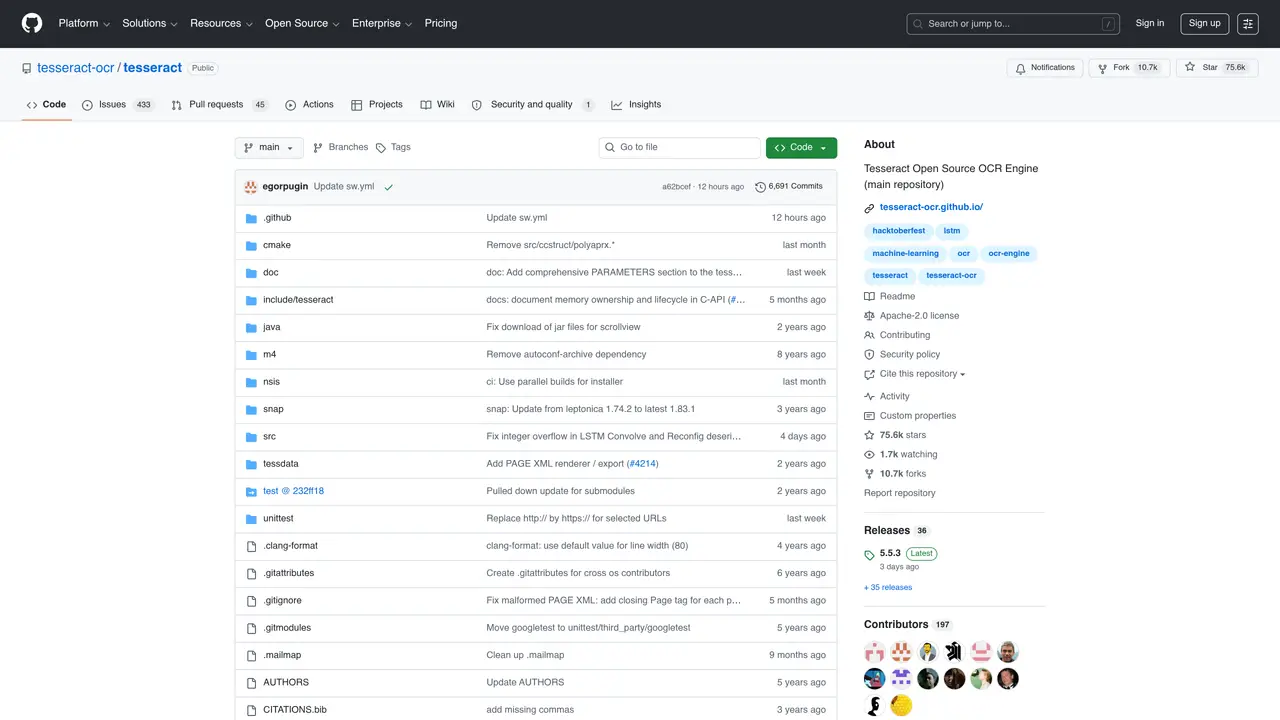
Tesseract is an open-source optical character recognition (OCR) engine developed by Hewlett-Packard and later maintained by Google. It supports over 100 languages and can process various image formats, including JPEG, PNG, TIFF, and PDF, as well as multi-page documents. The tool is designed to extract text from scanned documents, screenshots, photographs, and even handwritten notes with high accuracy. Tesseract uses advanced algorithms, including LSTM-based neural networks, to improve text recognition quality, particularly for complex layouts and low-quality images. It can be integrated into workflows via command-line interfaces or through APIs in applications. The engine is highly customizable, allowing users to fine-tune parameters such as language models, page segmentation modes, and preprocessing steps to optimize performance for specific use cases. Tesseract is widely used for digitizing printed materials, automating data entry from forms, and enabling accessibility for visually impaired users by converting text into speech-ready formats. Its open-source nature fosters community contributions, ensuring continuous improvements and broad compatibility across platforms.
GitHub, Inc.
San Francisco, California, US · Founded 2008
Tesseract is an open-source optical character recognition (OCR) engine that extracts text from images, PDFs, and other documents. It supports over 100 languages and can output text in formats like plain text, hOCR, PDF, and TSV.
Tesseract is suitable for developers, researchers, and organizations needing reliable text extraction from scanned documents, screenshots, or images. It is ideal for digitizing handwritten notes, converting PDFs, or automating text extraction workflows.
Tesseract can be installed via pre-built binary packages or built from source. It is run from the command line with a basic command like 'tesseract imagename outputbase [-l lang]' to process images and extract text.
Yes, Tesseract supports over 100 languages out of the box and can be trained to recognize additional languages or specialized fonts for improved accuracy.
Tesseract supports common image formats such as PNG, JPEG, and TIFF. It also handles PDFs and can output text in multiple formats including plain text, hOCR, PDF, and TSV.
No, Tesseract itself does not include a GUI. Users can integrate it with third-party applications or use external tools that provide a graphical interface for easier interaction.
We use essential cookies to run aitoolnavio™, and optional cookies to analyze traffic and measure our marketing. You choose what we use — optional cookies stay off unless you turn them on. See our Privacy Policy.
One short email a week: fresh tools worth trying, honest takes and the updates that actually matter. No spam, unsubscribe any time.
Cloud platform for web scraping, browser automation, and AI data extraction with 20,000+ pre-built tools and scalable cloud runs.
AI web crawler that extracts clean web data into JSON or markdown for developers and marketers.
Labelbox is an enterprise-grade data labeling platform designed to help organizations create, manage, and deploy AI applications.
Real-time AI search and crawling API for developers and AI teams to extract and summarize web data for agents and research workflows.
Enterprise-grade proxy networks, web scrapers, and ready-to-use datasets for reliable web data collection.
Map, analyze, and visualize geospatial data effortlessly while securely tracking real-time locations.
Open-source analytics platform to build interactive dashboards, automate data prep, and enforce enterprise-grade security.
Converts scanned documents and images into editable, searchable formats with AI-powered OCR and data extraction.
Open-source AI document parser that converts PDFs, images, and documents into structured Markdown or JSON for AI workflows.
Streamlines AI data retrieval for efficient processing.
Automate data extraction, capture data from images and text, streamline data entry processes with easy-to-use tools and APIs.
Web scraping and data extraction API that simplifies gathering data from websites with features like JavaScript rendering and geotargeting.
Matched on what this tool does — grouped by the job you would be replacing.
matches Extract text from photos · Extract text from handwritten notes · Convert PDFs into editable documents
An LLM-powered document parser that extracts structured data from emails, PDFs, images, and HTML for business workflows.
Streamline document scanning, convert scans into searchable text, and digitize large document volumes effortlessly.
Convert handwriting images, screenshots, and PDFs into editable text with AI-powered OCR, supporting 100+ languages and batch processing.
DocuGenie packs 10 AI document tools into one app, including handwriting & image OCR, invoice/receipt/bank-statement to Excel, and more.