



Transform ideas into fully functional applications with Lovable, a groundbreaking AI tool.
30M visits/mo-11.2%#11 Coding & Development

Turn spreadsheets into custom business apps without writing code using this no-code platform.
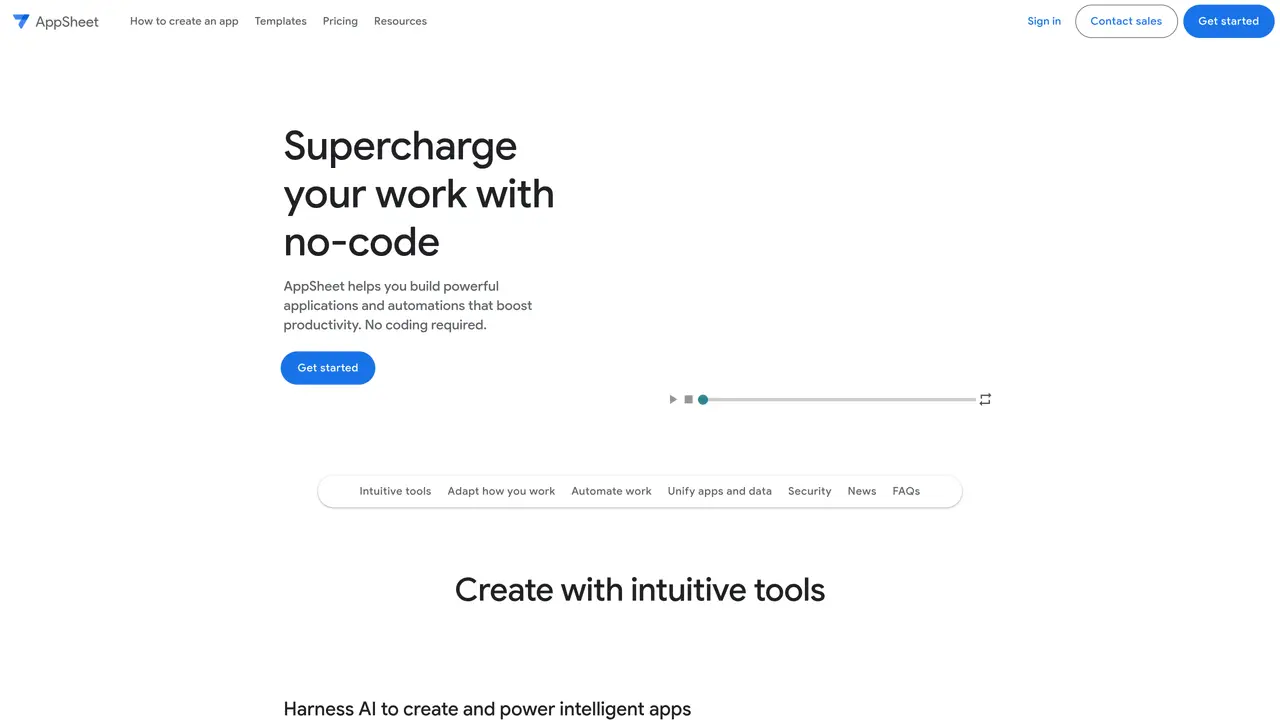
AppSheet is a no-code application development platform that lets users create custom applications and automate workflows directly from spreadsheets or cloud data sources. It integrates with Google Workspace and other storage providers, enabling non-technical users to build tailored business tools without programming. The platform supports project management, operations automation, human resources, sales, and marketing applications by transforming existing data into functional apps. Users can design interfaces, define workflows, and deploy solutions that streamline processes across teams. AppSheet emphasizes ease of use, allowing entrepreneurs, managers, and business users to focus on solving problems rather than coding. It also provides automation features to reduce manual tasks and improve operational efficiency in various departments.
AppSheet is a no-code application development platform that enables users to build custom apps and automations without writing code. It integrates with cloud data sources like Google Drive, Office 365, Dropbox, and Salesforce to transform existing data into functional business tools.
AppSheet is designed for non-technical users such as entrepreneurs, managers, and business teams who need to create tailored applications for project management, operations, human resources, sales, and marketing without relying on developers.
No, AppSheet is a true no-code platform. Users can build apps and automate workflows using intuitive tools, spreadsheet-like expressions, and AI assistance, without writing any code.
AppSheet supports a wide range of business applications, including project management, operations, field work, human resources, sales, and marketing. These apps can be used on both desktop and mobile devices.
AppSheet integrates with Google Workspace (Gmail, Google Sheets, Apps Script, Chat) and third-party apps like Office 365, Dropbox, Salesforce, and SQL databases. It also supports APIs such as BigQuery, REST APIs, and OData for data connectivity.
AppSheet offers built-in security controls, encryption, and a Zero Trust approach. Users retain full control over their data, and the platform provides governance policies, user management, and visibility tools for organizations.
appsheet.com · third-party estimates from Similarweb
Last 4 months · grows by one month every month
Share of visits · estimated visits
Other countries: 41.9%
How people reach this site from other AI tools
173K a month · 0.9% of all visits
Coding & Development · Sep 2026
Traffic figures are third-party estimates, good for scale and trends; they can differ from a company's own numbers. Updated monthly.
We use essential cookies to run aitoolnavio™, and optional cookies to analyze traffic and measure our marketing. You choose what we use — optional cookies stay off unless you turn them on. See our Privacy Policy.
One short email a week: fresh tools worth trying, honest takes and the updates that actually matter. No spam, unsubscribe any time.
Transform ideas into fully functional applications with Lovable, a groundbreaking AI tool.
Build full applications swiftly without coding expertise.
Build scalable apps with AI-driven tools.
AI-powered platform streamlining workflows with no-code automation.
AI-native builder that turns prompts into full-stack web apps, syncs to GitHub, and deploys to Vercel in seconds with visual editing.
Create AI-powered applications, customize features, build & test rapidly with intuitive UI.
AI-powered visual platform that turns prompts or images into mobile and web apps with drag-and-drop simplicity.
Unlock AI's potential: analytics, creativity, efficiency, in an intuitive, customizable platform.
Revolutionize business automation and CRM with low-code solutions.
Build custom internal apps effortlessly with robust integration tools.
Turn hand-drawn sketches into working web code, apps, and user interfaces instantly.
Turn natural language into full-stack apps, SaaS products, and websites without coding using an AI-powered no-code builder.
Matched on what this tool does — grouped by the job you would be replacing.
Create stunning, integrative, and engaging apps effortlessly, even without coding experience.
AI-powered app builder that turns data into functional web apps without coding.
Create AI-powered applications, customize features, build & test rapidly with intuitive UI.
AI-powered platform for building custom business applications without coding
Build custom apps effortlessly with AI-enhanced, low-code platform.
Build custom internal apps effortlessly with robust integration tools.
Create customizable tables, databases, and spreadsheets, share data securely with team members.