
AI-powered website builder that lets teams create sites quickly with AI translation, text generation, and copy rewriting—no coding required.

Trove AI Workspace
$19/moStarting price
0Popularity
About Trove AI Workspace
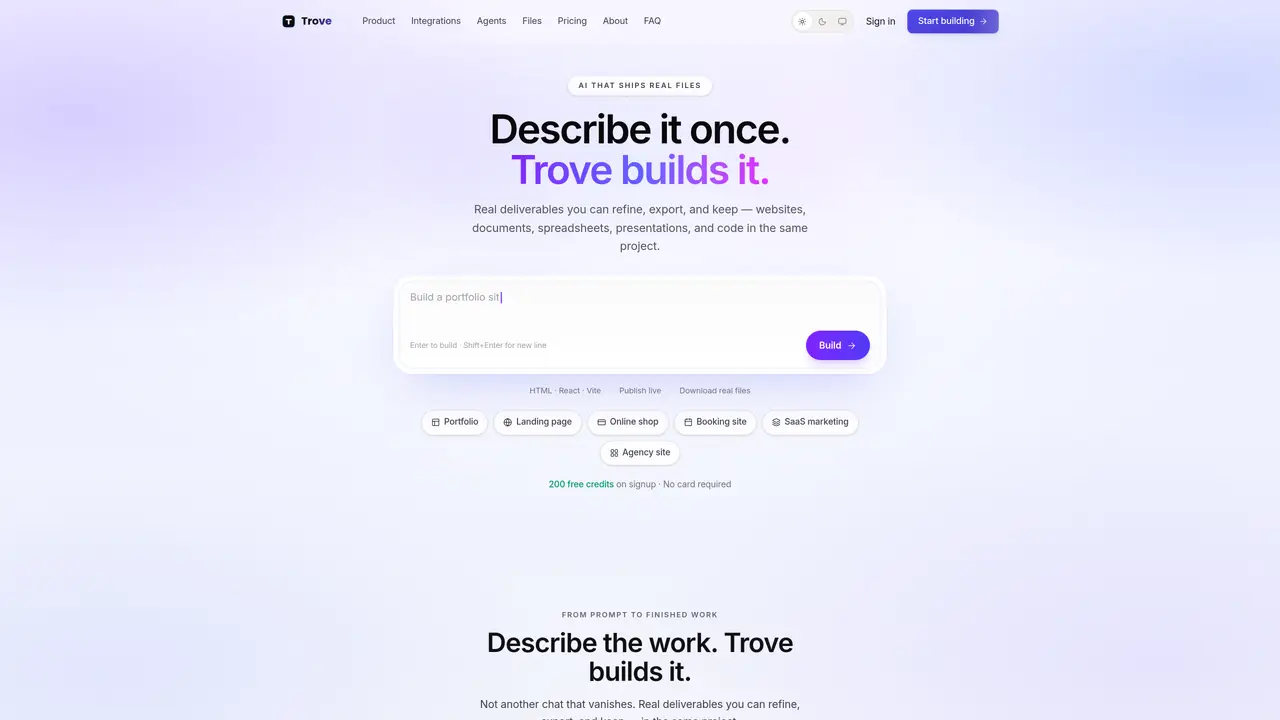
Trove AI Workspace converts natural-language prompts into tangible deliverables such as websites, documents, spreadsheets, presentations, and code within a single project. It supports multi-page site creation with live previews, allowing users to request changes that update the preview in real time. The tool integrates with common business apps like Gmail, Drive, Slack, Notion, GitHub, Figma, Linear, Stripe, Calendar, and HubSpot, centralizing context, files, and actions in one workspace. Projects can be cloned and remixed, refined iteratively through chat, and exported as downloadable files or published to a *.troveai.site subdomain. The platform emphasizes continuity, enabling users to keep building on existing work without restarting from scratch. Export options include HTML, React/Vite projects, static exports, and versions for safe republish. The interface pairs a conversation panel with a live preview pane, streamlining iterative design and development workflows.
Key features
- Multi-format output (websites, documents, spreadsheets, presentations, code)
- Live preview with streaming build updates
- Integration with Gmail, Drive, Slack, Notion, GitHub, Figma, Linear, Stripe, Calendar, HubSpot
- Project cloning and remixing with consistent layout
- One-click publish to *.troveai.site subdomain
- Real-time chat-based refinement of deliverables
- Version control and safe republish options
- Export as HTML, React/Vite, static files, or downloadable formats
Use cases
- Building and publishing multi-page business websites from prompts
- Creating structured documents, spreadsheets, and presentations for business use
- Iteratively refining marketing sites, pitch decks, or financial dashboards with live previews
Pros
- Generates real, exportable files (HTML, React, DOCX, XLSX, PPTX, ZIP) instead of disposable chat outputs
- Supports live previews and real-time updates during iterative refinement
- Integrates with business tools like Gmail, Drive, Slack, Notion, GitHub, Figma, Linear, Stripe, Calendar, and HubSpot
- Offers free tier with 200 credits per month and no credit card required
- Enables publishing to a *.troveai.site subdomain or static export
Cons
- No free tier for teams; Pro and Team plans require payment
- Limited to model-based credit system for usage tracking
- Publishing restricted to *.troveai.site subdomains unless exported
- No indication of mobile app availability
Frequently asked questions about Trove AI Workspace
What is Trove AI Workspace?
Trove AI Workspace converts natural-language prompts into tangible deliverables such as websites, documents, spreadsheets, presentations, and code within a single project. It supports real-time previews, iterative refinements, and exports to downloadable files or published subdomains.
Who should use Trove AI Workspace?
The tool is designed for builders, teams, and businesses looking to create, refine, and publish digital assets efficiently. It suits marketers, developers, designers, and managers who need to centralize workflows and reduce context switching.
How does Trove AI Workspace integrate with other tools?
Trove connects with common business apps like Gmail, Drive, Slack, Notion, GitHub, Figma, Linear, Stripe, Calendar, and HubSpot. This allows users to bring company context, files, and actions into a unified AI workspace for streamlined workflows.
Can I export or publish my work created in Trove?
Yes, projects can be exported as downloadable files (e.g., HTML, React/Vite projects, static exports) or published to a *.troveai.site subdomain. Work can also be cloned, remixed, and refined iteratively through chat.
Does Trove AI Workspace support multi-page site creation?
Yes, Trove supports multi-page site creation with live previews. Users can request changes that update the preview in real time, and layouts remain consistent when adding new pages.
How do I get started with Trove AI Workspace?
Users can start by signing up and entering a prompt to begin building. The interface pairs a conversation panel with a live preview pane, allowing iterative design and development workflows from the first prompt.