AI platform for upscaling images, enhancing photos, and generating high-quality creative assets with contextual detail.
80M visits/mo-3.3%#1 Image & Design

Generate stunning palettes, customize balance, saturation, brightness, and create complementary colors for cohesive schemes.
GPT3 Colour Palette Generator is a powerful and intuitive tool that helps designers and marketers quickly and easily create stunning colour palettes. By leveraging the potential of GPT3’s advanced AI technology, users can quickly generate an unlimited number of unique and visually appealing colour combinations. With a few simple clicks, the tool can generate stunning palettes for any brand or project.Using GPT3 Colour Palette Generator is simple and straightforward. All users need to do is provide a few reference images, and the tool will generate a palette of colors that match the images. The palette can be further customized by adjusting the colour balance, saturation, and brightness to create a unique look that perfectly matches the user’s project. Additionally, the tool can be used to generate complementary colors, allowing users to quickly build a cohesive colour scheme.
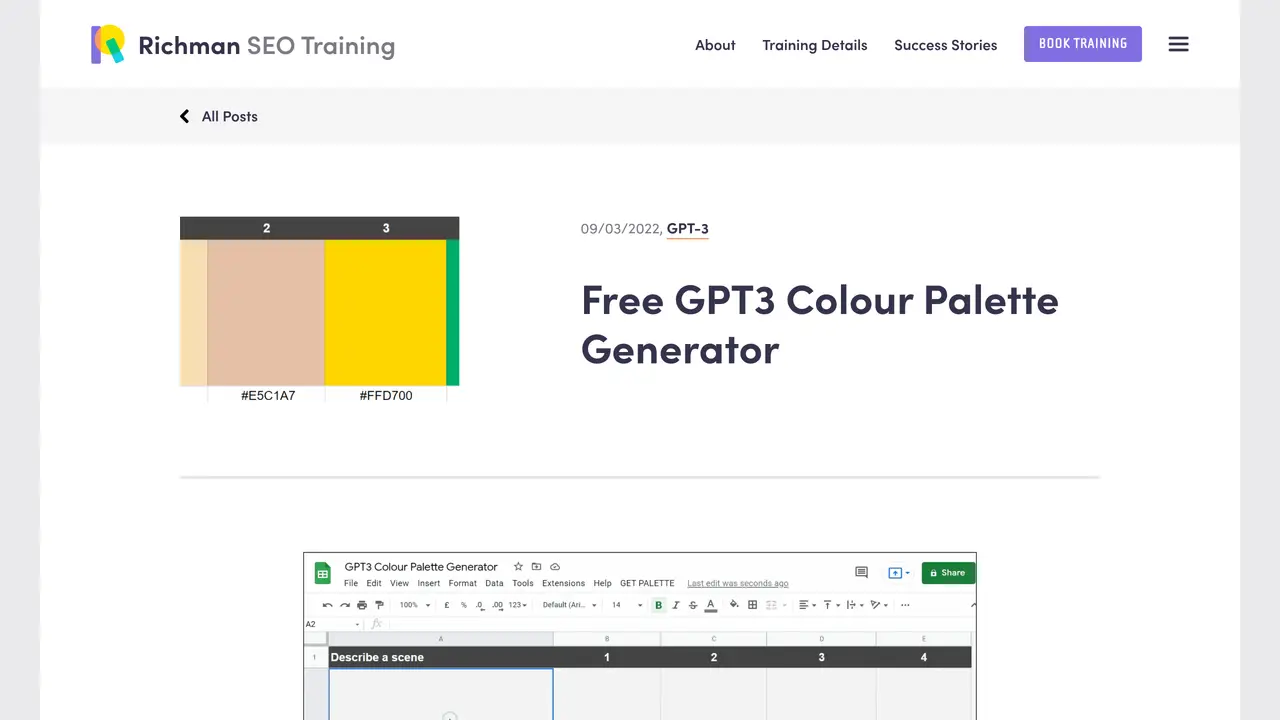
The GPT3 Colour Palette Generator is a free Google Sheets script that uses OpenAI’s GPT-3 AI to generate colour palettes based on English descriptions. Users input a prompt, such as 'Arctic winter' or 'SaaS website,' and the script produces a complementary colour palette with hex code values.
The tool is designed for designers, marketers, and creatives who need to quickly generate visually appealing colour palettes for branding, design projects, or marketing materials without manual colour selection.
To use the tool, register a free account at OpenAI.com to obtain API credits, download the provided Google Sheets template, enter your OpenAI API key in the Settings sheet, and input a prompt in the Palette sheet to generate a colour palette.
Yes, the generated palettes can be further adjusted by modifying the prompt or manually editing the hex codes in the Google Sheet to refine saturation, brightness, or complementary colors.
GPT-3 generates palettes by analyzing patterns in its training data, which includes sources like CommonCrawl, WebText, Wikipedia, and books up to 2019, allowing it to interpret imprecise prompts and produce relevant colour combinations.
The tool relies on the GPT-3 model’s training data, which may not include the most recent trends or specific references. Additionally, the quality of the output depends on the clarity and specificity of the user’s prompt.
We use essential cookies to run aitoolnavio™, and optional cookies to analyze traffic and measure our marketing. You choose what we use — optional cookies stay off unless you turn them on. See our Privacy Policy.
One short email a week: fresh tools worth trying, honest takes and the updates that actually matter. No spam, unsubscribe any time.
AI platform for upscaling images, enhancing photos, and generating high-quality creative assets with contextual detail.
Generate unique artwork, customize with an intuitive interface, and push creative boundaries with AI-generated art.
Generate unique AI art, share your creations, and explore a vast selection of AI artwork.
Easily find and explore diverse AI art and prompts with a vast library of 10 million+ creations.
Generate accurate visuals, create impressionist-style art from text, and explore a range of options effortlessly.
Generate art, explore vTuber & anime content, and create visuals effortlessly.
Generate stunning images, boost productivity, explore creativity effortlessly.
Generate unique palettes, create personalized looks, and find perfect colors for any concept.
Vheer is a free AI image generator that turns your ideas into stunning visuals.
Create custom illustrations, generate blog post images, and design anime-style art for any purpose.
Free stock image platform offering over 16,000 AI-generated photos, illustrations, and 3D assets with commercial use rights.
Transform text into art, create unique stylish images, and generate surreal visuals effortlessly.
Matched on what this tool does — grouped by the job you would be replacing.
matches Generate stunning palettes from reference images · Extract colors from images to create palettes
Generate custom color palettes instantly with AI or from images for design projects.
AI-powered color palette generator that creates harmonious schemes from images or datasets for designers and creatives.
Generate custom color palettes, blend styles, and enhance images effortlessly with added elements.
Generate unique color palettes, preview in various formats, and find the perfect palette for any project.