
Remove image backgrounds instantly, save time with advanced AI, and create stunning images effortlessly.
54M visits/mo-8.6%#2 Image & Design

Online tool to change body pose in photos while preserving identity and scene
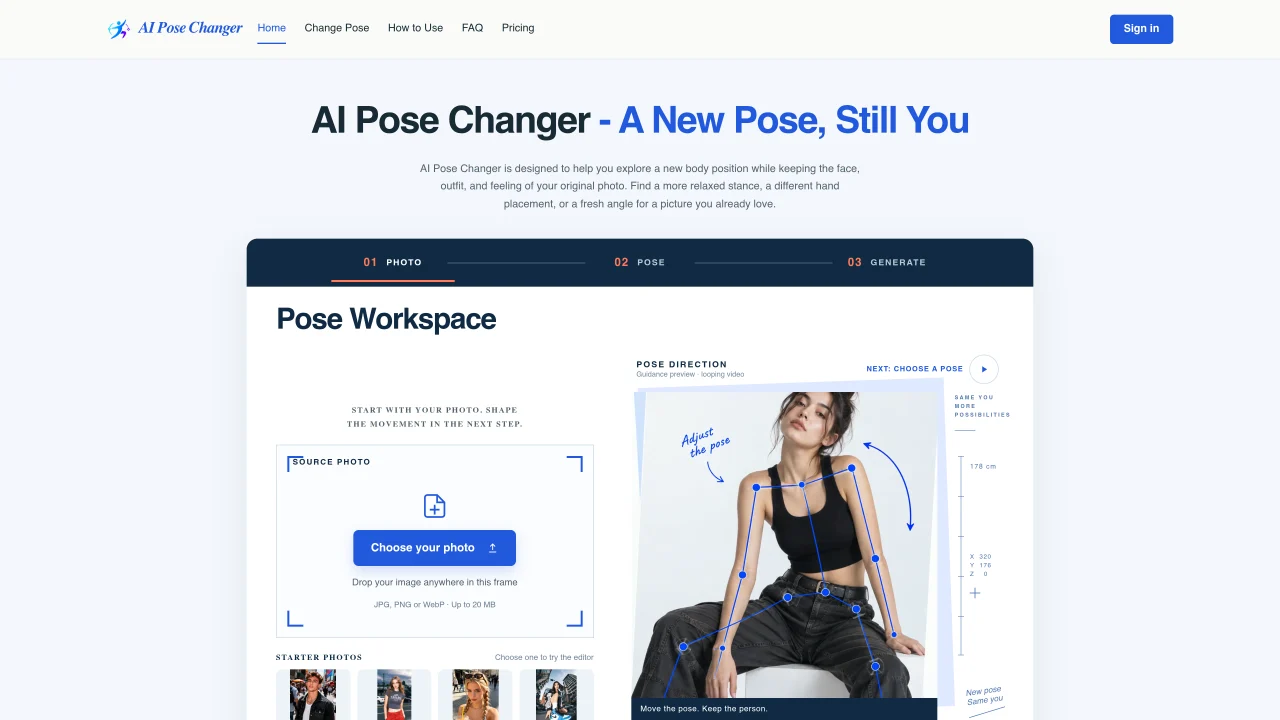
AI Pose Changer is an online editor that modifies a person’s body position in a photograph while keeping the face, outfit, and background intact. Users upload an image and then select or describe a new pose through a pose library, reference photo, or written instructions. The tool generates a revised version of the photo with the adjusted stance, allowing for adjustments like relaxed shoulders, hand placement, or head angle. It is designed for users who want to experiment with different poses without reshooting, particularly when the original photo has good lighting, clothing, and setting but an awkward pose. The editor emphasizes preserving identity details such as facial features, hairstyle, and expression while altering body posture. It supports multiple input methods for pose direction, including built-in examples and custom descriptions. After generating a pose, users can preview and download the edited image or save it to their account for later access. The tool is marketed toward photographers, content creators, and individuals looking to refine personal photos with minimal effort.
AI Pose Changer modifies a person’s body position in a photograph while preserving the face, outfit, and background. Users can upload an image and adjust the pose through a pose library, reference photo, or written instructions to generate a revised version of the photo.
The tool is designed for photographers, content creators, and individuals who want to refine personal photos without reshooting. It is particularly useful when the original photo has good lighting, clothing, and setting but an awkward pose.
Users upload a photo and choose a pose direction using the built-in library, a reference image, or a written description. The tool then generates a new pose while aiming to preserve identity details such as facial features, hairstyle, and expression.
The tool supports three input methods: selecting a pose from the built-in library, uploading a reference photo, or describing the desired pose in words. Users can also specify details to preserve, such as lighting or clothing.
Yes, AI Pose Changer aims to preserve the outfit, background, lighting, and shadows from the original photo while adjusting the body position. Users can review and check these details after generating the new pose.
Start by uploading a clear photo of a person with good lighting and composition. Choose a pose direction using the library, reference image, or written instructions, then generate and preview the new pose before downloading or saving it to your account.
We use essential cookies to run aitoolnavio™, and optional cookies to analyze traffic and measure our marketing. You choose what we use — optional cookies stay off unless you turn them on. See our Privacy Policy.
One short email a week: fresh tools worth trying, honest takes and the updates that actually matter. No spam, unsubscribe any time.
Remove image backgrounds instantly, save time with advanced AI, and create stunning images effortlessly.
AI platform for upscaling images, enhancing photos, and generating high-quality creative assets with contextual detail.
Remove backgrounds, adjust colors, add text, filters, and shapes with ease.
Unleash creativity: edit photos, videos, and designs with AI-enhanced tools.
Transform photos effortlessly with AI: edit, enhance, and remove backgrounds.
Web and mobile AI platform for generating, editing, and training custom visuals from prompts with community models and face-swap tools.
Convert raster images into scalable vector graphics within seconds.
Create stunning designs, edit photos, remove objects, make collages, and transform images with powerful AI tools and effects.
Create stunning visuals, access image recognition and processing, and express creatively with natural language processing.
Cloudinary provides APIs and tools to integrate, manage, and optimize images and videos for AI-driven visual experiences.
All-in-one AI suite for creators to automate workflows, edit media, and generate content across video, design, and productivity tools.
Identify stolen identities, uncover copyright infringements, and find unauthorized use of images with precision.
Matched on what this tool does — grouped by the job you would be replacing.
matches Pose adjustment via text instructions · Pose library with example poses · Reference photo pose guidance
AI web tool to edit facial expressions, poses, and gestures in photos using reference images, credits, and cloud storage.
Web-based AI photo editor for changing outfits, poses, backgrounds and styles
RenderNet is an advanced AI tool for creating visuals with consistent characters while offering detailed control over their poses, composition, and styles.
matches Clothing and accessory retention · Pose adjustment via text instructions
AI-powered tool to digitally change clothing in photos using references or text prompts
Online AI outfit generator uses AI to change clothes to your liking
Creates realistic photos of clothing worn on the user’s body from single garment photos