

Remove image backgrounds instantly, save time with advanced AI, and create stunning images effortlessly.
54M visits/mo-8.6%#2 Image & Design
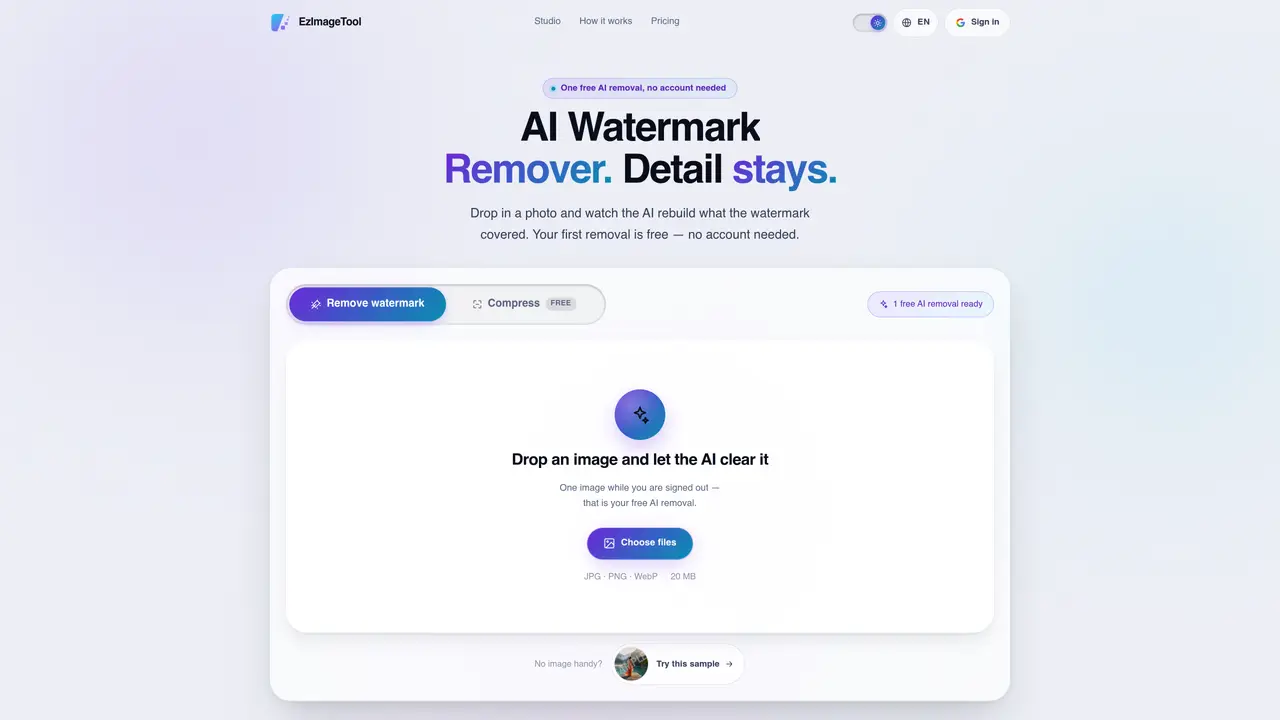
This tool uses a generative AI model to identify and reconstruct the parts of an image obscured by watermarks. It supports tiled overlays, diagonal wordmarks, and corner logos, regenerating the underlying texture rather than applying blurring or flat patches. Users can process one image without signing up and preview the result before committing to a paid removal. After signing in, batches of images can be processed with individual progress tracking and failure isolation. The service also offers free image compression that typically reduces file sizes by 60–95% without adding watermarks or requiring credits. Compression is unlimited once signed in, while watermark removal is priced at 10 credits per image with no expiry on purchased credits. All uploaded images are processed and then automatically deleted, and none are used for model training.
AI Watermark Remover uses a generative AI model to identify and reconstruct the parts of an image obscured by watermarks, such as tiled overlays, diagonal wordmarks, or corner logos. It regenerates the underlying texture rather than applying blurring or flat patches.
The tool is suitable for individuals or professionals who need to remove watermarks from images for personal, editorial, or commercial use, including photographers, designers, and content creators.
AI watermark removal is priced at 10 credits per image, with no expiry on purchased credits. Compression is free and unlimited once signed in, while the first AI removal is free without requiring an account.
The tool supports processing images in JPG, PNG, and WebP formats up to 20 MB for watermark removal, and additional formats like AVIF, SVG, and TIFF up to 25 MB for compression.
The free trial allows only one AI removal per browser without signing in. Dense watermarks over fine details may require careful comparison before committing to removal, as results vary based on complexity.
Users can start by uploading an image directly to the website for a free AI watermark removal without signing up. For batch processing, signing in with Google is required to manage multiple images and track progress.
eztools.work · third-party estimates from Similarweb
Traffic figures are third-party estimates, good for scale and trends; they can differ from a company's own numbers. Updated monthly.
We use essential cookies to run aitoolnavio™, and optional cookies to analyze traffic and measure our marketing. You choose what we use — optional cookies stay off unless you turn them on. See our Privacy Policy.
One short email a week: fresh tools worth trying, honest takes and the updates that actually matter. No spam, unsubscribe any time.
Remove image backgrounds instantly, save time with advanced AI, and create stunning images effortlessly.
AI platform for upscaling images, enhancing photos, and generating high-quality creative assets with contextual detail.
Remove backgrounds, adjust colors, add text, filters, and shapes with ease.
Unleash creativity: edit photos, videos, and designs with AI-enhanced tools.
Transform photos effortlessly with AI: edit, enhance, and remove backgrounds.
Web and mobile AI platform for generating, editing, and training custom visuals from prompts with community models and face-swap tools.
Convert raster images into scalable vector graphics within seconds.
Create stunning designs, edit photos, remove objects, make collages, and transform images with powerful AI tools and effects.
Create stunning visuals, access image recognition and processing, and express creatively with natural language processing.
Cloudinary provides APIs and tools to integrate, manage, and optimize images and videos for AI-driven visual experiences.
All-in-one AI suite for creators to automate workflows, edit media, and generate content across video, design, and productivity tools.
Identify stolen identities, uncover copyright infringements, and find unauthorized use of images with precision.
Matched on what this tool does — grouped by the job you would be replacing.
matches AI-based watermark removal · Before/after comparison without account · Batch processing of multiple images
Removes watermarks, logos, dates, and text overlays from images using AI
Browser-based AI tool that removes watermarks, objects, text, and backgrounds from images using AI inpainting.
AI-powered online tool that removes watermarks from images and videos by letting users brush over the area to erase.
AI-powered tool to remove objects, people, text, watermarks and logos from images