
Remove image backgrounds instantly, save time with advanced AI, and create stunning images effortlessly.
54M visits/mo-8.6%#2 Image & Design

Split MidJourney image grids into individual downloadable images instantly.
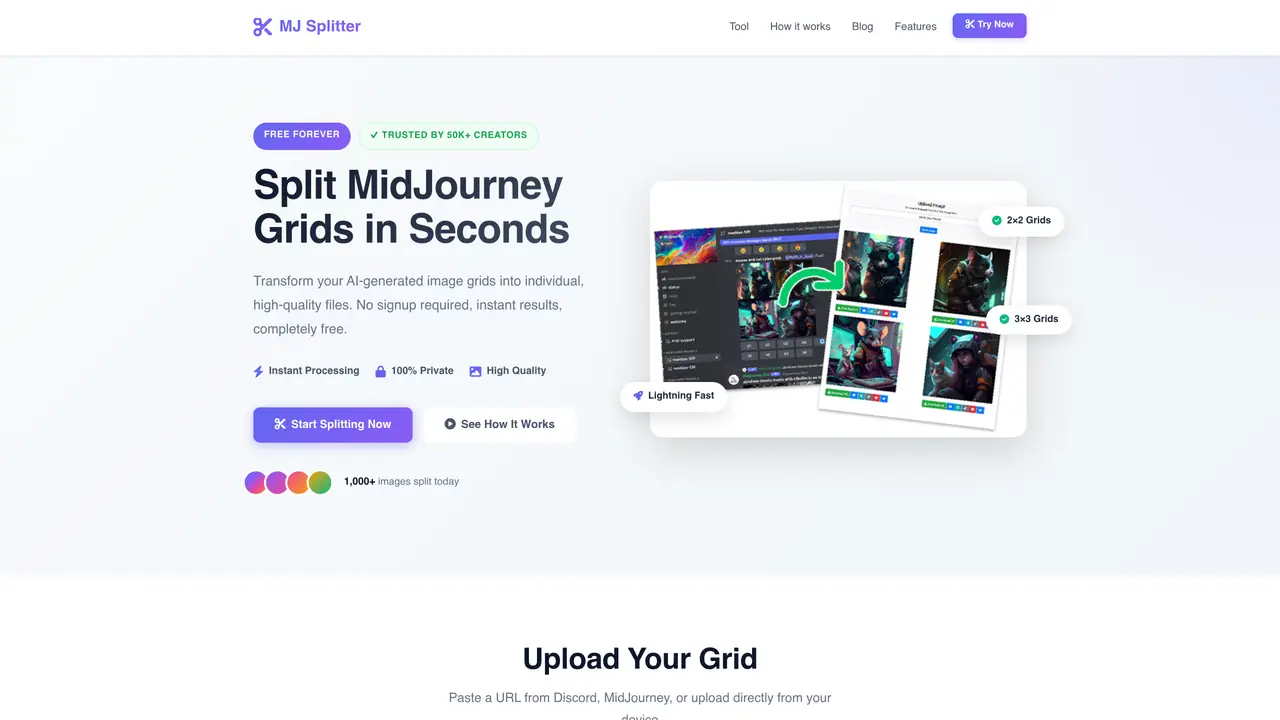
Midjourney Grid Splitter is a simple online utility designed to separate composite MidJourney image grids into individual, downloadable PNG files. Users paste a direct link to their MidJourney grid image and click a button to generate separate downloads for each image in the grid. The tool is browser-based and requires no installation or account creation, making it accessible for quick, one-off tasks. It is particularly useful for creators who need to isolate individual variations from a single MidJourney output without manual cropping or editing. The interface is minimal, focusing solely on the core function of grid splitting. It supports standard MidJourney grid formats and preserves image quality during the extraction process. While basic, it addresses a common workflow bottleneck for MidJourney users who frequently generate and refine multiple variations at once. The tool is free to use and does not require any API keys or technical setup.
Midjourney Grid Splitter is a free online tool that separates composite MidJourney image grids into individual PNG files. Users can paste a direct link or upload a grid image to instantly extract each variation without manual editing.
The tool is designed for AI artists, creators, and professionals who use MidJourney to generate multiple image variations in a single grid and need to isolate individual images for sharing, printing, or further editing.
No, the tool is completely free to use and does not require account creation, sign-up, or payment. It also does not require API keys or technical setup.
The tool supports PNG, JPG, JPEG, and WEBP file formats for both input and output, ensuring compatibility with most MidJourney-generated images.
Users can start by pasting a direct URL from Discord or MidJourney, or uploading a grid image file directly. The tool then automatically detects and splits the grid into individual images ready for download.
Yes, images are processed locally and never stored on the tool's servers, ensuring complete privacy and security for user content.
mjsplitter.com · third-party estimates from Similarweb
Last 2 months · grows by one month every month
Traffic figures are third-party estimates, good for scale and trends; they can differ from a company's own numbers. Updated monthly.
We use essential cookies to run aitoolnavio™, and optional cookies to analyze traffic and measure our marketing. You choose what we use — optional cookies stay off unless you turn them on. See our Privacy Policy.
One short email a week: fresh tools worth trying, honest takes and the updates that actually matter. No spam, unsubscribe any time.
Remove image backgrounds instantly, save time with advanced AI, and create stunning images effortlessly.
AI platform for upscaling images, enhancing photos, and generating high-quality creative assets with contextual detail.
Remove backgrounds, adjust colors, add text, filters, and shapes with ease.
Unleash creativity: edit photos, videos, and designs with AI-enhanced tools.
Transform photos effortlessly with AI: edit, enhance, and remove backgrounds.
Web and mobile AI platform for generating, editing, and training custom visuals from prompts with community models and face-swap tools.
Convert raster images into scalable vector graphics within seconds.
Create stunning designs, edit photos, remove objects, make collages, and transform images with powerful AI tools and effects.
Create stunning visuals, access image recognition and processing, and express creatively with natural language processing.
Cloudinary provides APIs and tools to integrate, manage, and optimize images and videos for AI-driven visual experiences.
All-in-one AI suite for creators to automate workflows, edit media, and generate content across video, design, and productivity tools.
Identify stolen identities, uncover copyright infringements, and find unauthorized use of images with precision.
Matched on what this tool does — grouped by the job you would be replacing.
matches Instantly splits MidJourney image grids into individual PNG files · Supports standard MidJourney grid formats · Browser-based with a minimal, user-friendly interface
Free online utilities for PDFs, images, text, AI and more
Suite of 37 browser-based tools for PDF and image editing without uploads
A collection of free online tools for PDF, image, AI, developer, business and conversion tasks