

Remove image backgrounds instantly, save time with advanced AI, and create stunning images effortlessly.
54M visits/mo-8.6%#2 Image & Design
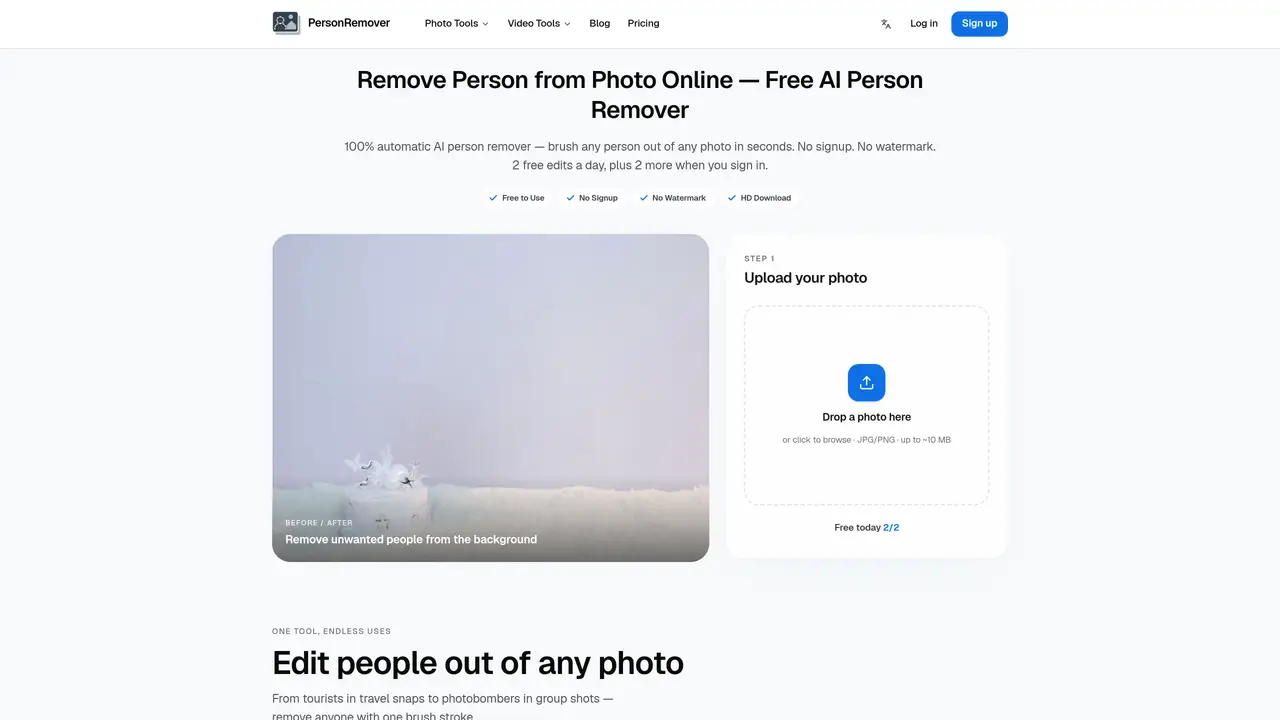
PersonRemover is an online AI tool designed to remove unwanted people from photos with minimal effort. Users upload an image, brush over the individuals they wish to erase, and the AI automatically reconstructs the background in seconds. The tool supports JPG, PNG, and WebP formats up to 10 MB and delivers results as high-quality PNG files without watermarks. It is particularly useful for cleaning up travel photos, group shots, street scenes, and candid images where strangers or photobombers appear. The process requires no sign-up for basic use, though signing in grants additional free daily edits. The AI uses modern inpainting models to fill in the removed areas, aiming to maintain natural-looking backgrounds such as skies, streets, and architecture. Processing is fast, even for large images, though very high-resolution photos are automatically downscaled for efficiency. The tool emphasizes precision in brushing to achieve cleaner results, especially around edges like hair or limbs.
PersonRemover is a free online AI tool that removes unwanted people from photos by either auto-detecting individuals or allowing manual brushing. Users upload an image, select or brush over the person to remove, and the AI reconstructs the background in seconds, delivering a clean PNG file without watermarks.
No sign-up is required for basic use. However, signing in grants additional free daily edits beyond the initial allowance.
The tool supports JPG, PNG, and WebP formats with files up to approximately 10 MB. Very high-resolution photos are automatically downscaled for efficient processing.
Users receive 2 free edits per day without signing in, and an additional 2 free edits when they sign in.
PersonRemover has a resolution cap where images over about 1 megapixel are resized to 1MP. Complex backgrounds like textured walls or foliage may result in visible artifacts, and NSFW images are blocked at upload.
For cleaner edits, brush slightly wider than the person to provide context for the AI. Work on small areas first in dense crowds, zoom in for precise edges like hair or limbs, and retry with adjusted brushing if the first pass leaves artifacts.
We use essential cookies to run aitoolnavio™, and optional cookies to analyze traffic and measure our marketing. You choose what we use — optional cookies stay off unless you turn them on. See our Privacy Policy.
One short email a week: fresh tools worth trying, honest takes and the updates that actually matter. No spam, unsubscribe any time.
Remove image backgrounds instantly, save time with advanced AI, and create stunning images effortlessly.
AI platform for upscaling images, enhancing photos, and generating high-quality creative assets with contextual detail.
Remove backgrounds, adjust colors, add text, filters, and shapes with ease.
Unleash creativity: edit photos, videos, and designs with AI-enhanced tools.
Transform photos effortlessly with AI: edit, enhance, and remove backgrounds.
Web and mobile AI platform for generating, editing, and training custom visuals from prompts with community models and face-swap tools.
Convert raster images into scalable vector graphics within seconds.
Create stunning designs, edit photos, remove objects, make collages, and transform images with powerful AI tools and effects.
Create stunning visuals, access image recognition and processing, and express creatively with natural language processing.
Cloudinary provides APIs and tools to integrate, manage, and optimize images and videos for AI-driven visual experiences.
All-in-one AI suite for creators to automate workflows, edit media, and generate content across video, design, and productivity tools.
Identify stolen identities, uncover copyright infringements, and find unauthorized use of images with precision.
Matched on what this tool does — grouped by the job you would be replacing.
matches Brush-based person removal · AI background reconstruction · Supports JPG, PNG, WebP formats
Instantly remove people, text, watermarks, and backgrounds from photos with an AI-powered web editor—no signup required.
Browser-based AI tool to erase unwanted people or objects from photos
AI-powered tool to remove objects, people, text, watermarks and logos from images
Removes unwanted objects from photos using AI and exports clean images in HD