

Remove image backgrounds instantly, save time with advanced AI, and create stunning images effortlessly.
54M visits/mo-8.6%#2 Image & Design
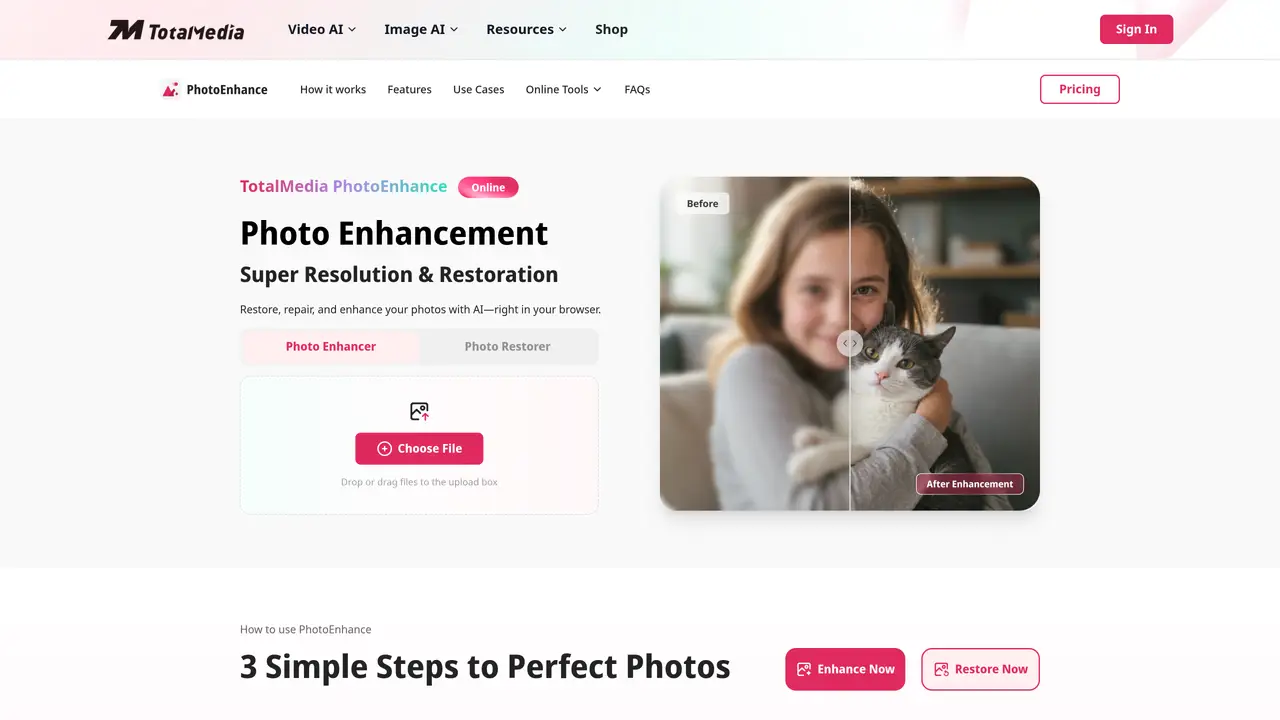
PhotoEnhance is an online AI-powered tool designed to restore, repair, and enhance digital images directly in a web browser. It uses artificial intelligence to analyze and rebuild photos at the pixel level, addressing issues such as blurriness, noise, discoloration, scratches, and missing details. The platform supports super-resolution upscaling up to four times the original resolution while maintaining natural detail and sharpness. Users can adjust AI super-resolution and output format settings to meet specific processing requirements before exporting images in multiple high-definition formats. The tool is marketed toward a broad audience, including photographers, e-commerce sellers, social media creators, designers, and family memory collectors. It is positioned as a solution for improving image quality for prints, online content, product listings, and archival restoration without requiring software installation or advanced editing skills.
TotalMedia PhotoEnhance offers a free tier that allows users to try its photo enhancement features with a limited number of images. Additional access and advanced features are available through subscription plans.
The tool can upscale images by up to four times their original resolution while maintaining sharpness and natural details. The final output resolution depends on the size and quality of the original image.
The AI analyzes the uploaded image to detect issues such as blurriness, noise, discoloration, scratches, and missing details. It then rebuilds and enhances the photo at the pixel level using intelligent algorithms before exporting it in high-definition formats.
The tool is designed to restore and enhance a wide range of images, including faded vintage photos, blurry or low-resolution images, product photos for e-commerce, social media content, design assets, and anime or manga artwork.
Yes, users can adjust AI super-resolution and output format settings to meet specific processing requirements before exporting the enhanced images in multiple high-definition formats.
No, PhotoEnhance operates entirely online in a web browser, allowing users to upload, process, and export images without installing any software.
We use essential cookies to run aitoolnavio™, and optional cookies to analyze traffic and measure our marketing. You choose what we use — optional cookies stay off unless you turn them on. See our Privacy Policy.
One short email a week: fresh tools worth trying, honest takes and the updates that actually matter. No spam, unsubscribe any time.
Remove image backgrounds instantly, save time with advanced AI, and create stunning images effortlessly.
AI platform for upscaling images, enhancing photos, and generating high-quality creative assets with contextual detail.
Remove backgrounds, adjust colors, add text, filters, and shapes with ease.
Unleash creativity: edit photos, videos, and designs with AI-enhanced tools.
Transform photos effortlessly with AI: edit, enhance, and remove backgrounds.
Web and mobile AI platform for generating, editing, and training custom visuals from prompts with community models and face-swap tools.
Convert raster images into scalable vector graphics within seconds.
Create stunning designs, edit photos, remove objects, make collages, and transform images with powerful AI tools and effects.
Create stunning visuals, access image recognition and processing, and express creatively with natural language processing.
Cloudinary provides APIs and tools to integrate, manage, and optimize images and videos for AI-driven visual experiences.
All-in-one AI suite for creators to automate workflows, edit media, and generate content across video, design, and productivity tools.
Identify stolen identities, uncover copyright infringements, and find unauthorized use of images with precision.
Matched on what this tool does — grouped by the job you would be replacing.
matches One-click AI enhancement and restoration · Super-resolution upscaling up to 4× · Noise and blur reduction
Free, open-source AI image upscaler that enlarges JPG, PNG, and WEBP images while reducing blur and noise on desktop or web.
Online AI tool for restoring faded, scratched or blurry old photos
Online AI image enhancer for unblurring, restoring and upscaling photos
Online AI tool that restores, colorizes and upscales faded or damaged photos automatically