Remove image backgrounds instantly, save time with advanced AI, and create stunning images effortlessly.
54M visits/mo-8.6%#2 Image & Design

AI-powered tool to repair damaged photos, colorize black-and-white images, and remove noise and blur
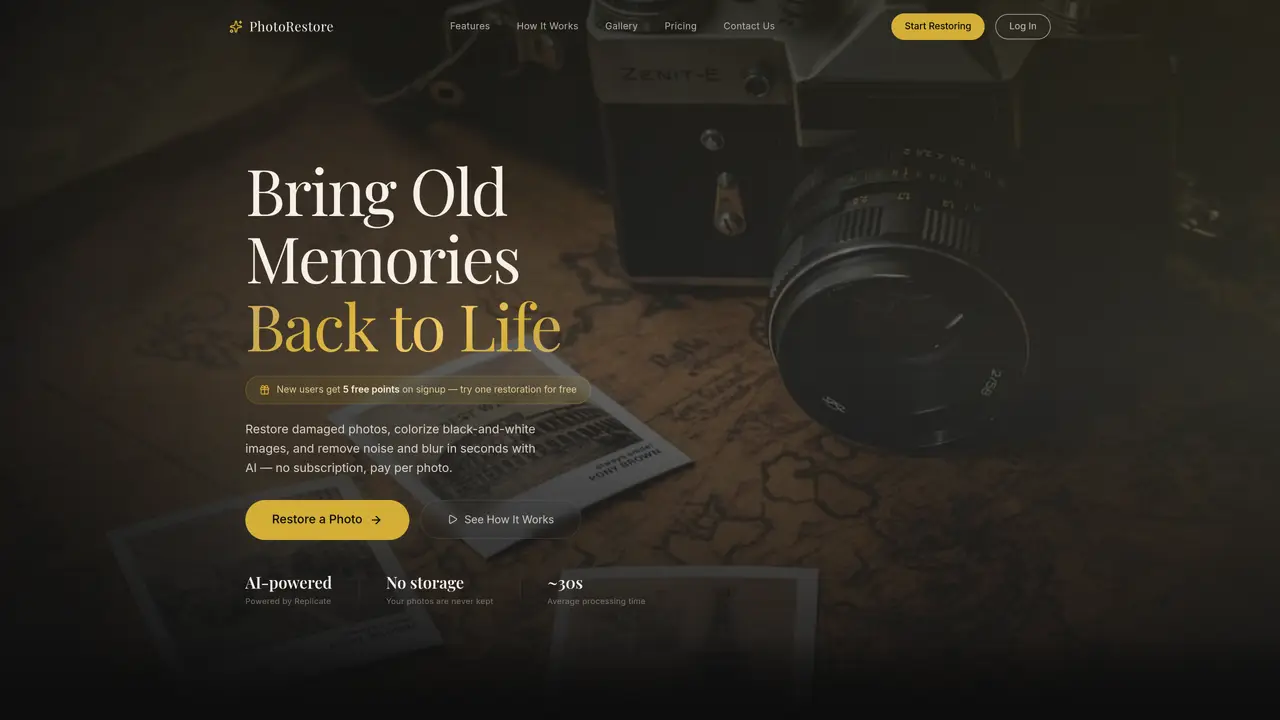
PhotoRestore uses AI to restore old photographs by repairing scratches, creases, fading, and other damage. It can colorize black-and-white images with realistic colors and enhance blurry or noisy photos by sharpening details and boosting resolution. The tool processes images in the cloud, typically completing restoration in 20–30 seconds, with more complex images taking up to two minutes. Users upload photos via a web browser without installing software, and the service supports formats like JPG, PNG, WEBP, and TIFF up to 20MB per image. Restored photos are delivered in high resolution for download. The platform operates on a pay-per-use model, with points redeemed per restoration task and no subscription required. Uploaded photos are deleted immediately after processing and are not stored or used for AI training.
Old photo restoration costs 5 points per photo, while colorization and light denoising cost 1 point per photo. Points are purchased in tiers, with no subscription required and points never expiring.
Yes, uploaded photos are strictly used for processing and automatically deleted afterward. They are never shared, publicly displayed, or used to train AI models.
Yes, new users receive 5 free points upon signup, allowing them to try a full old-photo restoration without charge.
The tool supports JPG, PNG, WEBP, and TIFF formats up to 20MB per image. High-resolution scans or well-lit camera captures are recommended for best results.
Most photos are processed in 20–30 seconds, while extremely high-resolution or heavily damaged images may take up to 60–120 seconds.
If a task fails due to server or network issues, all deducted points are automatically refunded to the user’s account balance.
We use essential cookies to run aitoolnavio™, and optional cookies to analyze traffic and measure our marketing. You choose what we use — optional cookies stay off unless you turn them on. See our Privacy Policy.
One short email a week: fresh tools worth trying, honest takes and the updates that actually matter. No spam, unsubscribe any time.
Remove image backgrounds instantly, save time with advanced AI, and create stunning images effortlessly.
AI platform for upscaling images, enhancing photos, and generating high-quality creative assets with contextual detail.
Remove backgrounds, adjust colors, add text, filters, and shapes with ease.
Unleash creativity: edit photos, videos, and designs with AI-enhanced tools.
Transform photos effortlessly with AI: edit, enhance, and remove backgrounds.
Web and mobile AI platform for generating, editing, and training custom visuals from prompts with community models and face-swap tools.
Convert raster images into scalable vector graphics within seconds.
Create stunning designs, edit photos, remove objects, make collages, and transform images with powerful AI tools and effects.
Create stunning visuals, access image recognition and processing, and express creatively with natural language processing.
Cloudinary provides APIs and tools to integrate, manage, and optimize images and videos for AI-driven visual experiences.
All-in-one AI suite for creators to automate workflows, edit media, and generate content across video, design, and productivity tools.
Identify stolen identities, uncover copyright infringements, and find unauthorized use of images with precision.
Matched on what this tool does — grouped by the job you would be replacing.
matches Old photo restoration (scratches, creases, fading repair) · Black-and-white photo colorization · Noise and blur removal
Restore photos, colorize black and white images, and create stunning compositions with AI-powered technology.
Restore and enhance old and black-and-white photos effortlessly using AI technology.
Online AI tool for restoring faded, scratched or blurry old photos
One-click AI tool to upscale, unblur, denoise, colorize, and restore photos while preserving quality.
matches Resolution enhancement · Noise and blur removal
AI platform for upscaling images, enhancing photos, and generating high-quality creative assets with contextual detail.
AI Banana – Transform Your Photos with One-Click AI Magic
Enhance, customize, and create stunning visuals from text or images effortlessly.
Enhance, colorize, and remove unwanted objects from photos effortlessly.