Remove image backgrounds instantly, save time with advanced AI, and create stunning images effortlessly.
54M visits/mo-8.6%#2 Image & Design

Create stunning compositions, make adjustments, and enhance photos with high-quality effects and filters.
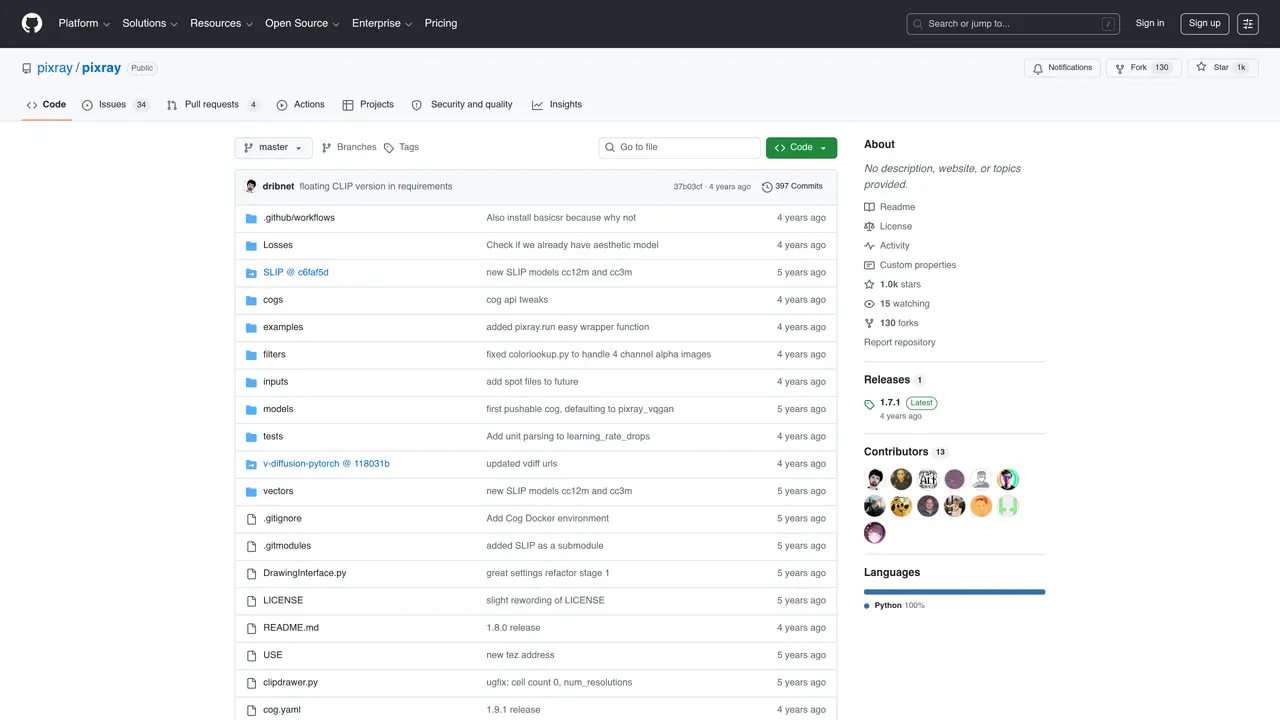
Pixray is a powerful image editing platform that helps creative professionals and amateur photographers create beautiful pieces of art. With Pixray, users can make adjustments to their photos with ease, taking advantage of an array of tools, effects, and filters to turn ordinary photos into unique works of art. Pixray also offers a library of assets, allowing users to add text, shapes, and other elements to their photos. With its intuitive and user-friendly interface, Pixray is perfect for both novice and experienced image editors. Whether you’re a professional photographer or just getting started, Pixray makes it easy to take your photos to the next level. With Pixray, you can enhance and transform your photos with high-quality tools, effects, and filters. You can also create stunning compositions with the library of assets and share your work with the world. With Pixray, you can make your photos look better than ever before.
GitHub, Inc.
San Francisco, California, US · Founded 2008
Pixray is an open-source image generation system that combines techniques like Perception Engines, CLIP-guided GAN imagery, and latent space navigation to create and modify images. It functions as both a Python library and a command-line utility, with support for Google Colab notebooks and Docker.
Pixray is designed for users interested in AI-driven image generation and manipulation, including developers, researchers, and creative professionals who want to experiment with generative models and custom loss functions.
To get started, clone the repository with submodules, install dependencies using pip, and run the pixray.py command-line utility or integrate it into your Python code. Example commands and Python snippets are provided in the repository.
Yes, Pixray is compatible with Google Colab notebooks, and example notebooks are available in a separate repository for users who prefer cloud-based execution.
Yes, Pixray can be run inside Docker using Cog. Users need to install Docker and Cog, then use the cog run command to execute Pixray in a containerized environment.
Pixray is primarily used for AI-driven image generation, iterative image optimization against classifiers, and exploring latent space for creative modifications. It is also useful for prototyping generative models and custom loss functions.
We use essential cookies to run aitoolnavio™, and optional cookies to analyze traffic and measure our marketing. You choose what we use — optional cookies stay off unless you turn them on. See our Privacy Policy.
One short email a week: fresh tools worth trying, honest takes and the updates that actually matter. No spam, unsubscribe any time.
Remove image backgrounds instantly, save time with advanced AI, and create stunning images effortlessly.
AI platform for upscaling images, enhancing photos, and generating high-quality creative assets with contextual detail.
Remove backgrounds, adjust colors, add text, filters, and shapes with ease.
Unleash creativity: edit photos, videos, and designs with AI-enhanced tools.
Transform photos effortlessly with AI: edit, enhance, and remove backgrounds.
Web and mobile AI platform for generating, editing, and training custom visuals from prompts with community models and face-swap tools.
Convert raster images into scalable vector graphics within seconds.
Create stunning designs, edit photos, remove objects, make collages, and transform images with powerful AI tools and effects.
Create stunning visuals, access image recognition and processing, and express creatively with natural language processing.
Cloudinary provides APIs and tools to integrate, manage, and optimize images and videos for AI-driven visual experiences.
All-in-one AI suite for creators to automate workflows, edit media, and generate content across video, design, and productivity tools.
Identify stolen identities, uncover copyright infringements, and find unauthorized use of images with precision.
Matched on what this tool does — grouped by the job you would be replacing.
matches Create stunning compositions · Make adjustments to photos with a range of tools · Enhance photos with high-quality effects and filters
Create stunning designs, edit photos, remove objects, make collages, and transform images with powerful AI tools and effects.
Enhance photos, apply filters, and create unique visuals effortlessly.
Generate stunning visuals, logos, posters, and visuals effortlessly with a vast library of assets and editing suite.
Revolutionize image editing with intuitive AI, precise layering, sketching, and high-res exports.