Remove image backgrounds instantly, save time with advanced AI, and create stunning images effortlessly.
54M visits/mo-8.6%#2 Image & Design

Convert files, create calendars, enhance images, adjust colors, crop, add text, apply filters, and share creations easily.
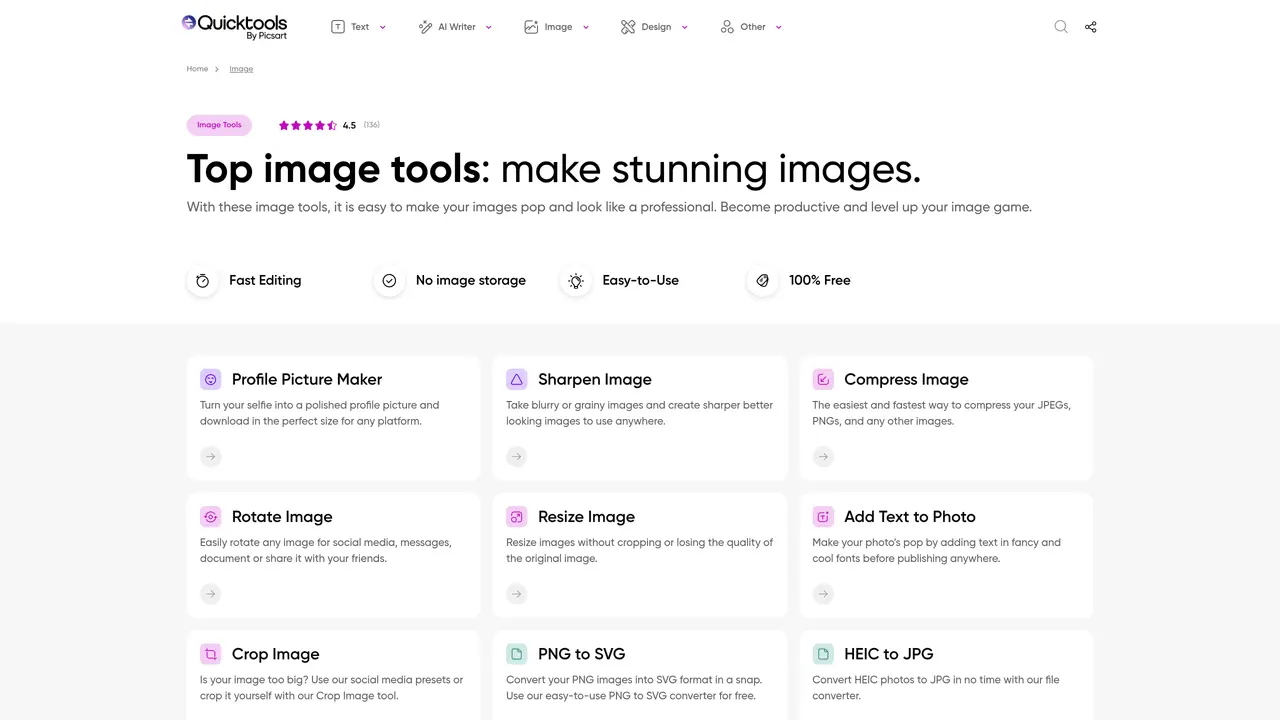
QuickTools by Picsart is the ultimate image editing toolkit for anyone looking to bring their projects to life. With QuickTools, you can quickly and easily convert file types, create custom calendars, and enhance images with powerful editing tools. Our powerful software provides users with a comprehensive set of editing tools to make their images look their best. Our tools provide users with an array of options to make the perfect photo, including color adjustments, cropping, and more. With QuickTools, you can make quick adjustments to any image or graphic with a few clicks. Plus, you can even add text and apply custom filters to your photos. Whether you’re a professional photographer, an artist, or just a hobbyist, QuickTools by Picsart makes it easy to create beautiful and unique images. With our digital editing tools, you can transform any image into something extraordinary.
QuickTools by Picsart is a suite of free online image editing and conversion tools designed for quick, browser-based editing without requiring installation or sign-up.
It suits professionals, artists, hobbyists, and anyone needing fast image adjustments, conversions, or enhancements without complex software.
Users upload an image, apply edits like resizing, cropping, or adding text, then download the result—all within a browser without storage or account requirements.
Yes, it supports conversions between formats like JPG, PNG, SVG, HEIC, PDF, and more, including tools for merging, compressing, or extracting color palettes.
Yes, the background remover tool uses AI to automatically remove backgrounds, allowing downloads in transparent PNG format.
QuickTools is 100% free and does not require sign-up, though it is part of Picsart’s broader ecosystem of creative tools.
We use essential cookies to run aitoolnavio™, and optional cookies to analyze traffic and measure our marketing. You choose what we use — optional cookies stay off unless you turn them on. See our Privacy Policy.
One short email a week: fresh tools worth trying, honest takes and the updates that actually matter. No spam, unsubscribe any time.
Remove image backgrounds instantly, save time with advanced AI, and create stunning images effortlessly.
AI platform for upscaling images, enhancing photos, and generating high-quality creative assets with contextual detail.
Remove backgrounds, adjust colors, add text, filters, and shapes with ease.
Unleash creativity: edit photos, videos, and designs with AI-enhanced tools.
Transform photos effortlessly with AI: edit, enhance, and remove backgrounds.
Web and mobile AI platform for generating, editing, and training custom visuals from prompts with community models and face-swap tools.
Convert raster images into scalable vector graphics within seconds.
Create stunning designs, edit photos, remove objects, make collages, and transform images with powerful AI tools and effects.
Create stunning visuals, access image recognition and processing, and express creatively with natural language processing.
Cloudinary provides APIs and tools to integrate, manage, and optimize images and videos for AI-driven visual experiences.
All-in-one AI suite for creators to automate workflows, edit media, and generate content across video, design, and productivity tools.
Identify stolen identities, uncover copyright infringements, and find unauthorized use of images with precision.
Matched on what this tool does — grouped by the job you would be replacing.
matches Enhance images with powerful editing tools · Adjust colors · Crop images
Easily edit images with filters, text, clip art, and more; adjust colors, brightness, saturation, and size.
Quickly edit, crop, resize, rotate images, change colors, add effects, experiment with suggested images and filters.
Enhance, transform, and create unique images using filters, adjustments, presets, and effects with an easy-to-use interface.
Enhance your photos with filters, effects, frames, and save them in various formats for sharing and printing.