
Remove image backgrounds instantly, save time with advanced AI, and create stunning images effortlessly.
54M visits/mo-8.6%#2 Image & Design
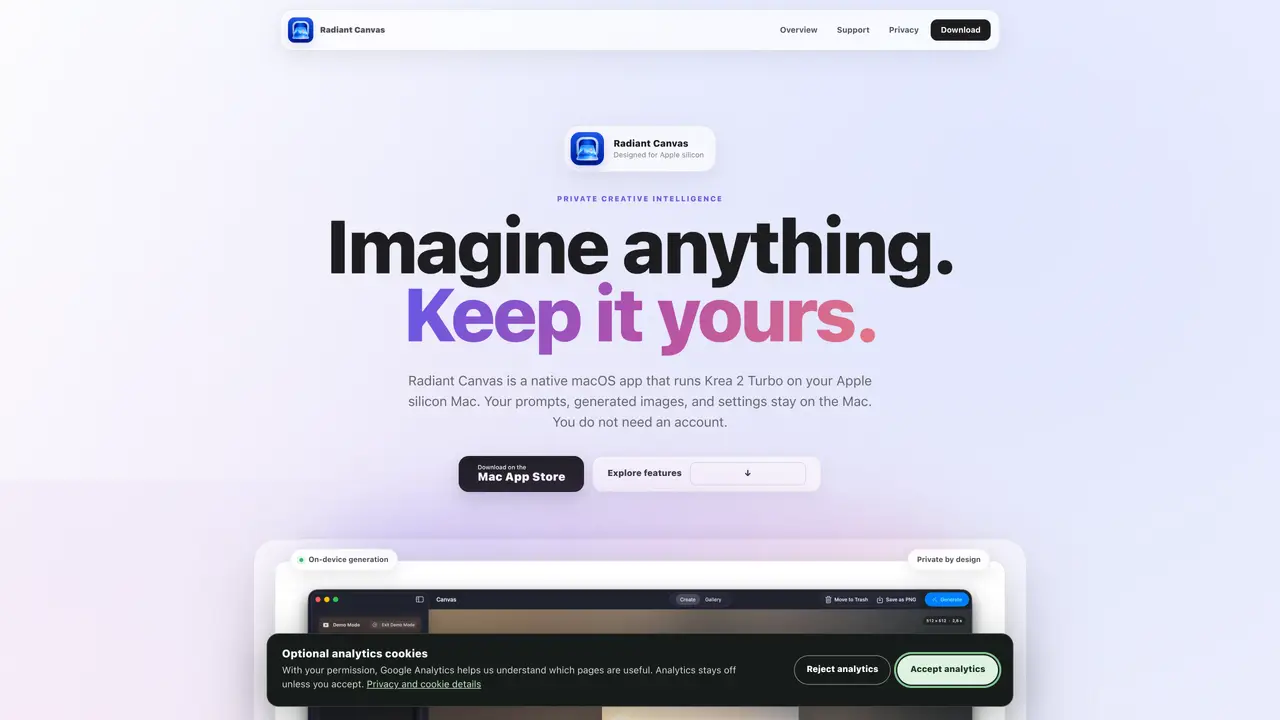
Radiant Canvas is a native macOS application designed to run the Krea 2 Turbo model locally on Apple silicon Macs. It enables users to generate images from text prompts without requiring an internet connection or an account. The app processes prompts, generates images, and stores results entirely on the device, ensuring privacy and offline functionality. Users can adjust image sizes, seeds, and other settings, then save and reuse configurations through a local gallery. The free version supports square images at four sizes and includes basic gallery features, while PRO unlocks additional formats, faster generation, super resolution, and custom adapter support. Generation relies on MLX and Metal frameworks for optimized performance on supported hardware.
Radiant Canvas is a native macOS application that generates images locally on Apple silicon Macs using desktop-grade AI models. It allows users to create images from text prompts without an internet connection, account, or cloud processing.
The tool is designed for Mac users who prioritize privacy and offline functionality, including artists, designers, and creators who want to generate images locally without relying on cloud services.
No, Radiant Canvas processes prompts and generates images entirely offline. An internet connection is only required for downloading models initially.
Yes, the PRO version allows users to add up to ten custom LoRA or LoKr adapters and save presets for each model family, enabling personalized styles and enhancements.
The app includes five local models: FLUX.2 Klein 4B, Krea 2 Turbo Q8, Z-Image Turbo 8-bit, Krea 2 Turbo INT4 ConvRot, and ERNIE-Image Turbo 4-bit. Users can choose the model that best fits their needs.
Download the app from the Mac App Store, install the desired models, and start generating images locally. The free version supports core features, while PRO unlocks additional formats and controls.
We use essential cookies to run aitoolnavio™, and optional cookies to analyze traffic and measure our marketing. You choose what we use — optional cookies stay off unless you turn them on. See our Privacy Policy.
One short email a week: fresh tools worth trying, honest takes and the updates that actually matter. No spam, unsubscribe any time.
Remove image backgrounds instantly, save time with advanced AI, and create stunning images effortlessly.
AI platform for upscaling images, enhancing photos, and generating high-quality creative assets with contextual detail.
Remove backgrounds, adjust colors, add text, filters, and shapes with ease.
Unleash creativity: edit photos, videos, and designs with AI-enhanced tools.
Transform photos effortlessly with AI: edit, enhance, and remove backgrounds.
Web and mobile AI platform for generating, editing, and training custom visuals from prompts with community models and face-swap tools.
Convert raster images into scalable vector graphics within seconds.
Create stunning designs, edit photos, remove objects, make collages, and transform images with powerful AI tools and effects.
Create stunning visuals, access image recognition and processing, and express creatively with natural language processing.
Cloudinary provides APIs and tools to integrate, manage, and optimize images and videos for AI-driven visual experiences.
All-in-one AI suite for creators to automate workflows, edit media, and generate content across video, design, and productivity tools.
Identify stolen identities, uncover copyright infringements, and find unauthorized use of images with precision.
Matched on what this tool does — grouped by the job you would be replacing.
matches On-device generation with Krea 2 Turbo · Local gallery with prompt history and metadata · ML Super Resolution at twice the width and height
Create realistic images, customize effects, and design stunning visuals for social media or blogs effortlessly.
Generate images from text, combine existing images, and remove unwanted elements with inpainting masks.
Browser-based AI image generator running locally on the user’s GPU