

Remove image backgrounds instantly, save time with advanced AI, and create stunning images effortlessly.
54M visits/mo-8.6%#2 Image & Design
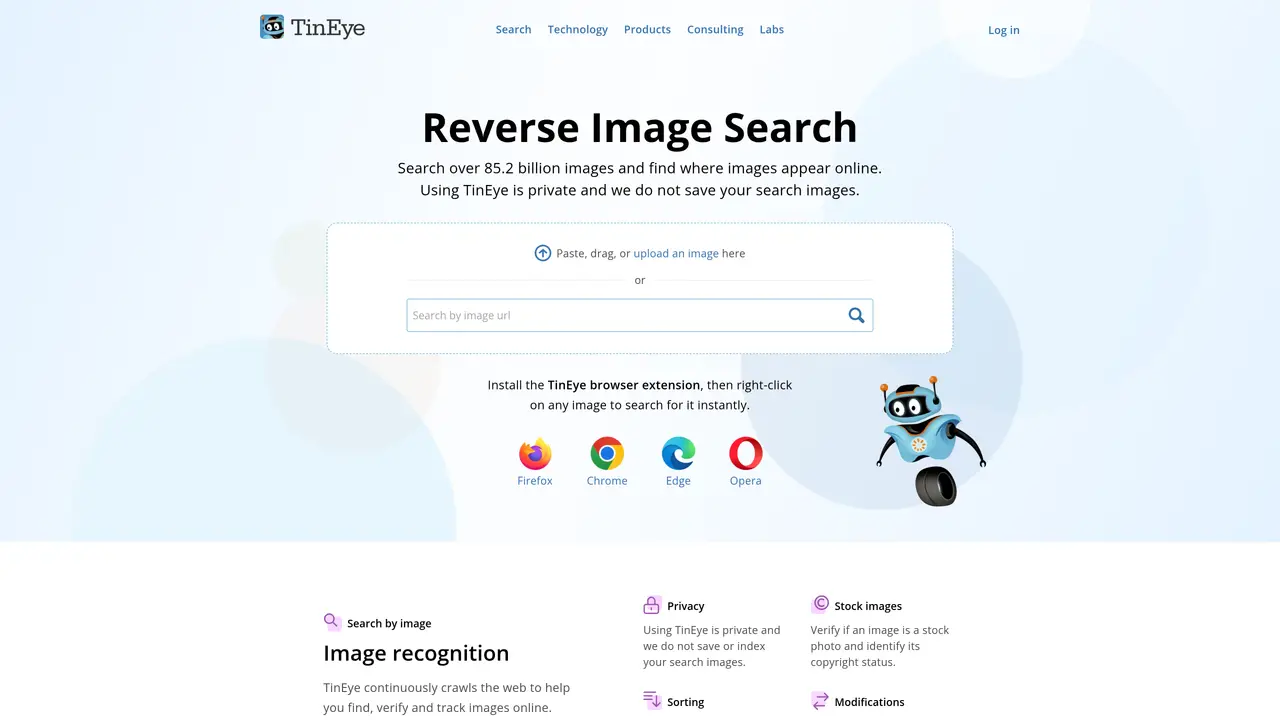
TinEye is an advanced image search engine powered by machine learning. With TinEye, you can easily search for and find images on the web, track them, and even detect changes in them. TinEye is an excellent tool for anyone who needs to quickly search for and find images on the web. TinEye is fast, accurate, and easy to use. You can use TinEye to search for images by keyword, image URL, or by uploading an image directly. TinEye uses advanced image recognition technology to accurately match images, and can detect even slight variations in the same image. TinEye also offers reverse image search, allowing you to search for similar images to the one you have. With TinEye, you can find out where an image came from, track where it has been used, or detect changes in an image over time. TinEye is ideal for anyone who needs to search for, locate, and identify images on the web quickly and accurately.
TinEye
Toronto, Canada · Founded 2008
TinEye is a reverse image search engine that allows users to search the web using images instead of text. It helps identify where an image originated, track its usage across the internet, and detect variations or modifications of the same image.
Users can search by uploading an image file, entering an image URL, or using a browser extension. TinEye then scans the web to find matches, similar images, or instances of the image being used elsewhere.
TinEye is designed for individuals, businesses, and organizations that need to verify image authenticity, track image usage, or locate the source of an image. It is useful for journalists, photographers, marketers, and legal professionals.
TinEye supports a wide range of image formats, including JPEG, PNG, GIF, and BMP. It can detect matches even if the image has been resized, cropped, or altered in other ways.
Yes, TinEye can identify variations of the same image, including different versions, edits, or modifications. This helps users track how an image has been altered or repurposed across the web.
TinEye offers both free and paid plans. The free version allows limited searches, while paid plans provide additional features such as higher search volumes, API access, and advanced tracking capabilities.
tineye.com · third-party estimates from Similarweb
Last 4 months · grows by one month every month
Share of visits · estimated visits
Other countries: 45.4%
How people reach this site from other AI tools
31K a month · 0.8% of all visits
Image & Design · Sep 2026
Traffic figures are third-party estimates, good for scale and trends; they can differ from a company's own numbers. Updated monthly.
We use essential cookies to run aitoolnavio™, and optional cookies to analyze traffic and measure our marketing. You choose what we use — optional cookies stay off unless you turn them on. See our Privacy Policy.
One short email a week: fresh tools worth trying, honest takes and the updates that actually matter. No spam, unsubscribe any time.
Remove image backgrounds instantly, save time with advanced AI, and create stunning images effortlessly.
AI platform for upscaling images, enhancing photos, and generating high-quality creative assets with contextual detail.
Remove backgrounds, adjust colors, add text, filters, and shapes with ease.
Unleash creativity: edit photos, videos, and designs with AI-enhanced tools.
Transform photos effortlessly with AI: edit, enhance, and remove backgrounds.
Web and mobile AI platform for generating, editing, and training custom visuals from prompts with community models and face-swap tools.
Convert raster images into scalable vector graphics within seconds.
Create stunning designs, edit photos, remove objects, make collages, and transform images with powerful AI tools and effects.
Create stunning visuals, access image recognition and processing, and express creatively with natural language processing.
Cloudinary provides APIs and tools to integrate, manage, and optimize images and videos for AI-driven visual experiences.
All-in-one AI suite for creators to automate workflows, edit media, and generate content across video, design, and productivity tools.
Identify stolen identities, uncover copyright infringements, and find unauthorized use of images with precision.
Matched on what this tool does — grouped by the job you would be replacing.
matches Search images by keyword or URL · Upload images to find similar ones · Reverse image search
Lenso.ai is a free AI-powered reverse image search tool that allows you to search for places, people, duplicates, similar, or related images.
Find where your face is used on the internet with Eyematch.ai
AI-powered reverse image search for finding visually similar faces