Remove image backgrounds instantly, save time with advanced AI, and create stunning images effortlessly.
54M visits/mo-8.6%#2 Image & Design

Restore old photos with accuracy, speed, and user-friendly tools, including batch processing for efficient restoration.
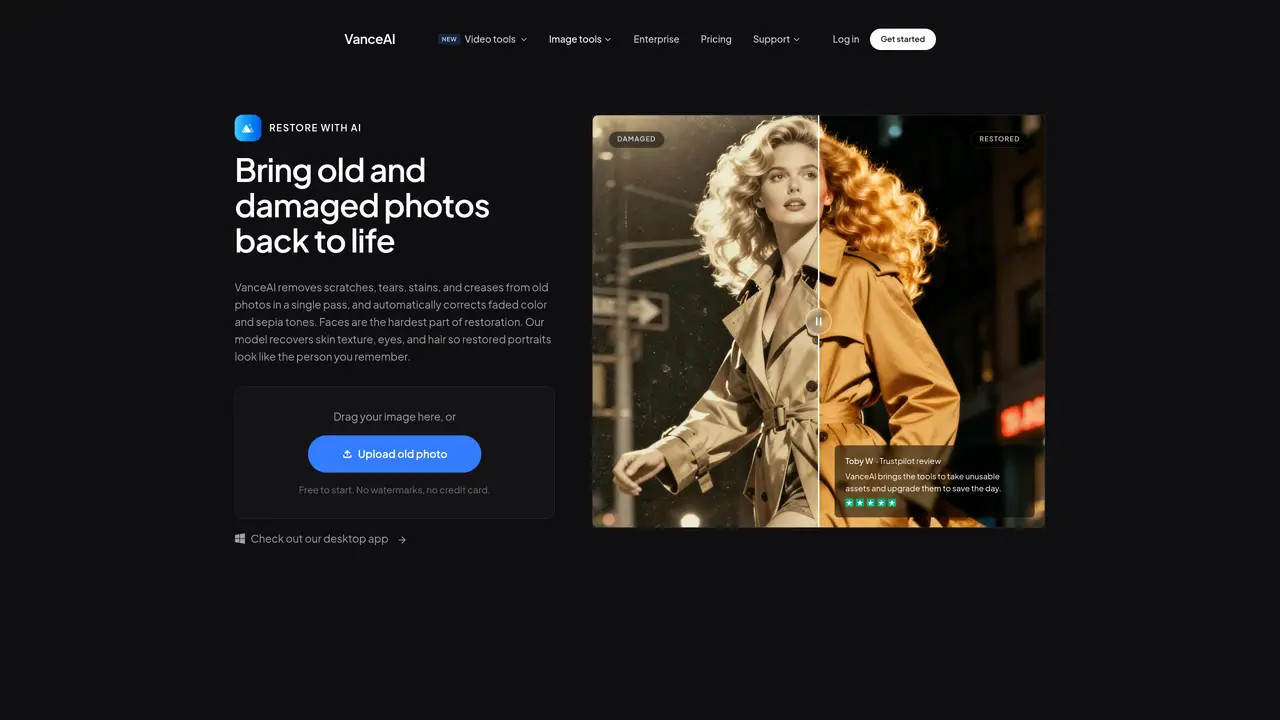
VanceAI Photo Restorer is an AI-powered tool designed to repair and restore old or damaged photographs with minimal effort. The platform uses advanced algorithms to automatically detect and correct common issues such as scratches, stains, discoloration, blurriness, and fading while preserving the original photo’s colors, textures, and fine details. Its intuitive interface allows users to upload images and receive restored versions within seconds, making it accessible to both amateur photographers and professionals who need quick, high-quality results. The tool supports batch processing, enabling users to restore multiple photos simultaneously, which is particularly useful for archivists, genealogists, or anyone managing large collections of historical images. VanceAI Photo Restorer is tailored for restoring cherished family photos, vintage prints, or scanned negatives, ensuring that memories are preserved in their best possible condition. The service operates entirely online, eliminating the need for manual editing skills or specialized software. It is optimized for efficiency, providing fast turnaround times without compromising on accuracy or visual fidelity. Users can fine-tune results through adjustable settings to achieve the desired level of restoration.
VanceAI
Founded 2020
VanceAI Photo Restorer can repair scratches, tears, cracks, spots, faded color, and sepia tones in old photos. It also sharpens facial details such as skin texture, eyes, and hair.
Yes, you can restore one image in the web app or use VanceAI for PC on Windows to process a batch of photos from the same archive.
Upload an old photo to the web app or desktop application, let VanceAI repair visible damage and sharpen facial details, then review the result against the original.
Yes, after restoring damage, you can optionally use the colorizer to create a colorized version of the photo.
Uploaded images are encrypted in transit and deleted within 24 hours after processing to ensure privacy.
Yes, after restoring damage and optionally colorizing, you can upscale the result for a larger print.
We use essential cookies to run aitoolnavio™, and optional cookies to analyze traffic and measure our marketing. You choose what we use — optional cookies stay off unless you turn them on. See our Privacy Policy.
One short email a week: fresh tools worth trying, honest takes and the updates that actually matter. No spam, unsubscribe any time.
Remove image backgrounds instantly, save time with advanced AI, and create stunning images effortlessly.
AI platform for upscaling images, enhancing photos, and generating high-quality creative assets with contextual detail.
Remove backgrounds, adjust colors, add text, filters, and shapes with ease.
Transform photos effortlessly with AI: edit, enhance, and remove backgrounds.
Convert raster images into scalable vector graphics within seconds.
Quickly upscale multiple images, get stunning visuals in less time, and easily batch process images.
Enhance and edit photos with 15+ professional-grade tools, delivering HD quality results on both desktop and Android.
Automate image transformations, bulk upload and store images, and reduce load time with built-in CDN.
Free AI tool that adds realistic color to black and white images and enhances photo realism.
All-in-one AI platform for face swapping, image generation, upscaling, and art creation with free access and batch processing.
Edit, transform, and enhance photos with text prompts using our free AI photo editor online.
Upsize images for prints, enlarge artwork for wall displays, and create stunning visuals for online use.
Matched on what this tool does — grouped by the job you would be replacing.
matches Restores old photos with accuracy and speed · User-friendly tools for easy use · Batch processing for efficient restoration
Restore faded images, enhance photo quality, and add color to black-and-white images effortlessly.
Restore and enhance old and black-and-white photos effortlessly using AI technology.
Restore old photos, preserve memories, and get affordable results with fast and accurate photo repair.
Online AI tool that restores, colorizes and upscales faded or damaged photos automatically