AI chatbot for conversation, work, research, coding, and content creation.
5.9B visits/mo+5%#1 Chatbots & Assistants

Generates four distinct Roblox thumbnail concepts from one game reference
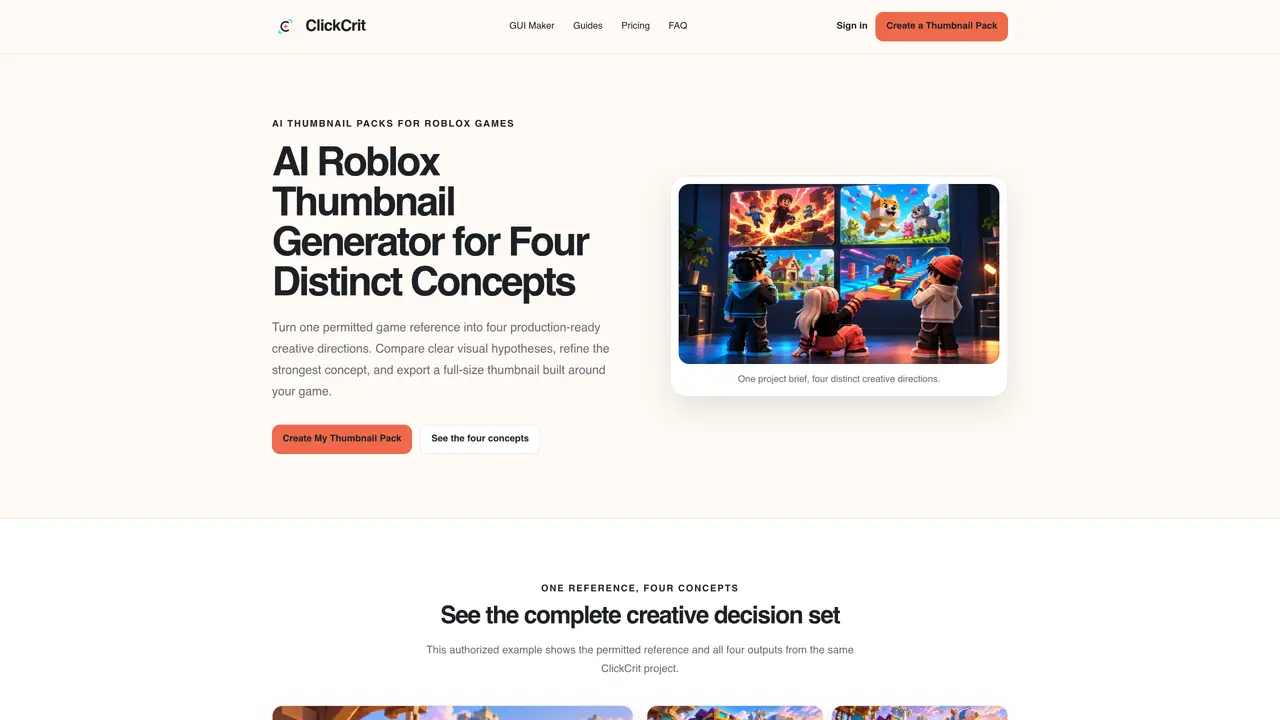
ClickCrit Thumbnail Maker produces four production-ready thumbnail concepts for Roblox games from a single permitted reference image. The tool structures the creative process around a campaign brief, game context, and a visual type, generating four intentionally different compositions rather than cosmetic variations. Each concept serves a distinct visual job—character focus, action readability, feature reveal, or challenge urgency—designed to be compared side-by-side before refinement and export. The workflow includes defining the campaign goal, uploading a reference asset, generating concepts, and exporting a 1920 × 1080 PNG optimized for Roblox’s personalization system. It supports solo creators, small studios, and live-ops teams by streamlining thumbnail creation without requiring a full art pipeline. The tool integrates editing capabilities within the same project, allowing users to refine the strongest direction before final export.
A Thumbnail Pack consists of four intentionally different compositions, each designed for a distinct visual job such as character focus, action readability, feature reveal, or challenge urgency. This structure provides meaningful creative choices to compare, refine, and publish rather than variations that differ by chance.
No, you do not need to write a prompt. Instead, you define a campaign goal, select a Visual Type, upload a permitted reference image, and ClickCrit generates four production-ready concepts based on your game context.
ClickCrit supports a variety of Roblox game genres through six Visual Types: Anime / Fighting / RPG, Simulator / Clicker, Tycoon / Base Building, Obby, Horror / Survival, and Roleplay / Life / Pet. Each type is tailored to highlight genre-specific elements like rewards, tension, or progression.
ClickCrit generates four distinct thumbnail concepts within a single project, aligning with Roblox’s recommendation to use two to five active thumbnails. This allows creators to test different visual directions and let Roblox’s system identify which thumbnails perform best for their audience.
Yes, ClickCrit is designed for creators of all sizes, including solo creators and small studios. It streamlines the thumbnail creation process by transforming a single reference image into four credible directions without requiring a full art pipeline.
ClickCrit exports thumbnails as a 1920 × 1080 PNG file, optimized for Roblox’s personalization system and recommended dimensions for thumbnails.
We use essential cookies to run aitoolnavio™, and optional cookies to analyze traffic and measure our marketing. You choose what we use — optional cookies stay off unless you turn them on. See our Privacy Policy.
One short email a week: fresh tools worth trying, honest takes and the updates that actually matter. No spam, unsubscribe any time.
AI chatbot for conversation, work, research, coding, and content creation.
Generate captions, optimize content, and enhance with custom images for maximum engagement.
xAI builds Grok frontier AI models for reasoning, coding, voice, images, video, enterprise workflows, and developer APIs.
Explore and test Google’s experimental AI tools and prototypes before they become products.
Creates licensed videos, images, music.
Privacy-focused AI chatbot that generates uncensored text, code, images, and translations without storing conversations or requiring an account.
Web and mobile AI platform for generating, editing, and training custom visuals from prompts with community models and face-swap tools.
A drag-and-drop design platform for presentations and social graphics with AI photo tools and a large template library.
Generate unique artwork, customize with an intuitive interface, and push creative boundaries with AI-generated art.
Generate unique AI art, share your creations, and explore a vast selection of AI artwork.
Generate custom visuals for blogs, create unique social media images, and design eye-catching visuals for marketing campaigns.
Easily find and explore diverse AI art and prompts with a vast library of 10 million+ creations.
Matched on what this tool does — grouped by the job you would be replacing.
matches Four distinct thumbnail concepts per project · Six visual types: Anime/Fighting/RPG, Simulator/Clicker, Tycoon/Base Building, Obby, Horror/Survival, Roleplay/Life/Pet · Campaign brief and game context input
An AI thumbnail maker for YouTube creators that generates, edits, and recreates thumbnails from titles or descriptions using templates, AI personas, and face swaps.
Generates Minecraft-style thumbnails for YouTube videos using AI
AI-assisted tool for creating and evaluating YouTube thumbnails