AI chatbot for conversation, work, research, coding, and content creation.
5.9B visits/mo+5%#1 Chatbots & Assistants

AI visual generator and layer editor for creating and editing images with an editable canvas
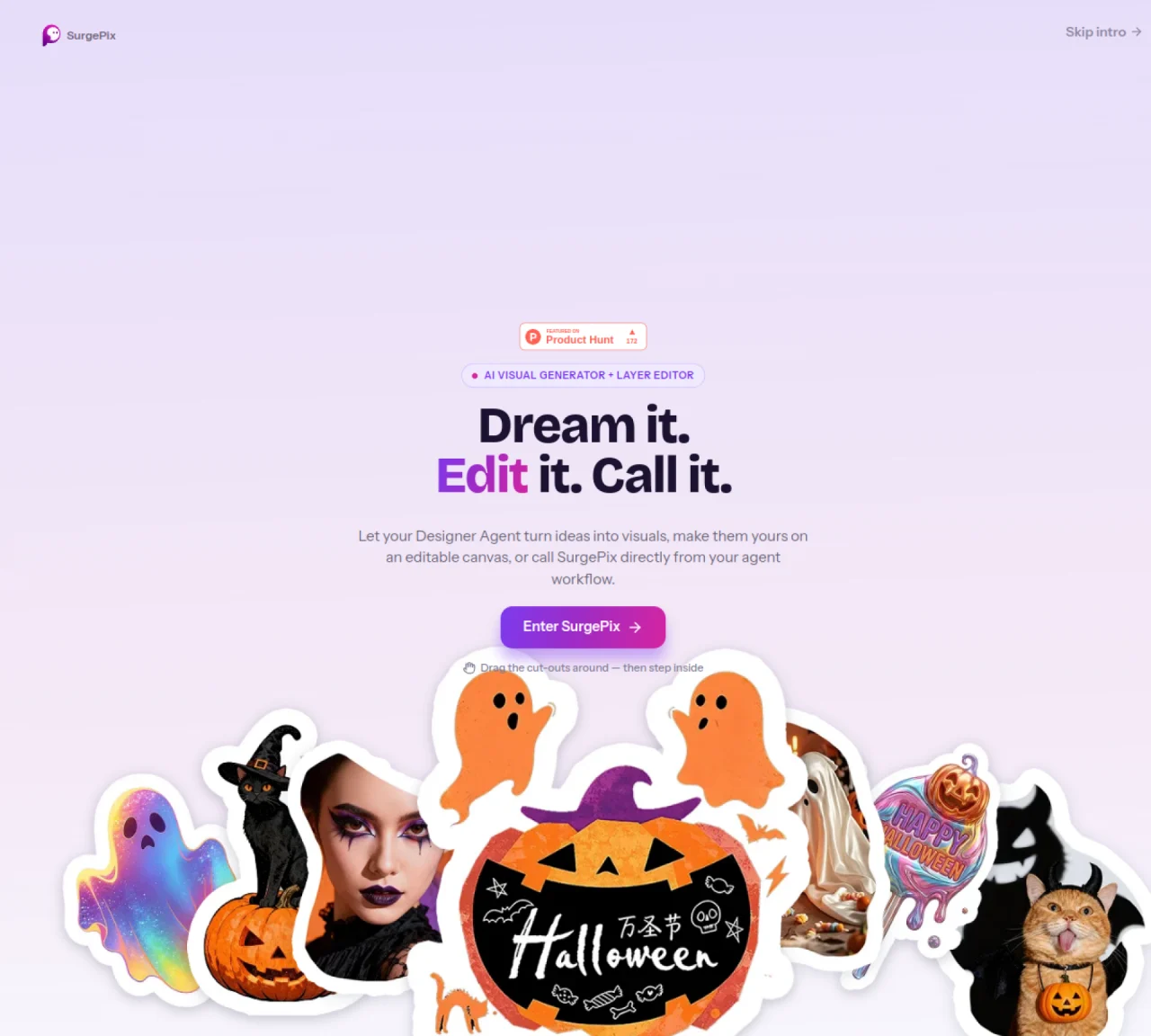
SurgePix combines an AI visual generator with a layer editor to create and modify images. Users can generate visuals from text prompts and then edit them directly on an interactive canvas. The tool supports dragging and repositioning elements within the generated image. It also allows users to call SurgePix from an agent workflow for integration into automated processes. The platform emphasizes flexibility in editing, enabling users to refine visuals by adjusting layers and components. It is designed for users who need to produce publish-ready images with minimal manual effort.
SurgePix is an AI-powered visual generator and editor that allows users to create images from text prompts and modify them directly on an interactive canvas.
The tool is designed for users who need to produce publish-ready images with minimal manual effort, including designers, marketers, and content creators.
Yes, SurgePix can be called from an agent workflow, enabling integration into automated processes for streamlined visual production.
SurgePix supports dragging and repositioning elements within generated images, allowing users to refine visuals by adjusting layers and components directly on the canvas.
Yes, the platform emphasizes flexibility and ease of use, making it accessible for users without advanced design skills to create and edit publish-ready images.
SurgePix can generate a wide range of visuals from text prompts, which can then be edited and refined to meet specific requirements for publication or other uses.
surgepix.ai · third-party estimates from Similarweb
Last 2 months · grows by one month every month
Share of visits by channel
Share of visits · estimated visits
Image & Design · Sep 2026
Traffic figures are third-party estimates, good for scale and trends; they can differ from a company's own numbers. Updated monthly.
We use essential cookies to run aitoolnavio™, and optional cookies to analyze traffic and measure our marketing. You choose what we use — optional cookies stay off unless you turn them on. See our Privacy Policy.
One short email a week: fresh tools worth trying, honest takes and the updates that actually matter. No spam, unsubscribe any time.
AI chatbot for conversation, work, research, coding, and content creation.
Generate captions, optimize content, and enhance with custom images for maximum engagement.
xAI builds Grok frontier AI models for reasoning, coding, voice, images, video, enterprise workflows, and developer APIs.
Explore and test Google’s experimental AI tools and prototypes before they become products.
Creates licensed videos, images, music.
Privacy-focused AI chatbot that generates uncensored text, code, images, and translations without storing conversations or requiring an account.
Web and mobile AI platform for generating, editing, and training custom visuals from prompts with community models and face-swap tools.
A drag-and-drop design platform for presentations and social graphics with AI photo tools and a large template library.
Generate unique artwork, customize with an intuitive interface, and push creative boundaries with AI-generated art.
Generate unique AI art, share your creations, and explore a vast selection of AI artwork.
Generate custom visuals for blogs, create unique social media images, and design eye-catching visuals for marketing campaigns.
Easily find and explore diverse AI art and prompts with a vast library of 10 million+ creations.
Matched on what this tool does — grouped by the job you would be replacing.
matches AI visual generation from text prompts · Layer-based editing on an interactive canvas · Drag-and-drop repositioning of elements
Online AI image generator that turns text prompts into high-resolution visuals
Converts text prompts into fully editable infographics
Online AI image generator and editor from text or existing images
NanoPic is a Nano Banana AI image generator and editor for creating high-quality AI images, editing photos, and building consistent visual assets from simple prompts.
matches Publish-ready image output · Manual adjustments to generated visuals
AI platform for upscaling images, enhancing photos, and generating high-quality creative assets with contextual detail.
Customize brand visuals, access high-quality media, and enhance images with AI-powered editor.