AI chatbot for conversation, work, research, coding, and content creation.

SvgUp
$13.99/moStarting price
0Popularity
About SvgUp
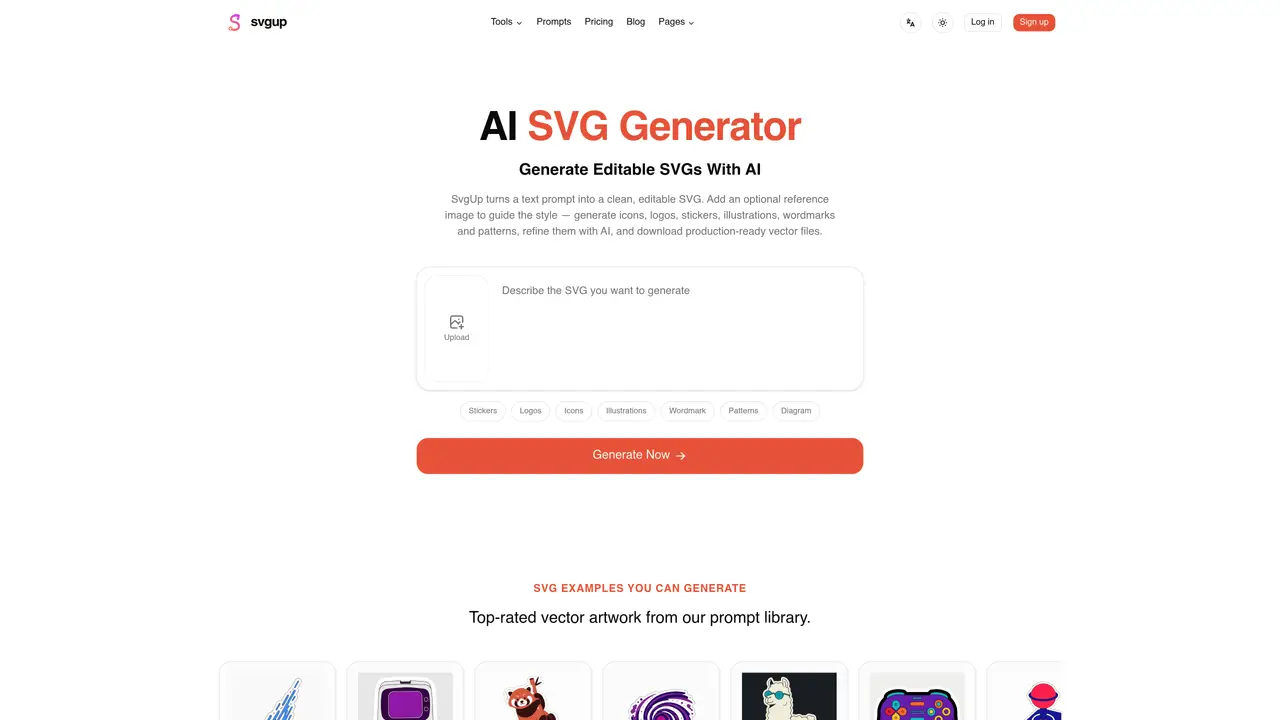
SvgUp generates scalable vector graphics from text prompts or reference images using AI. The tool produces clean, editable SVG files in categories such as icons, logos, stickers, illustrations, wordmarks, patterns, and diagrams. Users can refine outputs with follow-up AI instructions to adjust colors, composition, or details. The generated vectors are production-ready, with optimized markup suitable for web, app, or print use. It supports multilingual prompts and maintains an asset library for revisiting and reusing designs. Paid plans include commercial licensing for client and personal projects.
Key features
- Text-to-SVG generation
- Image-to-SVG conversion
- AI-powered refinements
- Multilingual prompt support
- Production-ready SVG markup
- Commercial licensing included
- Asset library for saved designs
- Category-specific prompt library
Use cases
- Creating logos and brand marks
- Designing UI icon sets
- Generating illustrations and stickers
Pros
- Generates true vector output with editable paths
- Supports text and image input for guidance
- Includes AI-powered refinements for iterative design
- Offers commercial licensing for paid plans
- Maintains an asset library for saved designs
Cons
- Free plan limited to personal use only
- Requires credits for generation beyond free tier
- No API access mentioned
Frequently asked questions about SvgUp
What does SvgUp do?
SvgUp converts text prompts or reference images into clean, editable SVG files using AI. It generates vectors in categories such as icons, logos, stickers, illustrations, wordmarks, patterns, and diagrams.
Who is SvgUp for?
SvgUp suits designers, developers, marketers, and creators who need production-ready vector assets for web, app, or print use. It is also useful for businesses requiring commercial licensing for client or personal projects.
Does SvgUp offer a free plan?
Yes, SvgUp provides a free plan that includes 2 free credits on sign-up, text-to-SVG generation, crisp vector output, and personal use only. No credit card is required to start.
Can I refine the generated SVGs with SvgUp?
Yes, users can refine outputs with follow-up AI instructions to adjust colors, composition, or details. The tool supports iterative improvements to achieve the desired design.
Does SvgUp support commercial use?
Paid plans include full commercial licensing for client and personal projects. The free plan restricts use to personal projects only.
How do I get started with SvgUp?
To get started, visit the SvgUp website, sign up for an account, and begin generating SVGs by entering a text prompt or uploading a reference image. The free plan allows immediate creation without requiring a credit card.