Connect, explore, and find compatible matches with an intuitive user interface.
2.8M visits/mo-16.9%#16 Lifestyle & Education

AI-powered detector for fake dating profiles, AI-generated photos and scam emails
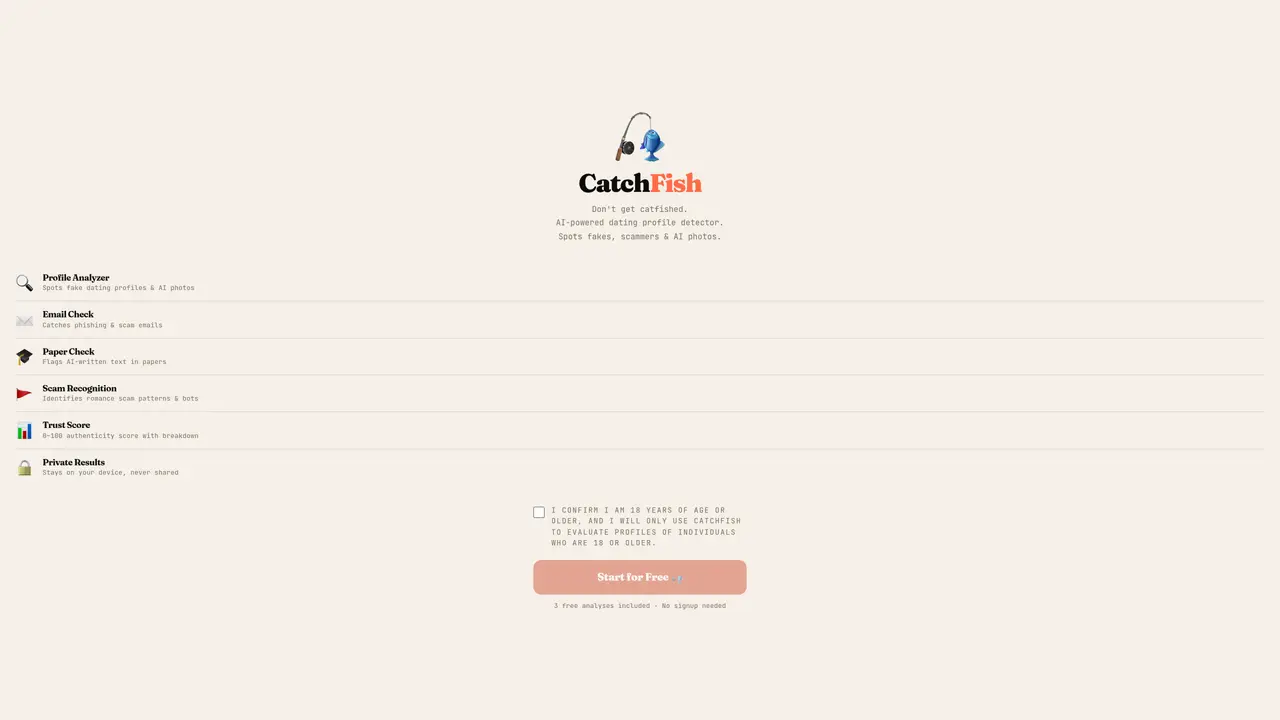
CatchFish is designed to detect deceptive content across dating profiles, emails, and academic papers by analyzing multiple dimensions of potential fraud. The tool combines reverse-image search with AI-powered artifact detection to identify manipulated or stolen images, including subtle signs of AI generation in faces, jewelry, or backgrounds. It also employs linguistic pattern matching and cross-field consistency checks to flag scripted romance-scam phrases, inconsistent timelines, or automated text patterns commonly used in fraudulent communications. Users can upload photos, bios, messages, or paste email content to receive a 0–100 trust score that quantifies the likelihood of deception. For images matching known stolen content, CatchFish compiles an evidence packet and generates draft reports tailored for submission to authorities like IC3, the FTC, or financial institutions’ fraud departments. The platform prioritizes privacy by processing all data on-device, ensuring results remain confidential without requiring account creation for the first three analyses. It is particularly useful for individuals seeking to verify the authenticity of online interactions, researchers studying digital deception, or professionals handling fraud investigations.
CatchFish analyzes dating profiles, emails, and academic papers to detect potential scams, AI-generated images, and automated text. It combines reverse-image search with AI artifact detection, linguistic pattern matching, and consistency checks to produce a trust score and highlight anomalies.
CatchFish is designed for individuals evaluating online profiles, emails, or academic papers for authenticity. It is particularly useful for those concerned about romance scams, phishing attempts, or AI-generated content.
CatchFish offers 3 free analyses without requiring an account. After that, users can upgrade to unlimited analyses or purchase credits for one-time use. Pricing options include monthly, annual, and single-analysis plans.
CatchFish operates as a standalone web application and does not require integration with other tools. Users can upload screenshots, photos, or paste text directly for analysis.
If a stolen photo is detected, CatchFish automatically generates an evidence packet and ready-to-use drafts for reporting to authorities like IC3, the FTC, or a bank’s fraud department. These tools are included with the analysis.
Users can start by visiting the CatchFish website, agreeing to the terms, and uploading a profile photo, bio, or email content for analysis. No account is required for the first three analyses.
We use essential cookies to run aitoolnavio™, and optional cookies to analyze traffic and measure our marketing. You choose what we use — optional cookies stay off unless you turn them on. See our Privacy Policy.
One short email a week: fresh tools worth trying, honest takes and the updates that actually matter. No spam, unsubscribe any time.
Connect, explore, and find compatible matches with an intuitive user interface.
Cheaterbuster is an AI-powered relationship insight and online identity verification platform designed to help users make informed decisions in modern dating.
An AI companion that simulates caring conversations to help users practice communication and relationship skills.
AI-powered matchmaking that combines user preferences with intuitive compatibility insights to help users find long-term relationships.
Generate insights, craft an irresistible profile, suggest best photos, and track progress for a standout Tinder profile.
Generate charming date replies, gain insights, and improve communication with AI-powered suggestions and objective ratings.
AI dating assistant that generates tailored chat techniques and pick-up lines to improve online dating conversations.
AI agents that discover compatible matches and arrange dates based on user preferences
Create an appealing profile, personalize content with Cookiebot, and stand out from the crowd effortlessly.
Find compatible matches, access detailed partner profiles, and follow safety guidelines for peace of mind.
Create detailed user profiles, match with compatible users, and find love with confidence.
Enhance self-awareness and relationships with AI insights.
Matched on what this tool does — grouped by the job you would be replacing.
matches Profile photo and bio analysis · AI image artifact detection · Reverse-image search for stolen photos
AI-powered platform that detects and removes fake websites, phishing pages, and fraudulent apps to protect businesses from online scams.
Reverse image search to locate where photos appear online
AI detector for photos and texts identifying AI generation or tampering
matches AI image artifact detection · Reverse-image search for stolen photos
matches Academic paper AI-likelihood report
AI platform for upscaling images, enhancing photos, and generating high-quality creative assets with contextual detail.
Create stunning profile pictures & AI-generated photos, easily customizable to your exact specifications.
Upload an image to verify if it's AI-generated or real.
Online tool that analyzes portrait images to provide a beauty score and facial feature insights
Scans academic texts for AI-generated prose with scores and sentence-level highlights
Check work accuracy, identify plagiarism, scan and analyze content with advanced AI technology.