Enhance learning with AI-driven flashcards, tests, and games.
72M visits/mo+70.8%#1 Lifestyle & Education

Turn documents, slides, or videos into auto-graded multilingual quizzes in seconds with AI.
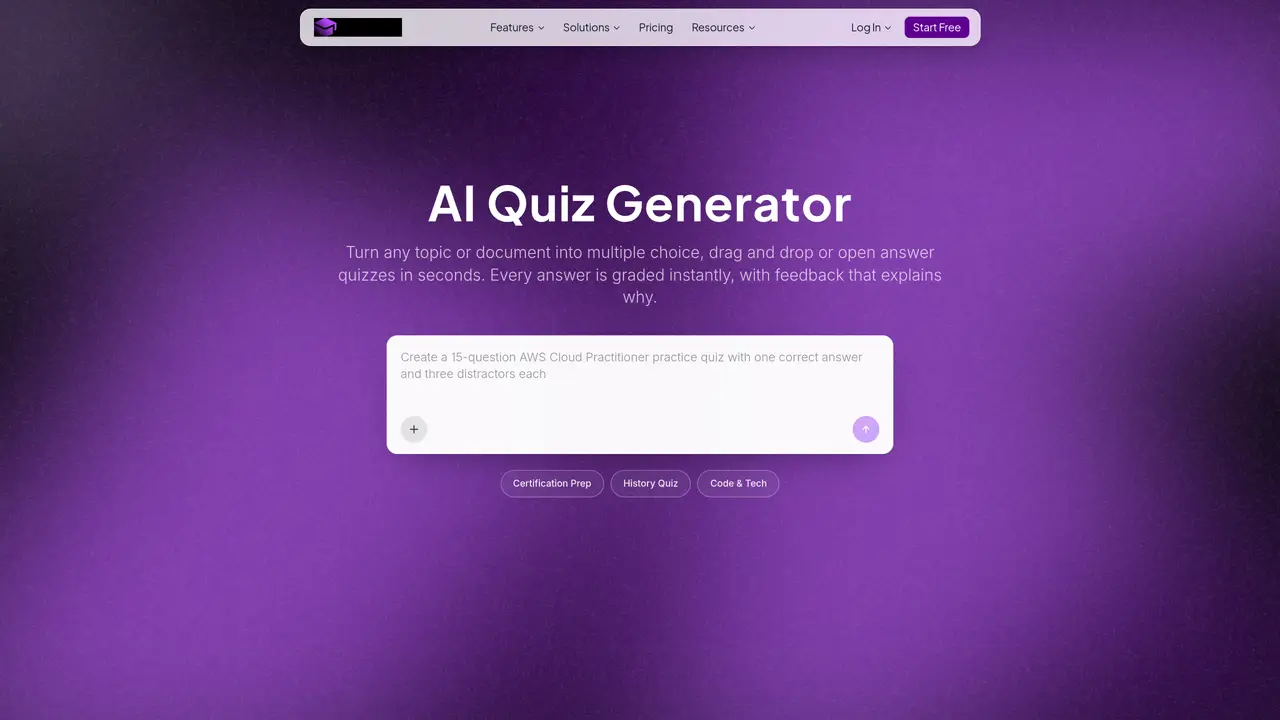
AI Quiz Generator by Coursebox transforms existing learning materials into ready-to-use quizzes automatically. It scans PDFs, Word files, PowerPoints, spreadsheets, links, or videos to extract key ideas and generate questions with answers. The tool supports multiple question formats, including multiple choice, short answer, and drag-and-drop, all of which can be edited after generation. AI handles auto-grading and provides real-time scores and feedback, with optional manual review for high-stakes assessments. It creates quizzes in over 100 languages, making it suitable for global training teams. The generated quizzes integrate seamlessly into the Coursebox LMS or can be exported via SCORM or LTI to other learning management systems. Designed for trainers, instructional designers, and educators, it eliminates the need for manual quiz writing and accelerates assessment creation while maintaining flexibility for customization and review.
You can upload PDFs, Word files, PowerPoints, spreadsheets, links, or videos to generate a quiz.
Yes, all generated questions can be reviewed and edited before publishing to refine wording, adjust difficulty, or change answer options.
Yes, Coursebox auto-grades compatible question types, providing learners with instant results and feedback after submission.
Quizzes can be delivered inside Coursebox's own LMS, embedded into courses, or exported via SCORM or LTI for use in most major platforms.
Yes, quizzes can be created and delivered in over 100 languages, ensuring assessment consistency across global teams.
Sign up for free and turn any topic or document into a quiz in seconds without requiring a credit card.
We use essential cookies to run aitoolnavio™, and optional cookies to analyze traffic and measure our marketing. You choose what we use — optional cookies stay off unless you turn them on. See our Privacy Policy.
One short email a week: fresh tools worth trying, honest takes and the updates that actually matter. No spam, unsubscribe any time.
Enhance learning with AI-driven flashcards, tests, and games.
Automatically check student papers for plagiarism, generate originality reports, and offer powerful grading tools.
Create interactive lessons, track student progress, deliver assessments for personalized learning.
Practice coding challenges, improve technical skills, get detailed explanations, compare performance with peers.
AI-powered homework help with step-by-step textbook solutions, expert Q&A, writing tools, and exam prep.
Easily create and track training courses, design learning environments, and access from any device with an intuitive interface.
AI-generated text detector with 99.98% verified accuracy, supporting 20+ languages and integrations with LMS platforms.
Solve math problems, learn topics from basic to advanced, and get hints and insights for difficult problems.
Revolutionize education with AI: lesson planning, IEPs, assessments, enhanced communication.
Online language-learning platform offering interactive courses, progress tracking, rewards, and personalized feedback for all skill levels.
IB and MYP exam prep platform with 35k+ practice questions, AI grading, flashcards, and study tools for students and schools.
AI-powered learning app that helps students and pupils organize study materials, stay motivated, and improve grades with smart tools and features.
Matched on what this tool does — grouped by the job you would be replacing.
matches AI-generated quizzes from PDFs, Word, PowerPoint, spreadsheets, links, or videos · Editable questions, answers, and distractors after generation · AI extracts key ideas from existing learning content
AI quiz builder that turns text, URLs, YouTube, PDFs, DOCX, PPTX, and images into quizzes, flashcards, and summaries for educators and learners.
AI-powered quiz generator that converts text, documents, or URLs into customizable quizzes with multiple question types for any educational level.
Turns text-based PDFs into editable classroom quizzes and worksheets with answer keys
AI tool that converts study materials into customizable practice exams and quizzes