
Enhance learning with AI-driven flashcards, tests, and games.
72M visits/mo+70.8%#1 Lifestyle & Education

Mac-only assistant that explains on-screen content aloud and guides step-by-step tasks
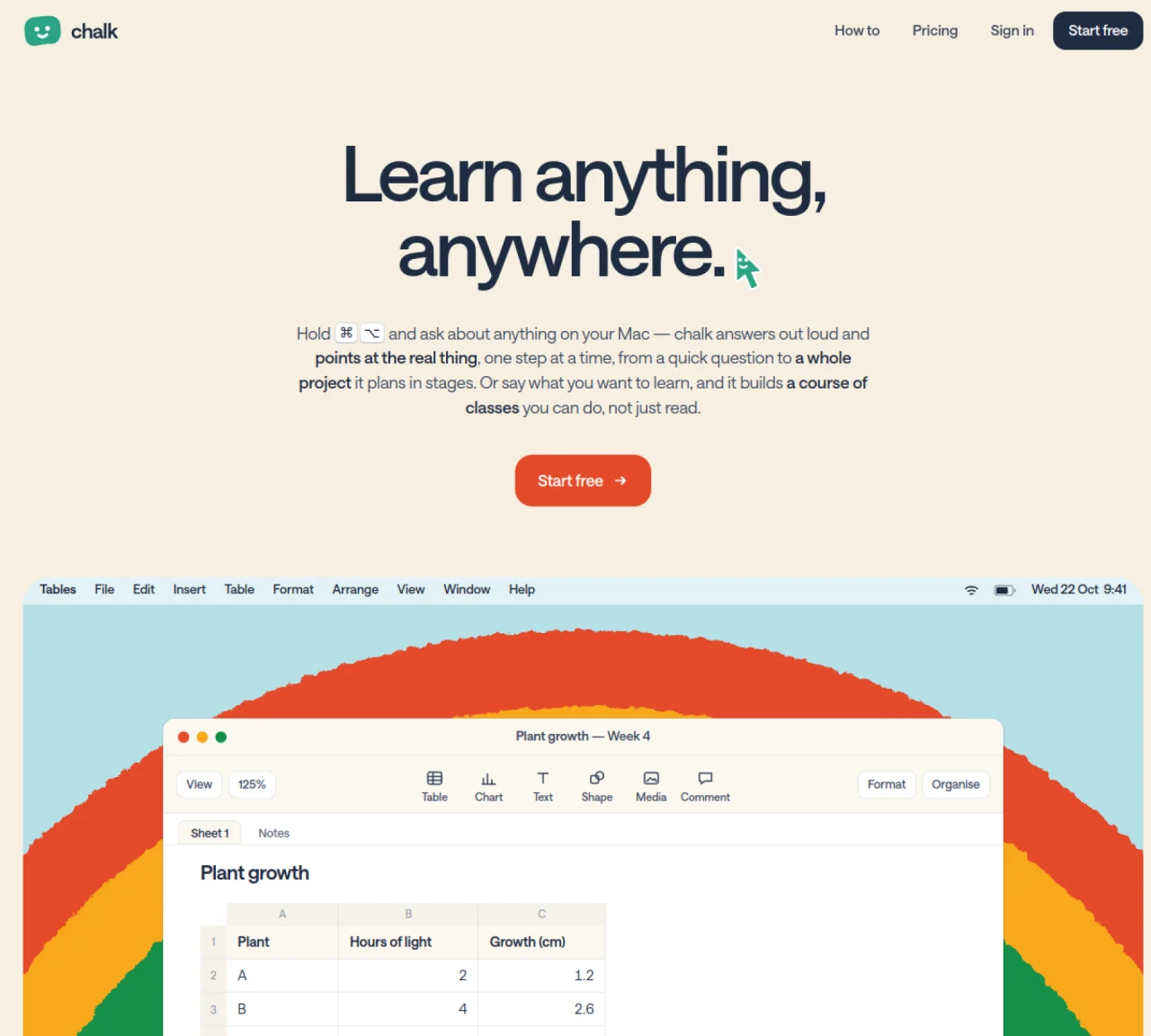
chalk is a Mac application that answers spoken questions about on-screen content and guides users through tasks one step at a time. It can explain tables, code, documents, or visual concepts by pointing at the relevant elements and narrating the process aloud. The tool supports interactive learning by breaking down complex topics into sequential lessons, allowing users to follow along at their own pace. It can also create structured courses from user-provided materials, such as slides or PDFs, and build lessons that include practice exercises and self-assessment. chalk works across different applications, marking buttons, cells, or lines directly on the screen to clarify instructions. It reads entire documents, including multi-page PDFs, without requiring manual scrolling, and provides summaries or definitions as requested.
chalk is a Mac application that answers spoken questions about on-screen content and guides users through tasks step by step. It explains tables, code, documents, or visual concepts by pointing at relevant elements and narrating the process aloud.
chalk is designed for learners, students, and professionals who want to understand complex topics interactively. It suits users who prefer guided, hands-on learning experiences across different applications.
chalk works by holding a keyboard shortcut to ask questions aloud in any app. It marks buttons, cells, or lines directly on the screen, reads entire documents like PDFs, and breaks down tasks into sequential steps with explanations.
Yes, chalk can build structured courses from user-provided materials such as slides or PDFs. It plans lessons with practice exercises and self-assessment, tailored to the user's existing knowledge and preferences.
Yes, chalk supports interactive learning by allowing users to follow along at their own pace. It provides step-by-step guidance, practice exercises, and real-time feedback, including tracing code or walking through visual concepts.
chalk works across different applications on a Mac, including documents, spreadsheets, code editors, and web browsers. It can read content from any open window and mark elements directly on the screen.
We use essential cookies to run aitoolnavio™, and optional cookies to analyze traffic and measure our marketing. You choose what we use — optional cookies stay off unless you turn them on. See our Privacy Policy.
One short email a week: fresh tools worth trying, honest takes and the updates that actually matter. No spam, unsubscribe any time.
Enhance learning with AI-driven flashcards, tests, and games.
Automatically check student papers for plagiarism, generate originality reports, and offer powerful grading tools.
Create interactive lessons, track student progress, deliver assessments for personalized learning.
Practice coding challenges, improve technical skills, get detailed explanations, compare performance with peers.
AI-powered homework help with step-by-step textbook solutions, expert Q&A, writing tools, and exam prep.
Easily create and track training courses, design learning environments, and access from any device with an intuitive interface.
AI-generated text detector with 99.98% verified accuracy, supporting 20+ languages and integrations with LMS platforms.
Solve math problems, learn topics from basic to advanced, and get hints and insights for difficult problems.
Revolutionize education with AI: lesson planning, IEPs, assessments, enhanced communication.
Online language-learning platform offering interactive courses, progress tracking, rewards, and personalized feedback for all skill levels.
IB and MYP exam prep platform with 35k+ practice questions, AI grading, flashcards, and study tools for students and schools.
AI-powered learning app that helps students and pupils organize study materials, stay motivated, and improve grades with smart tools and features.
Matched on what this tool does — grouped by the job you would be replacing.
matches Step-by-step task guidance with on-screen pointers · Spoken explanations for on-screen content
Transforms screen recordings into interactive product demos with AI-generated instructions, voiceovers, and captions in up to 20 languages.
Apex Vision AI is a Chrome extension that assists college students in handling multiple-choice homework and quizzes.
matches Interactive lessons with practice exercises · Self-assessment and progress tracking · Course creation from uploaded files
matches Document and PDF reading without manual scrolling · Multi-subject support (math, coding, biology, languages)
Turns YouTube videos, PDFs, and articles into interactive, gamified lessons with quizzes and flashcards for personalized learning.
An AI tutor that turns PDFs, videos, and links into adaptive lessons with quizzes and progress tracking for self-learners.
Turns study questions into step-by-step explanations, quizzes and flashcards
AI tutoring software that teaches concepts visually and tests understanding before progression
Solve equations, explore interactive math learning, and access comprehensive math solutions with step-by-step explanations.
AI-powered math solver that explains solutions step-by-step and generates graphs or videos for better understanding.
Personalized AI tutor that adapts lessons, tracks progress, and delivers interactive math support for students and teachers.