
Enhance learning with AI-driven flashcards, tests, and games.
72M visits/mo+70.8%#1 Lifestyle & Education

Bring videos to life with Qvio, allowing viewers to ask questions and receive real-time answers.
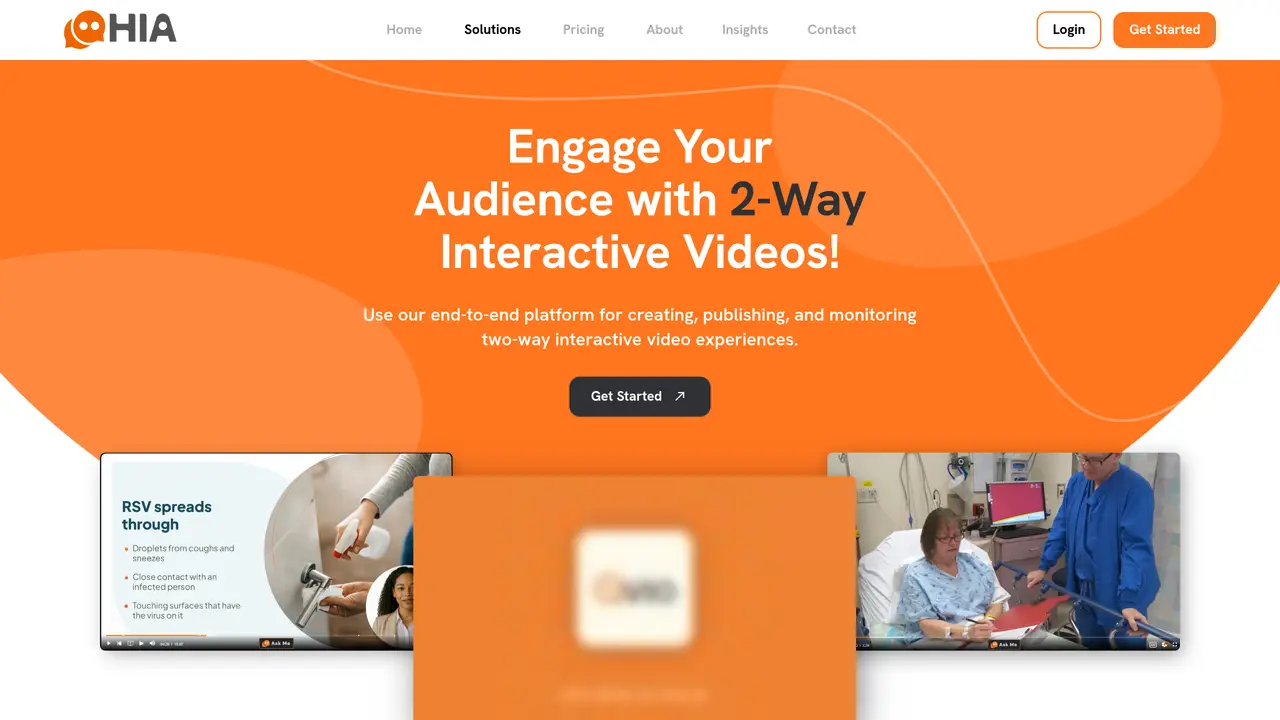
Qvio brings videos to life by enabling viewers to interrupt a video and ask it questions. The author-controlled AI then delivers the answer in the content-creator’s voice and with rich media to support the answer. For content owners, Qvio provides analytics that allow them to better understand each interaction and what their audience wants to know. Qvio includes high-resolution (up to 4K) video streaming and all the sharing tools expected from a video player, while the patented ‘Ask Me’ button beckons viewers to engage with the video in a new way. This tool is suitable for content creators who want to enhance viewer engagement and provide real-time answers to questions. Qvio can be used to transform recorded lectures into long-term learning opportunities, take video-based training to the next level, and keep audiences engaged. The tool’s features include high-resolution video streaming, sharing tools, and analytics that help content owners understand their audience’s needs. Qvio is available on a free trial basis, with pricing plans starting at $20/month for basic and $60/month for pro.
Qvio enables viewers to interrupt a video and ask questions, receiving answers delivered in the content-creator’s voice with supporting rich media. It enhances video engagement by allowing real-time interaction and provides analytics for content owners to understand audience needs.
Qvio is designed for content creators, educators, and businesses looking to enhance viewer engagement through interactive video experiences. It suits those who want to provide real-time answers to questions and gather insights from audience interactions.
Viewers can use the 'Ask Me' button to interrupt a video and ask questions. The AI then delivers answers in the creator’s voice with supporting media, while analytics track interactions to help content owners refine their content.
Qvio includes high-resolution video streaming (up to 4K), sharing tools, an interactive 'Ask Me' button, and analytics to track viewer engagement and questions. It also supports content-creator voice responses and rich media integration.
Qvio is designed to work as a standalone interactive video player with built-in sharing and streaming capabilities. Its features are integrated into the player itself, rather than requiring third-party platform integrations.
To get started, visit the Qvio website, sign up for an account, and upload your video content. The platform guides users through enabling the 'Ask Me' feature and configuring analytics to begin engaging viewers.
We use essential cookies to run aitoolnavio™, and optional cookies to analyze traffic and measure our marketing. You choose what we use — optional cookies stay off unless you turn them on. See our Privacy Policy.
One short email a week: fresh tools worth trying, honest takes and the updates that actually matter. No spam, unsubscribe any time.
Enhance learning with AI-driven flashcards, tests, and games.
Automatically check student papers for plagiarism, generate originality reports, and offer powerful grading tools.
Create interactive lessons, track student progress, deliver assessments for personalized learning.
Practice coding challenges, improve technical skills, get detailed explanations, compare performance with peers.
AI-powered homework help with step-by-step textbook solutions, expert Q&A, writing tools, and exam prep.
Easily create and track training courses, design learning environments, and access from any device with an intuitive interface.
AI-generated text detector with 99.98% verified accuracy, supporting 20+ languages and integrations with LMS platforms.
Solve math problems, learn topics from basic to advanced, and get hints and insights for difficult problems.
Revolutionize education with AI: lesson planning, IEPs, assessments, enhanced communication.
Online language-learning platform offering interactive courses, progress tracking, rewards, and personalized feedback for all skill levels.
IB and MYP exam prep platform with 35k+ practice questions, AI grading, flashcards, and study tools for students and schools.
AI-powered learning app that helps students and pupils organize study materials, stay motivated, and improve grades with smart tools and features.
Matched on what this tool does — grouped by the job you would be replacing.
matches Real-time question-and-answer capabilities · Analytics for understanding audience interactions
AI persona platform that trains on a creator’s content to handle audience conversations across chat, voice, and video, with analytics and integrations.
Turns slide decks into AI-narrated presentations with live voice Q&A and engagement analytics.
matches Rich media support · Sharing tools
Create captivating videos, customize their look, and reach diverse audiences in minutes.
Create engaging, immersive, and interactive stories with rich media and analytics for measurable audience engagement.