
Enhance learning with AI-driven flashcards, tests, and games.
72M visits/mo+70.8%#1 Lifestyle & Education

Local AI tool that estimates PSL face ratings and geometry scores from a photo
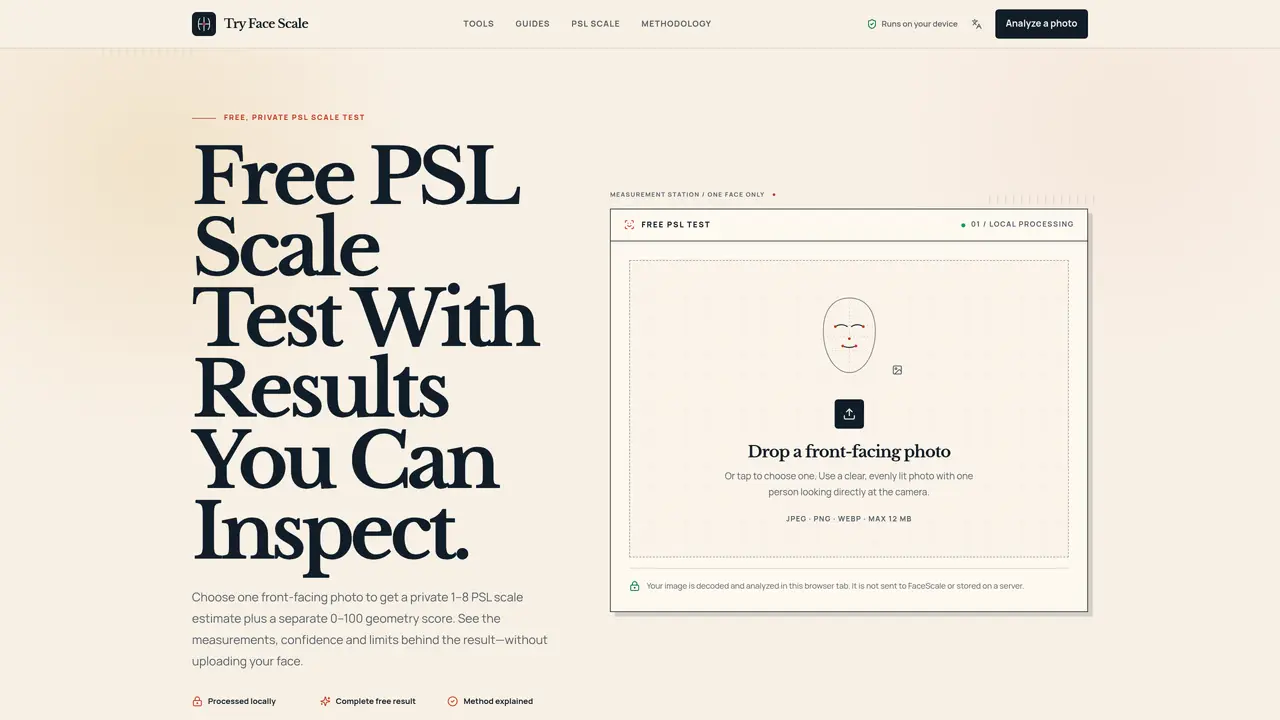
Try Face Scale is a browser-based tool that analyzes a front-facing facial photo to estimate a PSL scale score between 1 and 8, alongside a separate 0–100 geometry score. All processing occurs locally within the user’s browser, with no image uploads or server storage. The tool provides an auditable breakdown of results, including four geometry signals, raw measurements, confidence levels, and versioned scoring methodology. Users can inspect the complete PSL dossier, examine left-right symmetry with a centerline overlay, or review six normalized facial ratios with visible reference parameters. The analysis focuses on facial proportions, symmetry, structural balance, and selected feature relationships without inferring gender, identity, health, or personality traits. The tool includes a quality gate that checks image size, pose, brightness, and sharpness before generating results. It operates without requiring an account, database, or API, and discards the working image when the page is cleared or closed.
It estimates a PSL scale score between 1 and 8 and provides a separate 0–100 geometry score based on facial proportions, symmetry, structural balance, and selected feature relationships.
Individuals curious about facial proportions and symmetry for personal insight, without any inference about gender, identity, health, or personality traits.
No, the tool processes the image locally within the user’s browser and discards it when the page is cleared or closed; nothing is uploaded or stored.
It includes a quality gate that checks image size, pose, brightness, and sharpness before generating results, providing confidence levels and photo quality feedback.
Yes, the tool provides an auditable breakdown of results, including four geometry signals, raw measurements, confidence levels, and versioned scoring methodology.
You receive a PSL estimate range, a geometry score, symmetry analysis, and six normalized facial ratios, all explained with visible reference parameters and transparent methodology.
tryfacescale.com · third-party estimates from Similarweb
Last 2 months · grows by one month every month
Share of visits by channel
Share of visits · estimated visits
Lifestyle & Education · Sep 2026
Traffic figures are third-party estimates, good for scale and trends; they can differ from a company's own numbers. Updated monthly.
We use essential cookies to run aitoolnavio™, and optional cookies to analyze traffic and measure our marketing. You choose what we use — optional cookies stay off unless you turn them on. See our Privacy Policy.
One short email a week: fresh tools worth trying, honest takes and the updates that actually matter. No spam, unsubscribe any time.
Enhance learning with AI-driven flashcards, tests, and games.
Automatically check student papers for plagiarism, generate originality reports, and offer powerful grading tools.
Create interactive lessons, track student progress, deliver assessments for personalized learning.
Practice coding challenges, improve technical skills, get detailed explanations, compare performance with peers.
AI-powered homework help with step-by-step textbook solutions, expert Q&A, writing tools, and exam prep.
Easily create and track training courses, design learning environments, and access from any device with an intuitive interface.
AI-generated text detector with 99.98% verified accuracy, supporting 20+ languages and integrations with LMS platforms.
Solve math problems, learn topics from basic to advanced, and get hints and insights for difficult problems.
Revolutionize education with AI: lesson planning, IEPs, assessments, enhanced communication.
Online language-learning platform offering interactive courses, progress tracking, rewards, and personalized feedback for all skill levels.
IB and MYP exam prep platform with 35k+ practice questions, AI grading, flashcards, and study tools for students and schools.
AI-powered learning app that helps students and pupils organize study materials, stay motivated, and improve grades with smart tools and features.
Matched on what this tool does — grouped by the job you would be replacing.
matches PSL scale estimate (1–8) with separate geometry score (0–100) · Four geometry signals: proportion, symmetry, structural balance, feature relationships · Three inspection paths: complete PSL dossier, symmetry test, facial ratios calculator
AI-powered face shape analysis from a photo
Online tool that analyzes portrait images to provide a beauty score and facial feature insights
Free AI tool that scores facial features from a photo and provides improvement guidance
Browser-based tools for face, hair, skin, body and style analysis and simulation
matches Local image processing without uploading · No account, database, or API required · Discards working image after analysis
AI tool that determines a user’s 12-season color palette from a photo or quiz
Remove image backgrounds locally in the browser without uploading files