AI-powered tarot readings and personalized interpretations for self-reflection and guidance.
1.5M visits/mo+13.1%#33 Chatbots & Assistants

Create custom memes for special occasions, share funny content on social media, and generate attention-grabbing blog content.
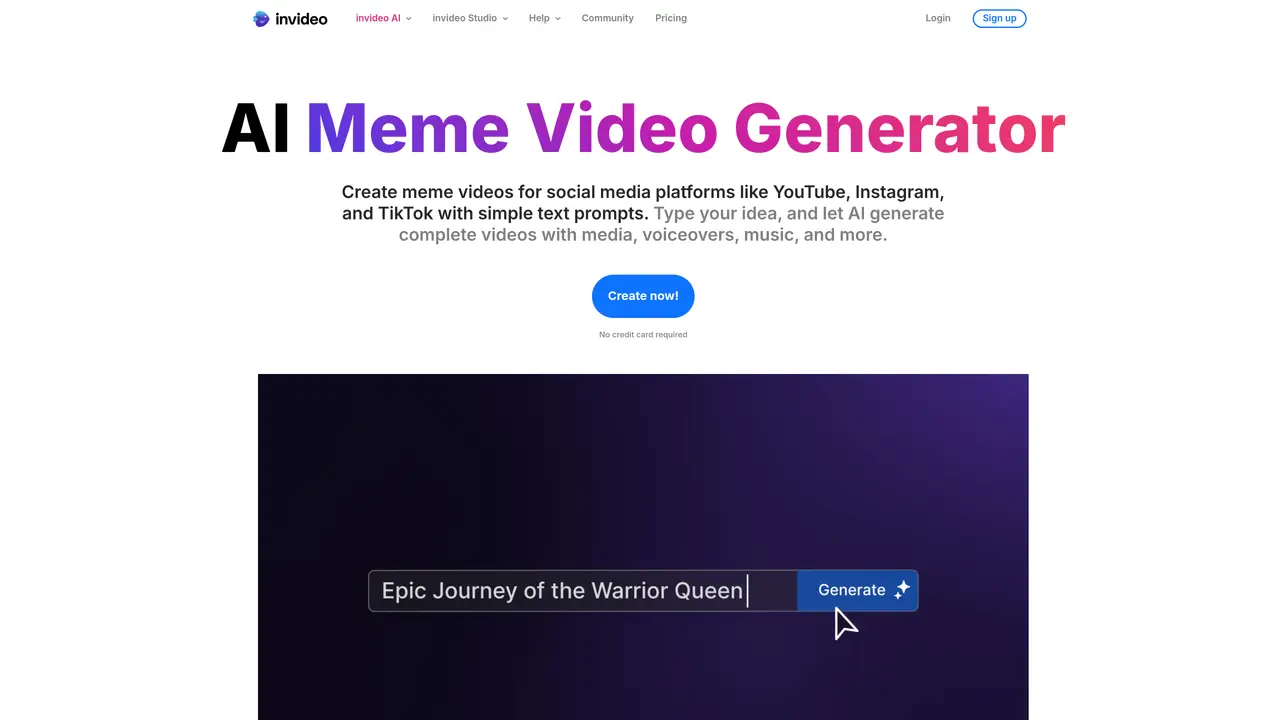
Invideo’s Meme Generator is the perfect tool for creating hilarious, eye-catching memes to share with friends and family. With a few simple clicks, you can upload your own photo or video, or choose from the library of existing images and videos. Then, you can easily customize your meme by adding text, changing the font, and adjusting the colors. There are no design skills required, making it the perfect tool for anyone wanting to quickly and easily share a funny, relatable meme. You can use Invideo’s Meme Generator to create custom memes for birthdays, anniversaries, and other special occasions, or generate funny content for social media. It is also useful for creating attention-grabbing blog content. With no design skills required, it’s an easy and fun way to quickly create attention-grabbing content.
An AI meme video generator turns simple text prompts into short, funny videos by automatically combining trending memes, captions, voiceovers, visuals, and music—all created with AI.
No prior video editing experience is required. The platform guides users through the process with beginner-friendly workflows and automated editing tools.
Yes, meme videos are effective for marketing and brand content, as they leverage humor to connect with audiences and boost engagement on social media platforms.
Yes, users can upload their own media or edit the generated video using the Magic Edit Box to add personal or branded elements, including custom voiceovers.
Keep the prompt simple and clear by describing the desired tone (e.g., funny, sarcastic), the topic, and any specific meme references or themes you want included.
Meme videos can be created for social media platforms such as YouTube, Instagram, and TikTok, as well as for general sharing and marketing purposes.
We use essential cookies to run aitoolnavio™, and optional cookies to analyze traffic and measure our marketing. You choose what we use — optional cookies stay off unless you turn them on. See our Privacy Policy.
One short email a week: fresh tools worth trying, honest takes and the updates that actually matter. No spam, unsubscribe any time.
AI-powered tarot readings and personalized interpretations for self-reflection and guidance.
Chat with AI friends, mentors, and characters on the world's largest conversational AI platform for entertainment.
Learn coding through interactive puzzles, simulations, and a global community of developers.
AI-powered Lenormand card readings that mimic traditional divination for practical everyday insights.
Create stunning visuals and captivating storylines with AI-driven tools and a user-friendly interface.
Generate playlists of current hits, nostalgic tunes, and personalized mixes for motivation.
An endless AI-generated TV channel where live chat votes steer what plays next.
Create, optimize, and share high-quality memes across various platforms with customizable options.
Bubio is a next-generation AI character platform where users can create, chat, and interact with expressive personalities.
Gadget is a revolutionary 3D printing AI failure detection assistant from OctoEverywhere.
AI-powered trading card grading predictions from photos
Tangia is a powerful tool that supercharges viewer engagement for streamers.
Matched on what this tool does — grouped by the job you would be replacing.
matches Create custom memes for special occasions · Share funny content on social media · Generate attention-grabbing blog content
Generate, customize, and share attention-grabbing memes effortlessly, in seconds.
Create and customize memes from webcam images or photos/videos to express yourself with funny memes.
matches Generate attention-grabbing blog content · Upload own photo or video · Choose from library of existing images and videos
Create stunning videos in a few clicks, customize with powerful tools, and automate editing without experience.
Topview AI is an AI-powered video creation platform that turns your product into engaging, attention-grabbing and viral-worthy video; no editing skills or cameras needed.
RenderLion instantly transforms data into captivating videos with AI, streamlining video creation for all.
Generate narrated AI videos for YouTube, TikTok, and Instagram directly from text prompts in ChatGPT.