AI-powered tarot readings and personalized interpretations for self-reflection and guidance.
1.5M visits/mo+13.1%#33 Chatbots & Assistants
Generates customizable album-cover walls from favorite artists for wallpapers and backgrounds
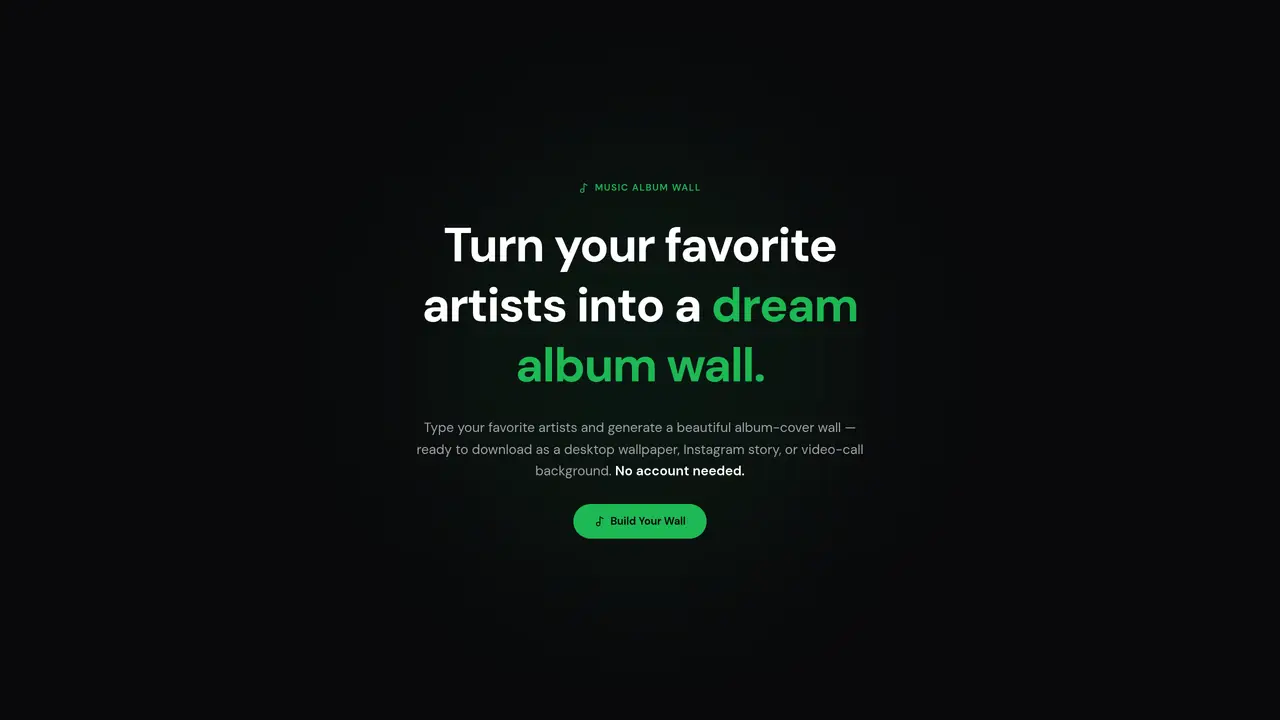
Music Album Wall creates personalized album-cover displays by letting users input their favorite artists. The tool generates a visual wall of album art in one of six predefined styles and five layouts, available in multiple output sizes. Users can customize the arrangement by dragging and swapping album covers before downloading the result. The generated wall can be used as a desktop wallpaper, Instagram story, or video-call background. The platform offers three room settings to preview how the wall would look in different environments, such as a cozy home or modern office. The process is completed in three steps: selecting artists, customizing the layout, and exporting the final image in various aspect ratios.
Music Album Wall transforms a user's favorite artists into a customizable visual display of album covers. It generates a wall of album art in one of six predefined styles and five layouts, which can be downloaded for use as a desktop wallpaper, Instagram story, or video-call background.
No account is required to use Music Album Wall. Users can start creating their album wall immediately by entering their favorite artists.
Users can choose from five layouts, six styles, and five output sizes. They can drag to reorder album covers or tap any album to swap it, adjusting the arrangement to their preference before downloading.
The album wall can be exported as a full-resolution JPEG in multiple aspect ratios, including 16:9 for desktop wallpapers, 9:16 for Instagram stories, 1:1 for square posts, 4:3 for landscape, and 3:4 for portrait.
Yes, Music Album Wall offers three room settings to preview how the wall would appear in environments such as a cozy home, modern office, or coffee shop.
The process is completed in three steps—selecting artists, customizing the layout, and exporting the final image—and typically takes under a minute from start to download.
We use essential cookies to run aitoolnavio™, and optional cookies to analyze traffic and measure our marketing. You choose what we use — optional cookies stay off unless you turn them on. See our Privacy Policy.
One short email a week: fresh tools worth trying, honest takes and the updates that actually matter. No spam, unsubscribe any time.
AI-powered tarot readings and personalized interpretations for self-reflection and guidance.
Chat with AI friends, mentors, and characters on the world's largest conversational AI platform for entertainment.
Learn coding through interactive puzzles, simulations, and a global community of developers.
AI-powered Lenormand card readings that mimic traditional divination for practical everyday insights.
Create stunning visuals and captivating storylines with AI-driven tools and a user-friendly interface.
Generate playlists of current hits, nostalgic tunes, and personalized mixes for motivation.
An endless AI-generated TV channel where live chat votes steer what plays next.
Create, optimize, and share high-quality memes across various platforms with customizable options.
Bubio is a next-generation AI character platform where users can create, chat, and interact with expressive personalities.
Gadget is a revolutionary 3D printing AI failure detection assistant from OctoEverywhere.
AI-powered trading card grading predictions from photos
Tangia is a powerful tool that supercharges viewer engagement for streamers.
Matched on what this tool does — grouped by the job you would be replacing.
matches Artist search and AI suggestions · Six wall styles (Midnight, Studio, Sunset, Vinyl Cream, Indie Bedroom, Gallery) · Five layouts (Grid, Bedroom, Studio, Spaced Gallery, Maximalist Collage)
Creates photo collages and AI-generated posters from mobile devices
Online tool to combine two images into one coherent composition with matched lighting, perspective and color