

Online language-learning platform offering interactive courses, progress tracking, rewards, and personalized feedback for all skill levels.
2.4M visits/mo-4.2%#19 Lifestyle & Education
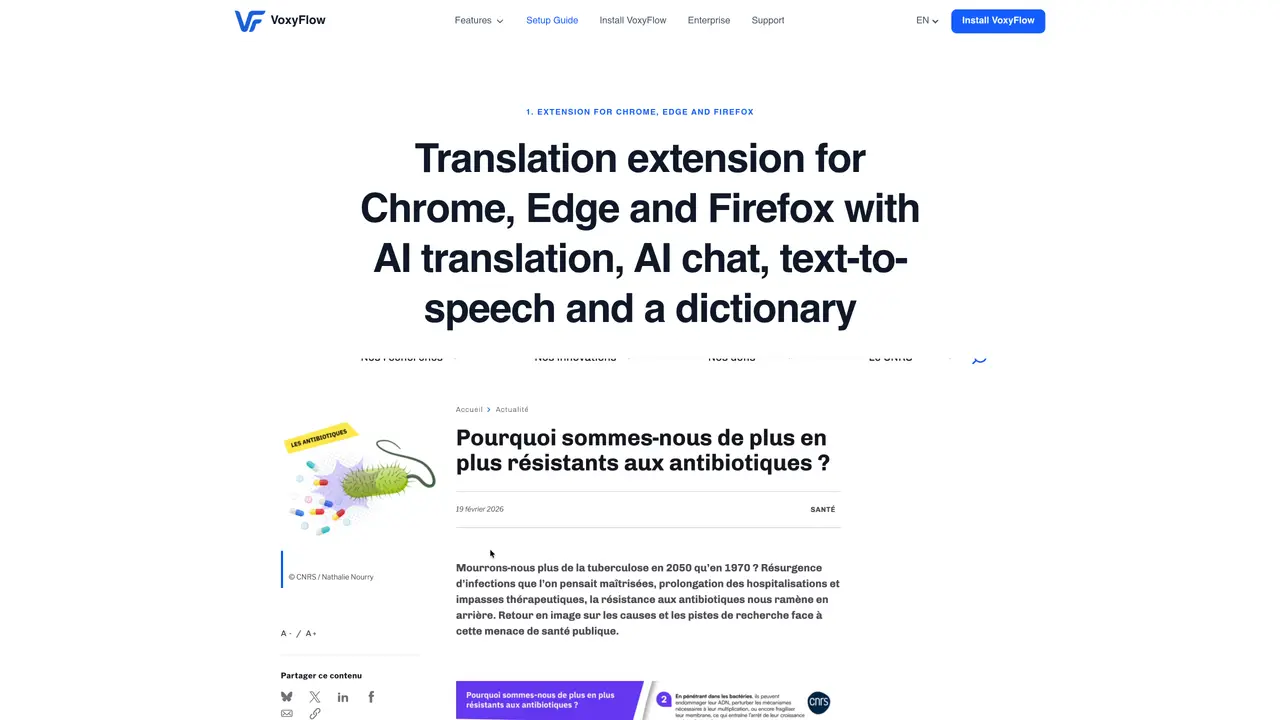
VoxyFlow is a browser extension for Chrome, Edge and Firefox that translates text using AI models and provides additional language learning features. It supports translation via the DeepL API, cloud AI models through OpenRouter, and local models with Ollama. The extension offers three translation modes: hover translation for quick lookups, selection translation for phrases, and flow translation for detailed review of pasted text. Users can save translations to a dictionary with original sentences, export them to Anki or Quizlet for spaced repetition, and listen to pronunciations with adjustable playback speed. The side panel includes an AI chat assistant for grammar questions and text analysis, a dictionary with context sentences, and export functionality to external study apps. It also supports translation in text-based PDF documents through the context menu.
VoxyFlow is a browser extension for Chrome, Edge, and Firefox that provides AI-powered translation, text-to-speech, and language learning features. It allows users to translate text via the DeepL API, cloud AI models through OpenRouter, or local models with Ollama.
VoxyFlow is designed for language learners, readers, and professionals who need quick, accurate translations and study tools while browsing. It supports users working with multiple languages and integrates seamlessly into their workflow.
VoxyFlow supports translation in text-based PDF documents through the context menu. Users can select text in a PDF and choose 'Translate with VoxyFlow' to access translations without needing to open the document in a separate application.
Yes, VoxyFlow allows users to save translations to a personal dictionary with original sentences. These entries can be exported as a CSV file compatible with Anki or Quizlet for spaced repetition and further study.
Yes, VoxyFlow includes text-to-speech functionality, allowing users to listen to both original and translated pronunciations. Playback speed can be adjusted to suit individual learning preferences.
VoxyFlow offers three translation modes: Hover Translation for quick lookups, Selection Translation for phrases or paragraphs, and Flow Translation for detailed review of pasted text. Each mode is designed to fit different workflows and study needs.
voxyflow.app · third-party estimates from Similarweb
Last 4 months · grows by one month every month
Share of visits by channel
Share of visits · estimated visits
Lifestyle & Education · Sep 2026
Traffic figures are third-party estimates, good for scale and trends; they can differ from a company's own numbers. Updated monthly.
We use essential cookies to run aitoolnavio™, and optional cookies to analyze traffic and measure our marketing. You choose what we use — optional cookies stay off unless you turn them on. See our Privacy Policy.
One short email a week: fresh tools worth trying, honest takes and the updates that actually matter. No spam, unsubscribe any time.
Online language-learning platform offering interactive courses, progress tracking, rewards, and personalized feedback for all skill levels.
Practice conversing with AI, improve pronunciation, and learn a new language in an immersive, safe environment.
AI app that helps non-native English speakers practice real-world conversations with instant pronunciation and fluency feedback.
Bulk translation tool that handles text, audio and files in over 60 languages with offline and privacy features.
Receive real-time pronunciation feedback, practice with AI partner, and get personalized learning for better progress.
Personalized language lessons with AI Avatars, tailored feedback, and a virtual learning environment for faster progress.
Discover vocabulary with real-world videos, interactive captions, instant definitions, and personalized progress tracking.
Personalized language lessons for conversation, grammar, pronunciation with feedback from experienced teachers.
An AI English tutor that provides real-time speaking practice with grammar, vocabulary, and pronunciation corrections for learners.
AI-powered app that simulates real-life conversations to improve speaking fluency and pronunciation with personalized feedback.
Master English fluency with AI-powered personalized coaching.
Chat about any topic and get instant feedback from the world's most advanced AI language model, powered by ChatGPT technology.
Matched on what this tool does — grouped by the job you would be replacing.
matches Hover translation with hotkey · Selection translation with context menu · Flow translation for pasted text
Quickly and accurately translate documents with unparalleled precision and confidence for business, legal, and academic purposes.
Revolutionize your web experience with seamless, customizable, bilingual translations across devices—free.
An AI multilingual translation platform translating text, PDFs, scanned documents, websites, images, and video subtitles in 100+ languages.
Instantly localize on-screen video text and graphics.
matches Export to Anki and Quizlet
matches AI chat assistant in side panel
Enhance learning with AI-driven flashcards, tests, and games.
A note-taking and spaced-repetition flashcard app for students and learners, with PDF annotation plus AI tools for generating cards, quizzes, and study summaries.
Converts PDFs into Anki flashcard packages for spaced repetition study
Generate flashcards fast, prioritize key info, and ace your online studying.
AI chatbot for conversation, work, research, coding, and content creation.
An AI chat platform for roleplaying, storytelling, and learning by chatting with millions of user-created AI characters.
Browser extension that lets users query web pages and documents with multiple AI models via a side panel