

AI-powered video messaging tool that records, shares, and manages video messages with AI-generated titles, summaries, and tasks.
16M visits/mo-3.4%#5 Chatbots & Assistants
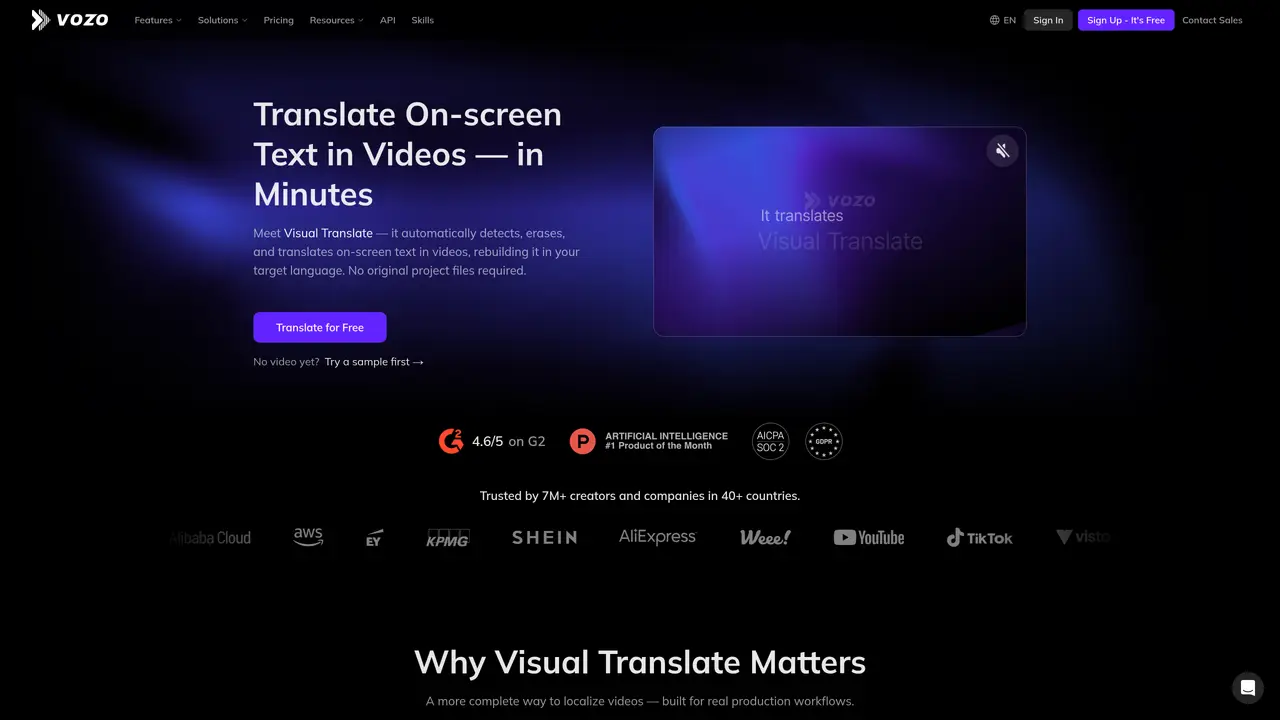
Visual Translate is a tool that focuses on one specific headache in video localization: on-screen text. Instead of only translating audio or subtitles, it uses AI to detect titles, labels, captions, and annotations directly in the video frame, erase them, translate them, and then rebuild the visual layer in the target language. It aims this at creators, marketing teams, trainers, and enterprises that want localized videos without opening original editing project files. Key Features: AI on-screen text detection: Automatically finds text in slides, lower thirds, labels, UI callouts, and other visual elements. Context-aware translation: Uses multilingual AI to translate with regard to meaning and terminology, backed by glossaries and custom prompts. Rebuild engine and styling control: Erases original text then recreates it with adjustable font, size, color, layout, and per-scene readability. Timeline and animation control: Lets users tweak when text appears, how long it stays, and how it animates to stay in sync. Side-by-side proofreading editor: Shows original and translated frames together so users can review, edit, or retranslate specific elements. Pipeline to other Vozo tools: Sits alongside Vozo’s subtitles, dubbing, and lip sync features for end-to-end video localization.
Visual Translate automatically detects, erases, and translates on-screen text in videos, then rebuilds the visual layer in the target language without requiring original project files.
It is designed for creators, marketing teams, trainers, and enterprises that need to localize videos by translating on-screen text such as titles, labels, and annotations.
It uses multilingual AI with context-aware translation, supported by glossaries and custom prompts to ensure accurate and consistent results.
Yes, Visual Translate includes a side-by-side proofreading editor to review, edit, or retranslate specific elements before exporting the localized video.
Yes, it can be used alongside Vozo’s subtitles, dubbing, and lip sync features for a complete video localization pipeline.
Users can try a sample by selecting a scenario, uploading a video, and receiving a translated result within minutes.
We use essential cookies to run aitoolnavio™, and optional cookies to analyze traffic and measure our marketing. You choose what we use — optional cookies stay off unless you turn them on. See our Privacy Policy.
One short email a week: fresh tools worth trying, honest takes and the updates that actually matter. No spam, unsubscribe any time.
AI-powered video messaging tool that records, shares, and manages video messages with AI-generated titles, summaries, and tasks.
Unleash creativity: edit photos, videos, and designs with AI-enhanced tools.
Record lectures, create tutorials, and securely share videos with teams.
Create stunning videos in a few clicks, customize with powerful tools, and automate editing without experience.
Create, convert, and enhance videos effortlessly with professional effects and royalty-free music.
Create marketing videos quickly, customize with templates, music, and photos, optimize for different platforms with AI.
Automate video editing, add text-to-speech voice-overs, and optimize videos for impactful results.
Freemium, uncensored AI video and image creation for individual creators with text-to-video, image effects, and gem-based upgrades for HD and no watermarks.
Create, edit, subtitle, and translate pro-grade videos instantly.
Cloudinary provides APIs and tools to integrate, manage, and optimize images and videos for AI-driven visual experiences.
All-in-one AI suite for creators to automate workflows, edit media, and generate content across video, design, and productivity tools.
Generate cinematic video clips from text or images and refine them with AI-powered editing tools for creators and visual professionals.
Matched on what this tool does — grouped by the job you would be replacing.
matches AI on-screen text detection · Context-aware translation · Rebuild engine and styling control
Localize videos in multiple languages, customize content, and use voice-over, captioning, and subtitling for various purposes.
AI video localization platform for creators and teams to generate subtitles, translate into 200+ languages, and produce AI dubbing with voice cloning and lip-sync.
Localize existing videos into 80+ languages with AI lip sync and the original speaker on screen.
Perso AI Dubbing translates and dubs videos into 33+ languages using AI voice cloning and natural lip sync.
matches AI on-screen text detection · Context-aware translation
matches Pipeline to other Vozo tools
An AI translation platform that converts documents, images, audio, and video into 130+ languages while preserving formatting and layout.
Translate image text instantly with Image Translate AI
Powerful AI platform for image text translation in 130+ languages.
Online tool for translating text in manga, manhwa and webtoon images
Open-source platform that automates software localization with in-context translation, memory, and machine translation.
Over-the-air app localization service for updating translations without rebuilding
Perfectly translate your app contextually, use auto-translation for speed, and support major JavaScript frameworks.
No more building and prompting for translation, OneSky AI Multi-Agent system handles product localization workflow and quality assurance.