

Generate content, correct spelling, suggest synonyms to enhance writing.
173M visits/mo+0.1%#1 Productivity & Office
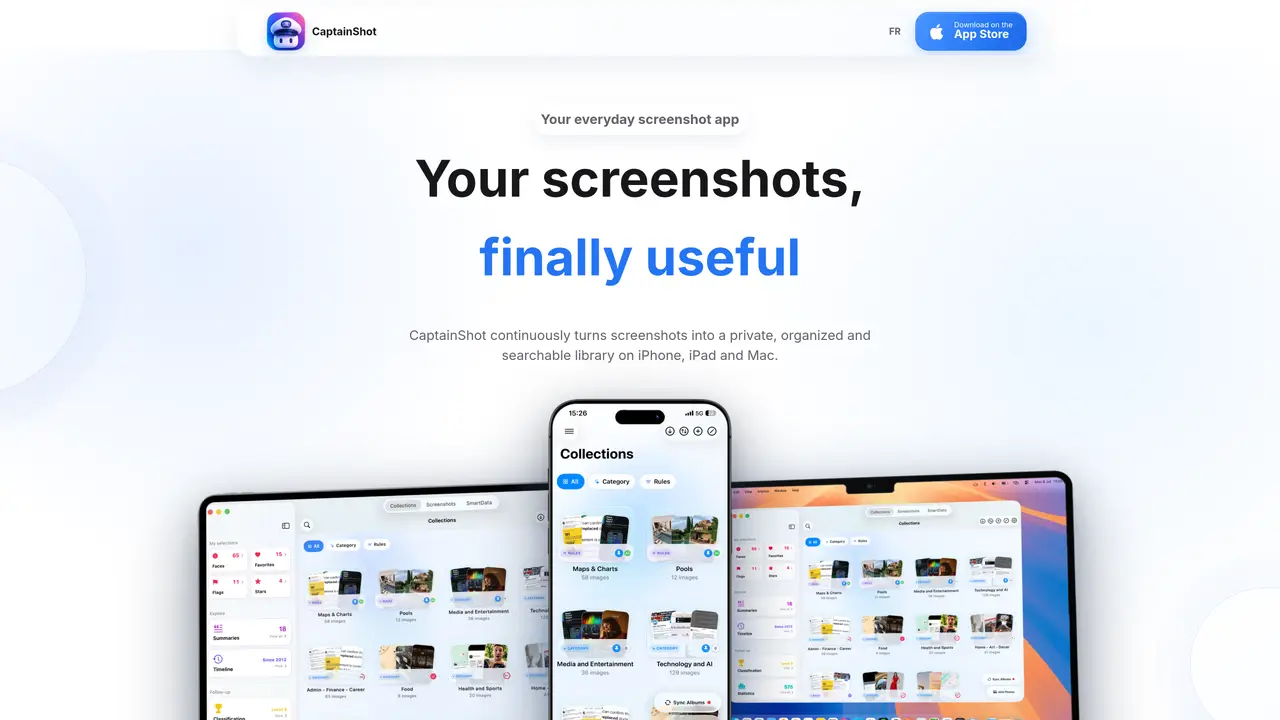
CaptainShot continuously processes screenshots on iPhone, iPad and Mac, turning them into a private, searchable library without uploading images to external servers. The app automatically organizes screenshots into collections such as documents, travel or shopping, and allows users to create custom collections guided by initial examples. Screenshots can be filtered by text, visual content, favorites or detected data like dates, amounts and QR codes. Search functionality supports OCR text, visual content, summaries and collections, with results ranked by relevance. The interface and analysis are available in nine languages, with deeper enrichments on Apple Intelligence-compatible devices. All processing occurs locally, ensuring privacy and offline functionality. Users can rename, move, merge, hide or favorite screenshots without leaving the workflow, and collections can be shared via importable codes.
CaptainShot is an app for iPhone, iPad and Mac that continuously processes screenshots into a private, searchable library without uploading images to external servers. It automatically organizes screenshots into collections and enables text, visual and semantic search directly on the device.
The tool is designed for users who want to make their screenshots useful by organizing, searching and extracting information from them locally. It suits individuals who prioritize privacy and offline functionality on Apple devices.
No account is required, and the app works fully offline. All processing, including OCR, visual analysis and SmartData extraction, occurs locally on the device without sending images to external servers.
The interface, analysis, search and main features are available in nine languages. On Apple Intelligence-compatible devices, deeper enrichments such as local summaries and translations are also supported.
Yes, users can create custom collections by naming them and adding initial example images. The app then uses this context to automatically classify relevant new images into the collection.
Search supports OCR text, visual content, summaries and collections, with results ranked by relevance. Users can also filter by text, visual content, favorites, stars, flags or detected data like dates, amounts and QR codes.
captainshot.ai · third-party estimates from Similarweb
Last 2 months · grows by one month every month
Share of visits · estimated visits
Traffic figures are third-party estimates, good for scale and trends; they can differ from a company's own numbers. Updated monthly.
We use essential cookies to run aitoolnavio™, and optional cookies to analyze traffic and measure our marketing. You choose what we use — optional cookies stay off unless you turn them on. See our Privacy Policy.
One short email a week: fresh tools worth trying, honest takes and the updates that actually matter. No spam, unsubscribe any time.
Generate content, correct spelling, suggest synonyms to enhance writing.
Markdown-based note-taking and personal knowledge management app that turns notes into a connected system of ideas.
Capture, organize, and share ideas, notes, and documents effortlessly.
Easily create and track training courses, design learning environments, and access from any device with an intuitive interface.
An AI-powered note-taking app for students and professionals to write, sketch, annotate PDFs, record audio, and generate summaries, quizzes, and flashcards.
Handwritten note-taking app with searchable ink, PDF annotation, synced audio, and AI-powered study tools.
AI-powered process documentation tool that captures workflows into visual step-by-step guides with screenshots, editing, and exports.
AI web app that transcribes audio, video, and YouTube links into text in 98 languages with summaries, mind maps, and export formats for students and teams.
A note-taking and spaced-repetition flashcard app for students and learners, with PDF annotation plus AI tools for generating cards, quizzes, and study summaries.
AI-powered research assistant for organizing, analyzing, and synthesizing information from notes and documents.
Capture thoughts, create documents, and access on any device for convenient organization and productivity.
AI-powered PDF editor with built-in agents for summarization, translation, and document analysis.
Matched on what this tool does — grouped by the job you would be replacing.
matches Continuous screenshot analysis · Automatic collection organization · Custom collection creation
Stores and retrieves information from photographs using plain-language search
Searches screenshots and images by text descriptions or OCR content
AI-powered screenshot organizer for iPhone and iPad that automatically categorizes and extracts actionable
AI-powered personal knowledge manager for iPhone that auto-organizes screenshots, links, notes and more