Summarizes, extracts, and rewrites content from files.
89M visits/mo+8.7%#2 Productivity & Office

AI-powered screenshot organizer for iPhone and iPad that automatically categorizes and extracts actionable
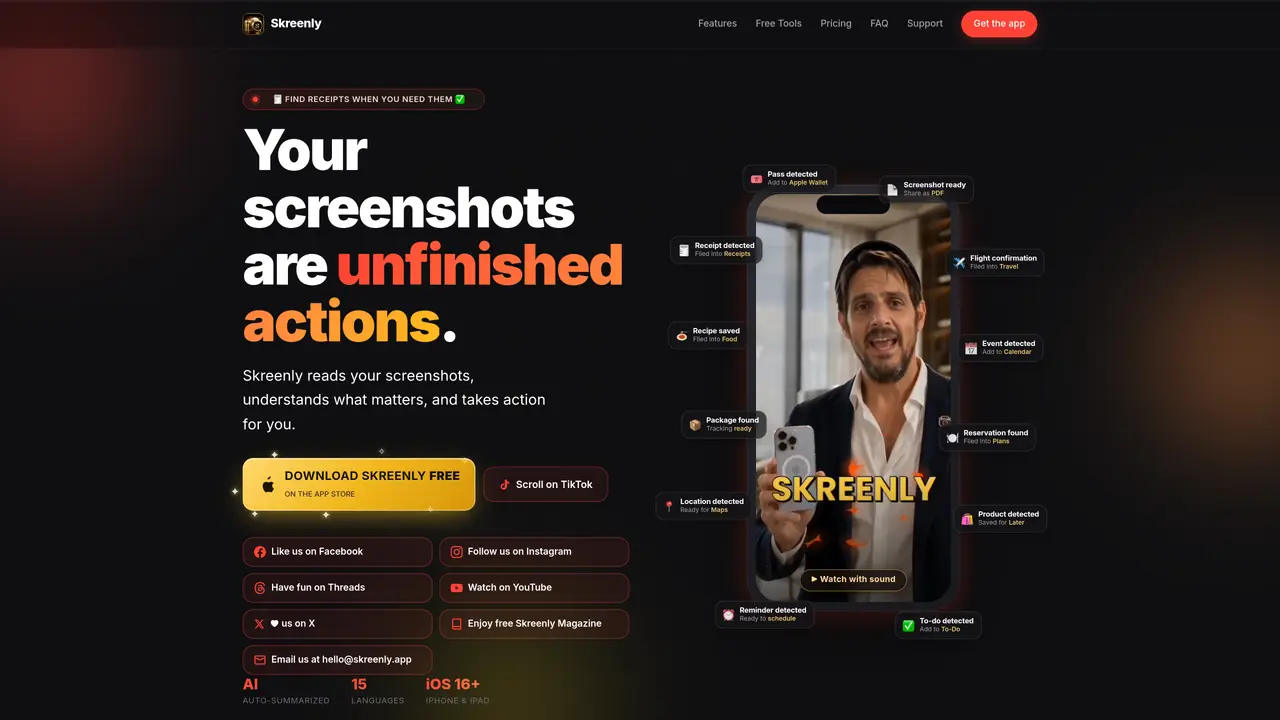
Skreenly is an iOS application that automatically organizes screenshots and photos using AI. It reads and tags images in real time, filing them into predefined or custom folders such as Receipts, Food, Travel, Documents, and Shopping. The tool extracts and indexes text via OCR, making details like dates, prices, addresses, and phone numbers searchable across the entire library. Users can share screenshots directly to Skreenly from any app, and the system suggests one-tap actions like copying text or opening URLs. Skreenly also converts detected boarding passes, tickets, and coupons into Apple Wallet passes, and offers a Private Vault secured with Face ID for sensitive documents. A weekly AI recap summarizes saved items, highlighting patterns and totals. The app supports 15 languages and provides features like PDF export, smart folders, and local-only processing.
Skreenly is an iOS app that automatically organizes screenshots and photos using AI. It reads, tags, and files images into predefined or custom folders like Receipts, Travel, or Food, while making text searchable via OCR.
Skreenly is designed for users who frequently take screenshots and struggle to organize or find them later. It suits individuals who want to turn screenshots into actionable items, such as receipts, travel documents, or reminders.
Skreenly uses AI to read and tag screenshots in real time, filing them into relevant folders and indexing text like dates, prices, and addresses for instant searchability. Users can also share screenshots directly to Skreenly from any app.
Yes, Skreenly supports 15 languages, including English, Spanish, French, German, Japanese, Chinese, and Hebrew, among others.
Yes, Skreenly can detect boarding passes, tickets, coupons, and loyalty cards in screenshots and convert them into Apple Wallet passes for easy access.
Download Skreenly from the App Store, grant it read-only access to your photos, and let the AI automatically organize and tag your screenshots. No account is needed to start using the free version.
We use essential cookies to run aitoolnavio™, and optional cookies to analyze traffic and measure our marketing. You choose what we use — optional cookies stay off unless you turn them on. See our Privacy Policy.
One short email a week: fresh tools worth trying, honest takes and the updates that actually matter. No spam, unsubscribe any time.
Summarizes, extracts, and rewrites content from files.
Automate citation and reference management, aid research with text and data mining, and securely store and share documents.
Capture, organize, and share ideas, notes, and documents effortlessly.
Headless CMS that lets developers manage structured content and deliver it anywhere via flexible APIs and real-time collaboration tools.
Efficiently create and manage cases, streamline workflows, securely store and share documents, and collaborate with colleagues.
Access files, collaborate, and secure your data with unbeatable customizable system.
An AI-powered PDF editor and converter for editing, OCR, signing, annotating, merging, and chatting with documents across devices.
Browser-based PDF editor that edits, signs, converts, merges, compresses, and shares files, with AI for form filling, document chat, and PDF creation.
Securely store, access, and search documents from any device with ease.
Create and customize legal documents, consult lawyers, and access legal guides all in one platform.
Centralize brand assets, automate approvals, and collaborate with external partners in a single digital asset management platform.
AI diagramming and documentation tool for engineering teams to create and update cloud architecture, ERDs, and flowcharts from prompts, code, and CI/CD workflows.
Matched on what this tool does — grouped by the job you would be replacing.
matches AI auto-organize screenshots into folders · OCR text extraction and indexing · Smart folders and custom folder creation
macOS app that renames screenshots and files by content and provides private, offline search for Mac users.
Organizes and searches screenshots locally on Apple devices
Searches screenshots and images by text descriptions or OCR content
Organize, search, and extract insights from iOS screenshots with automatic tagging and analysis.