Generate content, correct spelling, suggest synonyms to enhance writing.
173M visits/mo+0.1%#1 Productivity & Office

Organize, search, and extract insights from iOS screenshots with automatic tagging and analysis.
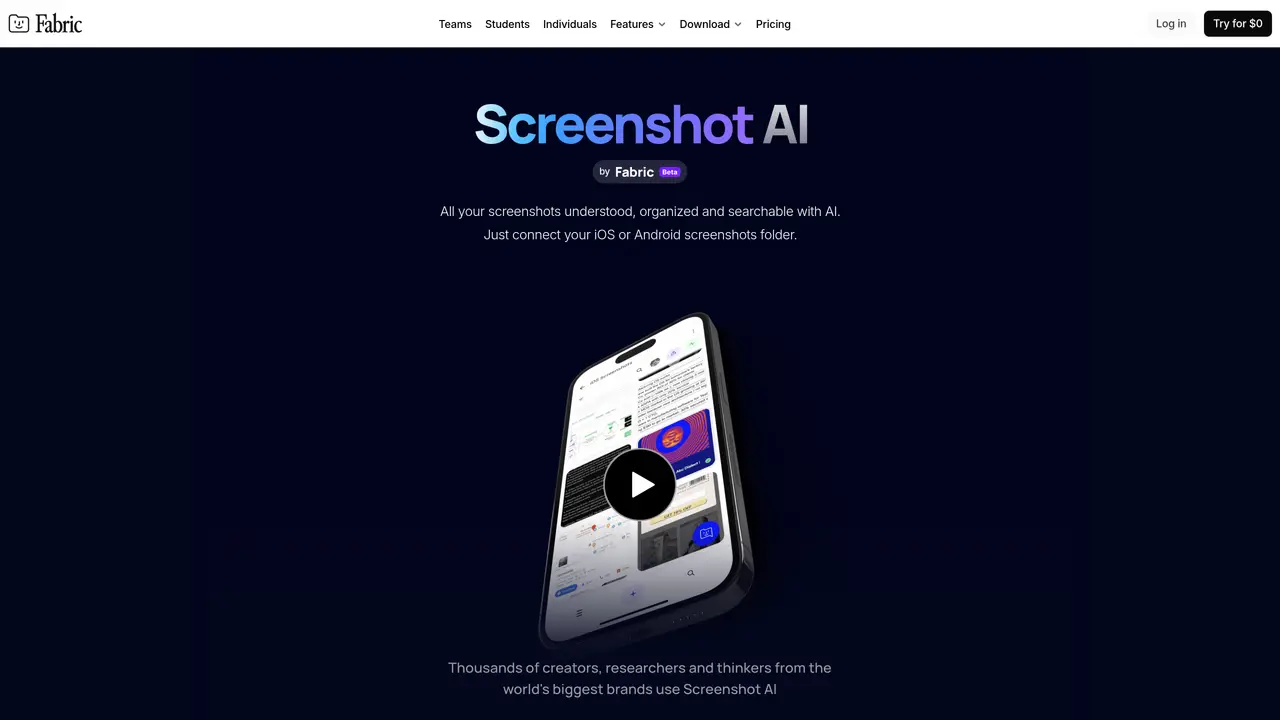
ScreenshotAI is a productivity tool designed to help users organize and gain insights from their iOS screenshots. It automatically synchronizes with screenshots, analyzes their content, tags relevant information, and makes everything fully searchable. Users can explore and search their screenshots, ask questions about the information within them, and retrieve useful details efficiently. The tool also integrates with Fabric’s workspace, which supports notes, collaboration, and project management. Additionally, it connects with favorite apps and cloud drives, remembers the original URLs where screenshots were taken, and enables easy sharing of screenshots. By streamlining the process of capturing, organizing, and retrieving visual data, ScreenshotAI helps users save time and improve productivity in managing digital content from their devices.
ScreenshotAI automatically synchronizes, analyzes, and organizes screenshots using AI. It extracts text, tags relevant information, and makes screenshots fully searchable. Users can ask questions about the content in their screenshots and retrieve insights efficiently.
ScreenshotAI is designed for creators, researchers, thinkers, students, designers, marketers, and professionals who rely on screenshots to capture and reference digital content. It suits individuals and teams managing large volumes of visual data.
ScreenshotAI connects with Fabric’s workspace for notes, collaboration, and project management. It also integrates with favorite apps and cloud drives, and the Fabric browser extension remembers the original URLs of captured screenshots.
ScreenshotAI currently only synchronizes with iOS and Android screenshot folders. Its functionality is tied to Fabric’s ecosystem, and its effectiveness depends on AI accuracy for content extraction and summarization.
To get started, connect your iOS or Android screenshots folder to ScreenshotAI. The tool will automatically analyze and organize your screenshots, making them searchable and actionable. Additional setup may involve connecting apps or cloud drives via Fabric.
ScreenshotAI primarily supports iOS and Android screenshot folders. Its core functionality is optimized for these platforms, though it may work with other sources if connected through Fabric’s ecosystem.
We use essential cookies to run aitoolnavio™, and optional cookies to analyze traffic and measure our marketing. You choose what we use — optional cookies stay off unless you turn them on. See our Privacy Policy.
One short email a week: fresh tools worth trying, honest takes and the updates that actually matter. No spam, unsubscribe any time.
Generate content, correct spelling, suggest synonyms to enhance writing.
Turn messy team ideas into actionable plans with Miro's visual workspace.
Leverage analytics, automate tasks, share documents, and coordinate projects.
Integrates AI into Airtable to analyze data, summarize insights, draft content, and automate workflows without prior AI experience.
Cloud accounting software that automates bookkeeping, invoicing, and financial reporting for small and growing businesses.
Streamline teamwork, manage projects, automate tasks efficiently.
Automate code, research, and documents using agents.
AI assistant for safe, reliable productivity with code, collaboration, and integrations.
Create customizable tables, databases, and spreadsheets, share data securely with team members.
Easy-to-use CRM platform that automates lead capturing, prioritizes tasks, and provides sales pipeline analytics for businesses of all sizes.
Transforms thoughts into actions, enhancing productivity and efficiency.
Write & run code in 50+ languages, auto-complete with AI, and code faster with an intuitive interface.
Matched on what this tool does — grouped by the job you would be replacing.
Paid placement · similar tools from listings that support aitoolnavio™
Instant lead response for home-service pros: your phone rings on every new lead, plus 14 days of follow-up
matches Automatic synchronization with iOS screenshots · Content analysis and intelligent tagging · Full-text search across screenshots
matches AI-powered data extraction · AI-generated summaries and titles · Multi-modal AI analysis of video, image, audio, text, and sentiment data
AI-powered screenshot organizer for iPhone and iPad that automatically categorizes and extracts actionable
AI-powered bookmark manager that captures and indexes links automatically
AI platform that discovers, analyzes, and organizes user-generated videos for e-commerce brands to extract insights and drive conversions.
AI tool that analyzes videos to extract structure, hooks and frameworks for creators