Generate content, correct spelling, suggest synonyms to enhance writing.
173M visits/mo+0.1%#1 Productivity & Office
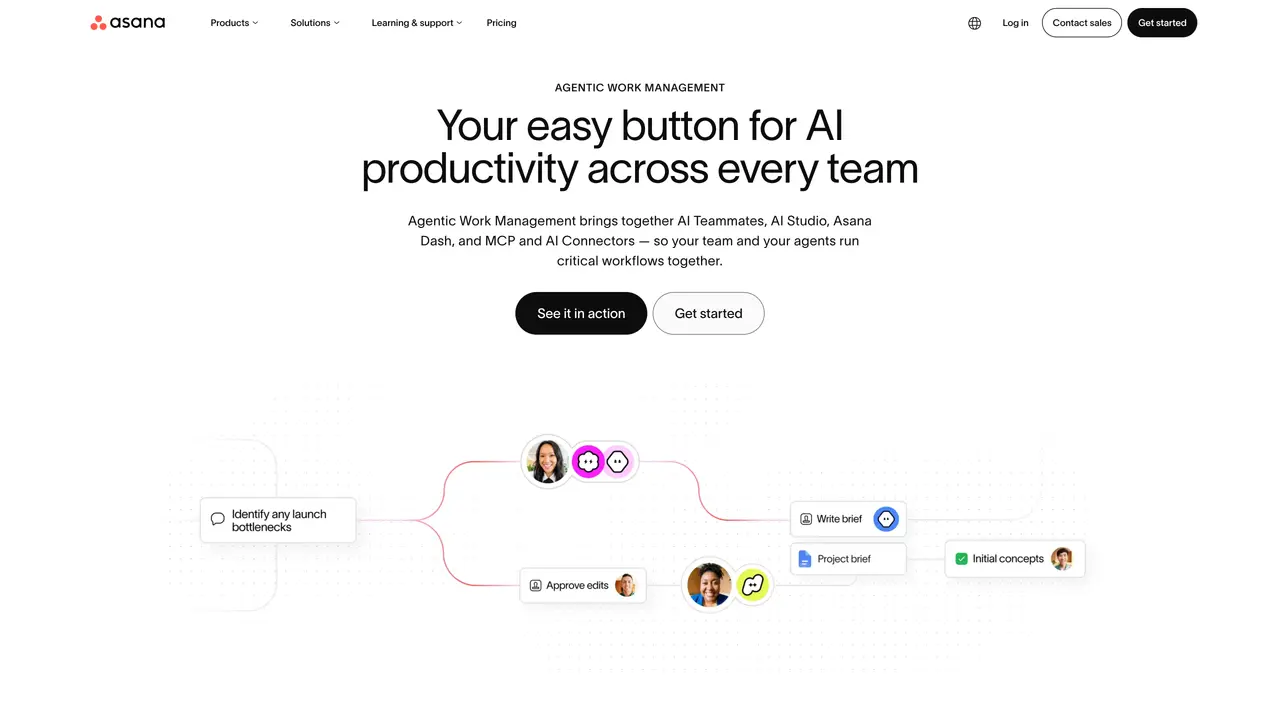
Asana is a robust work management platform that helps teams orchestrate their work, from daily tasks to strategic initiatives. With its user-friendly interface and powerful features, Asana enables organizations to stay aligned, meet deadlines, and achieve their objectives efficiently. Key Features: Project Management: Asana allows teams to create projects, set deadlines, assign tasks, and track progress in real-time. Asana AI: Integrating AI capabilities, Asana aids in automating routine tasks and providing predictive insights, making it easier to manage complex projects. Workflows and Automation: Features like rules and forms streamline processes, reducing manual effort and helping teams focus on critical tasks. Compatibility with Over 300 Integrations: Asana seamlessly connects with other enterprise tools, enhancing its utility without disrupting existing workflows. Asana is suitable for a wide range of organizational needs, from small startups to large enterprises. It facilitates team communication and collaboration across departments and locations, adapts to different business sizes, and keeps everyone informed with the latest changes and progress on projects.
Asana AI integrates AI capabilities such as AI Teammates, AI Studio, Asana Dash, and AI Connectors to automate routine tasks, provide predictive insights, and streamline workflows across teams. It enables teams to run critical workflows together with AI assistance.
Asana AI is designed for cross-functional teams, service teams, developer teams, and organizations of various sizes, including enterprises, small businesses, nonprofits, agencies, and teams in industries like retail, financial services, healthcare, and education.
AI Teammates are ready-to-go agents that handle specific tasks such as marketing, operations, and IT. They are prebuilt, preauthorized, and require no prompt engineering, allowing teams to supercharge their workflows with AI assistance.
AI Studio enables users to build no-code automations for repetitive tasks like intake, routing, and updates. It allows teams to create powerful automations in seconds to streamline busywork and focus on critical tasks.
Asana Dash surfaces daily priorities by aggregating information from meetings, emails, and tasks, helping users stay informed and take the next best action. It acts as an AI Chief of Staff to guide users through their workload.
Asana AI Connectors and MCP allow integration with AI tools like ChatGPT, Claude, and Gemini. Users can search, create, update, and organize work directly from these platforms without leaving the conversation, ensuring seamless collaboration.
asana.com · third-party estimates from Similarweb
Last 4 months · grows by one month every month
Share of visits by channel
Share of visits · estimated visits
Other countries: 45.7%
How people reach this site from other AI tools
198K a month · 0.5% of all visits
Productivity & Office · Sep 2026
Traffic figures are third-party estimates, good for scale and trends; they can differ from a company's own numbers. Updated monthly.
We use essential cookies to run aitoolnavio™, and optional cookies to analyze traffic and measure our marketing. You choose what we use — optional cookies stay off unless you turn them on. See our Privacy Policy.
One short email a week: fresh tools worth trying, honest takes and the updates that actually matter. No spam, unsubscribe any time.
Generate content, correct spelling, suggest synonyms to enhance writing.
Turn messy team ideas into actionable plans with Miro's visual workspace.
Leverage analytics, automate tasks, share documents, and coordinate projects.
Integrates AI into Airtable to analyze data, summarize insights, draft content, and automate workflows without prior AI experience.
Cloud accounting software that automates bookkeeping, invoicing, and financial reporting for small and growing businesses.
Automate code, research, and documents using agents.
AI assistant for safe, reliable productivity with code, collaboration, and integrations.
Create customizable tables, databases, and spreadsheets, share data securely with team members.
Easy-to-use CRM platform that automates lead capturing, prioritizes tasks, and provides sales pipeline analytics for businesses of all sizes.
Transforms thoughts into actions, enhancing productivity and efficiency.
Write & run code in 50+ languages, auto-complete with AI, and code faster with an intuitive interface.
Record lectures, create tutorials, and securely share videos with teams.
Matched on what this tool does — grouped by the job you would be replacing.
Paid placement · similar tools from listings that support aitoolnavio™
Instant lead response for home-service pros: your phone rings on every new lead, plus 14 days of follow-up
matches Project management · Workflows and automation · Real-time updates
matches Automating routine tasks · Predictive insights · Workflows and automation
matches Real-time updates · Over 300 integrations
Compare: Asana vs ClickUp
Organize and track projects, set deadlines, and gain insights with customizable boards and advanced analytics.
All-in-one project management platform for task management, team collaboration, and workflow visualization with time tracking and reporting.
Unified project management with Kanban boards, sprints, docs, and native AI agent integration for teams.
Create team projects, track progress, automate tasks, and streamline communication for efficient collaboration.
An AI-powered work management platform combining projects, tasks, docs, chat, agents, and 50+ integrations in one workspace.
Automate routine tasks, streamline workflows, and monitor operations with real-time analytics to reduce overhead and boost productivity.
Automate tasks, gain insights, streamline operations, and collaborate effectively with real-time analytics and powerful insights.
Geppetto AI automates tasks, gains insights from data, and streamlines operations with an intuitive interface and data visualization.
Collaboration and version control platform for software development and AI model hosting.
Create customizable tables, databases, and spreadsheets, share data securely with team members.