Generate content, correct spelling, suggest synonyms to enhance writing.
173M visits/mo+0.1%#1 Productivity & Office
Miro is a visual workspace that combines an infinite online canvas, AI assistants, and structured tools such as docs, tables, diagrams, and slides. It focuses on helping teams move from scattered brainstorms to concrete artifacts like roadmaps, specs, and decks without constantly switching tools. With AI features including Sidekicks, Flows, and an intelligent canvas that treats existing board content as the prompt, Miro supports product, engineering, design, and business teams as they plan, ideate, and deliver work together at scale. Key Features: Intelligent Canvas & AI Workflows: Use any selection on the canvas as a prompt to auto-generate user journeys, PRDs, slides, tables, and more, plus AI clustering to group sticky notes by theme or sentiment in seconds. Sidekicks (AI Agents): Configurable AI “teammates” that live on the canvas, specializing in tasks like product discovery, competitive analysis, journey mapping, or technical architecture, and responding directly to live board content. Flows (Visual AI Pipelines): Drag and connect AI building blocks into multi-step workflows that turn raw workshop notes into structured outputs such as prototypes, research syntheses, or project trackers with minimal manual reformatting. Product Acceleration Suite: Dedicated capabilities for product teams including AI-assisted Prototypes, Insights for customer feedback analysis, Portfolios for goal alignment, and rich roadmapping tools to cover discovery through delivery. Enterprise Guard & Governance: Advanced data governance with automatic content classification, retention and deletion policies, eDiscovery, and customer-managed encryption keys, tailored for regulated and security-conscious organizations. Integrations, Templates & Formats: 250+ integrations (for tools like Jira, Azure DevOps, Slack, and Google Workspace), thousands of templates, and multiple formats (docs, slides, tables, timelines, diagrams) all available in one shared workspace.
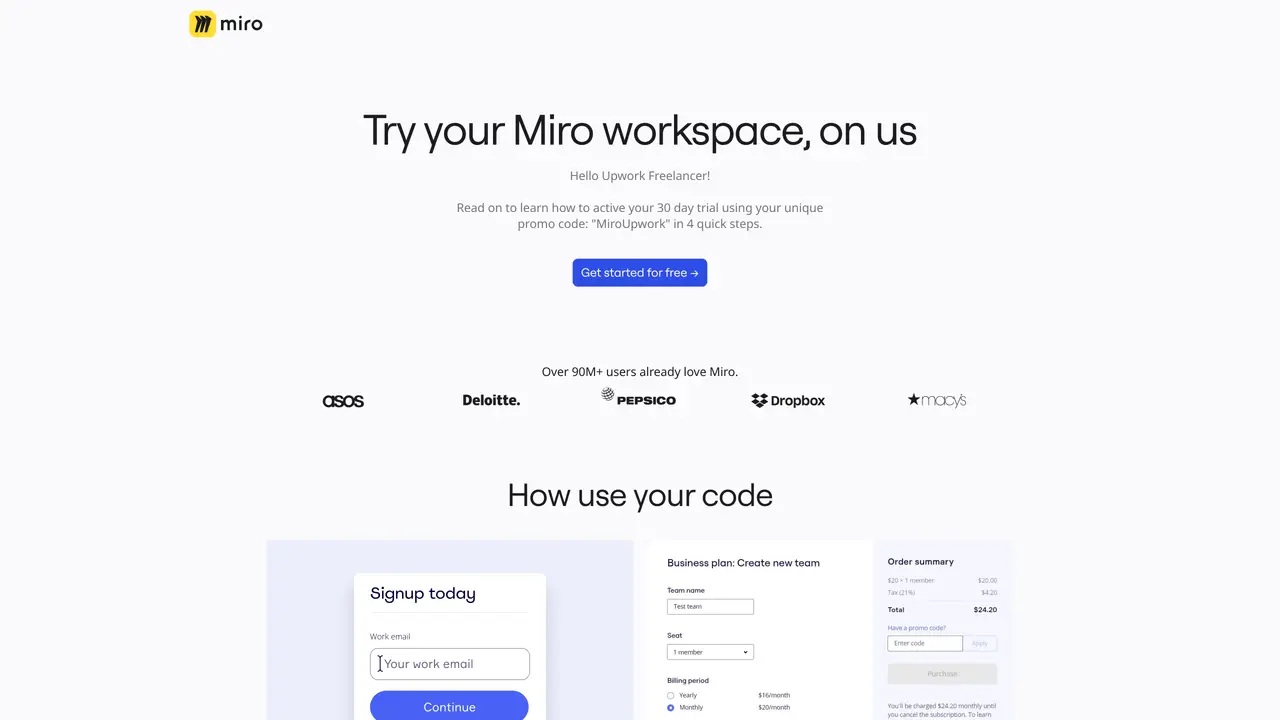
Sign up for Miro or upgrade your account using the provided promo code at checkout. The offer is valid for a limited time and requires entering payment details to redeem.
Miro Assist is an AI feature that transforms ideas into structured models like user stories or diagrams. It is accessible to users on Free, Starter, Business, or Consultant plans via onboarding instructions in Miro or the Help Center.
Miro Assist includes beta features such as clustering sticky notes by keywords or sentiment, and working with objects like cards, code blocks, and mind maps. New features are added continuously.
No, participating in the Miro Assist beta is free. Any future changes to pricing or features will be communicated to customers in advance.
Input data submitted through Miro Assist is used solely to generate responses and is not used for model training. Content and usage data are handled according to Miro’s Privacy Policy.
Yes, Enterprise Admins can enable or disable Miro Assist for their organization as part of governance settings.
miro.com · third-party estimates from Similarweb
Last 4 months · grows by one month every month
Share of visits · estimated visits
Other countries: 55.9%
How people reach this site from other AI tools
238K a month · 0.8% of all visits
Productivity & Office · Sep 2026
Traffic figures are third-party estimates, good for scale and trends; they can differ from a company's own numbers. Updated monthly.
We use essential cookies to run aitoolnavio™, and optional cookies to analyze traffic and measure our marketing. You choose what we use — optional cookies stay off unless you turn them on. See our Privacy Policy.
One short email a week: fresh tools worth trying, honest takes and the updates that actually matter. No spam, unsubscribe any time.
Generate content, correct spelling, suggest synonyms to enhance writing.
Leverage analytics, automate tasks, share documents, and coordinate projects.
Integrates AI into Airtable to analyze data, summarize insights, draft content, and automate workflows without prior AI experience.
Cloud accounting software that automates bookkeeping, invoicing, and financial reporting for small and growing businesses.
Streamline teamwork, manage projects, automate tasks efficiently.
Automate code, research, and documents using agents.
AI assistant for safe, reliable productivity with code, collaboration, and integrations.
Create customizable tables, databases, and spreadsheets, share data securely with team members.
Easy-to-use CRM platform that automates lead capturing, prioritizes tasks, and provides sales pipeline analytics for businesses of all sizes.
Transforms thoughts into actions, enhancing productivity and efficiency.
Write & run code in 50+ languages, auto-complete with AI, and code faster with an intuitive interface.
Record lectures, create tutorials, and securely share videos with teams.
Matched on what this tool does — grouped by the job you would be replacing.
Paid placement · similar tools from listings that support aitoolnavio™
Instant lead response for home-service pros: your phone rings on every new lead, plus 14 days of follow-up
matches Intelligent Canvas & AI Workflows · Flows (Visual AI Pipelines) · Product Acceleration Suite
matches Sidekicks (AI Agents) · Enterprise Guard & Governance
matches Product Acceleration Suite
AI diagramming and documentation tool for engineering teams to create and update cloud architecture, ERDs, and flowcharts from prompts, code, and CI/CD workflows.
AI-powered collaborative workspace for teams to generate editable diagrams, cloud architecture, docs, and task boards with real-time collaboration and templates.
An AI-powered diagram generator that creates UML, ER, C4, and cloud architecture diagrams from natural language or code snippets in a web app.
All-in-one project management platform for task management, team collaboration, and workflow visualization with time tracking and reporting.
An AI-powered work management platform combining projects, tasks, docs, chat, agents, and 50+ integrations in one workspace.
Work management platform combining tasks, real-time docs, and workflow automation for small to mid-sized teams.
All-in-one workspace combining chat, tasks, projects, docs, and integrations to reduce tool switching for teams.
Leading product roadmap software for product and marketing teams to plan, visualize, and share strategies with Gantt charts and integrations.
Turn product ideas into prioritized, implementation-ready tickets.