
Create stunning visuals, develop ideas with AI-powered tools, and instantly share content without coding or formatting.
21M visits/mo+6.5%#6 Writing & Content

Generate professional slide decks in seconds—just by entering a topic.
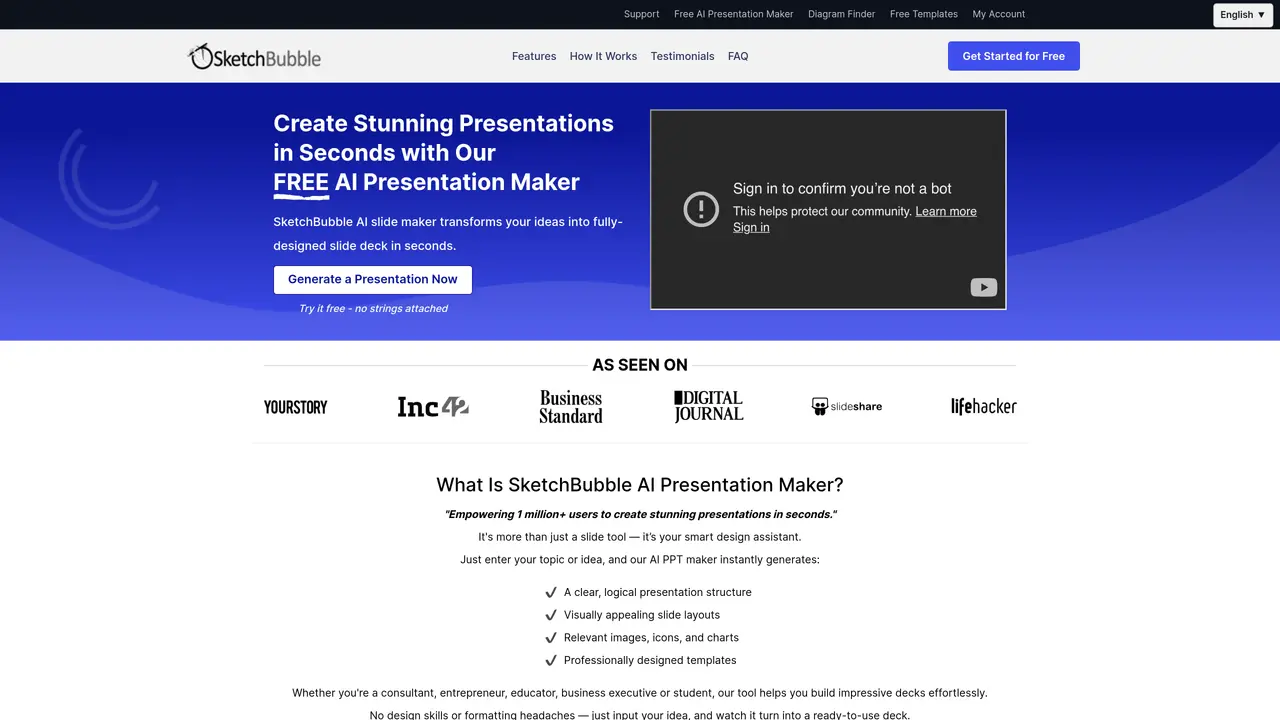
SketchBubble AI Presentation Maker is an AI-powered tool designed to streamline the creation of professional slide decks. Users can generate structured presentations by simply entering a topic or prompt, eliminating the need for manual slide-by-slide design. The tool is particularly suited for professionals, educators, and students who require polished presentations without investing significant time or design expertise. It produces editable slides that are compatible with PowerPoint and Google Slides, allowing for further customization to meet specific needs. The platform leverages AI to automate the layout and content organization of presentations, ensuring a coherent and visually consistent structure. It removes barriers for users without design or technical skills, enabling them to focus on refining content rather than formatting. Presentations can be quickly exported and shared, making it a practical solution for time-sensitive projects or recurring presentation needs.
SketchBubble AI Presentation Maker is a tool that generates professional slide decks in seconds by entering a topic or idea. It creates structured presentations with visually appealing layouts, relevant images, icons, and charts, which can be edited in PowerPoint or Google Slides without requiring design skills.
The tool is designed for professionals, educators, students, consultants, entrepreneurs, business executives, and anyone needing to create impactful presentations quickly. It supports a wide range of presentation types, from corporate reports to academic projects.
Users input their presentation topic or idea, and the AI generates a clear structure, logical outline, and visually appealing slide layouts. Users can then select from AI-curated designs, customize the slides, and download the final presentation in PowerPoint or Google Slides format.
Yes, the generated presentations are fully editable and customizable. Users can modify slides, adjust layouts, change fonts, colors, and content, or fine-tune details even without design experience.
Yes, the tool supports generating and downloading presentations in a variety of languages, making it accessible for users worldwide.
The tool offers a free version with basic features, allowing users to generate and download presentations. Additional premium features or templates may require a paid subscription.
We use essential cookies to run aitoolnavio™, and optional cookies to analyze traffic and measure our marketing. You choose what we use — optional cookies stay off unless you turn them on. See our Privacy Policy.
One short email a week: fresh tools worth trying, honest takes and the updates that actually matter. No spam, unsubscribe any time.
Create stunning visuals, develop ideas with AI-powered tools, and instantly share content without coding or formatting.
Create captivating, customizable presentations and easily share them across devices with a cloud-based platform.
Engage audience with interactive polls, quizzes, and surveys, and monitor responses with powerful analytics.
All-in-one AI workspace for creating presentations, essays, images, videos, podcasts, and AI-powered chat responses from a single platform.
Visual collaboration platform for creating diagrams, mind maps, wireframes, and workflows with real-time teamwork.
Skywork Super Agents: Workspace productivity suite with specialized AI for research-grade documents, slides & spreadsheets + multimedia tools.
AI-powered design tool that turns templates into professional presentations, infographics, and timelines with no graphic design skills required.
AI-powered platform for creating presentations, infographics, reports, and social media graphics from text prompts with built-in brand management and collaboration tools.
Visualize processes, design network diagrams, and collaborate in real-time with templates and easy-to-use interface.
AI-powered presentation tool that generates professional slides from text with a vast library of templates, images, and customization options.
AI-powered presentation maker that generates PowerPoint and Google Slides decks from prompts, documents, or URLs for professionals, educators, and students.
Generate presentations, create interactive slideshows, and customize with themes, fonts, and colors.
Matched on what this tool does — grouped by the job you would be replacing.
matches Prompt-based slide generation · Pre-designed themes and layouts · Export to PowerPoint & Google Slides
AI-powered presentation maker that generates PowerPoint and Google Slides decks from prompts, documents, or URLs for professionals, educators, and students.
AI presentation maker that turns notes, links, or topics into editable PowerPoint decks in seconds.
Generate engaging presentations, visuals for marketing campaigns, and educational content quickly.
Generate professional Google Slides™ in seconds with AI.