

Create stunning visuals, develop ideas with AI-powered tools, and instantly share content without coding or formatting.
21M visits/mo+6.5%#6 Writing & Content
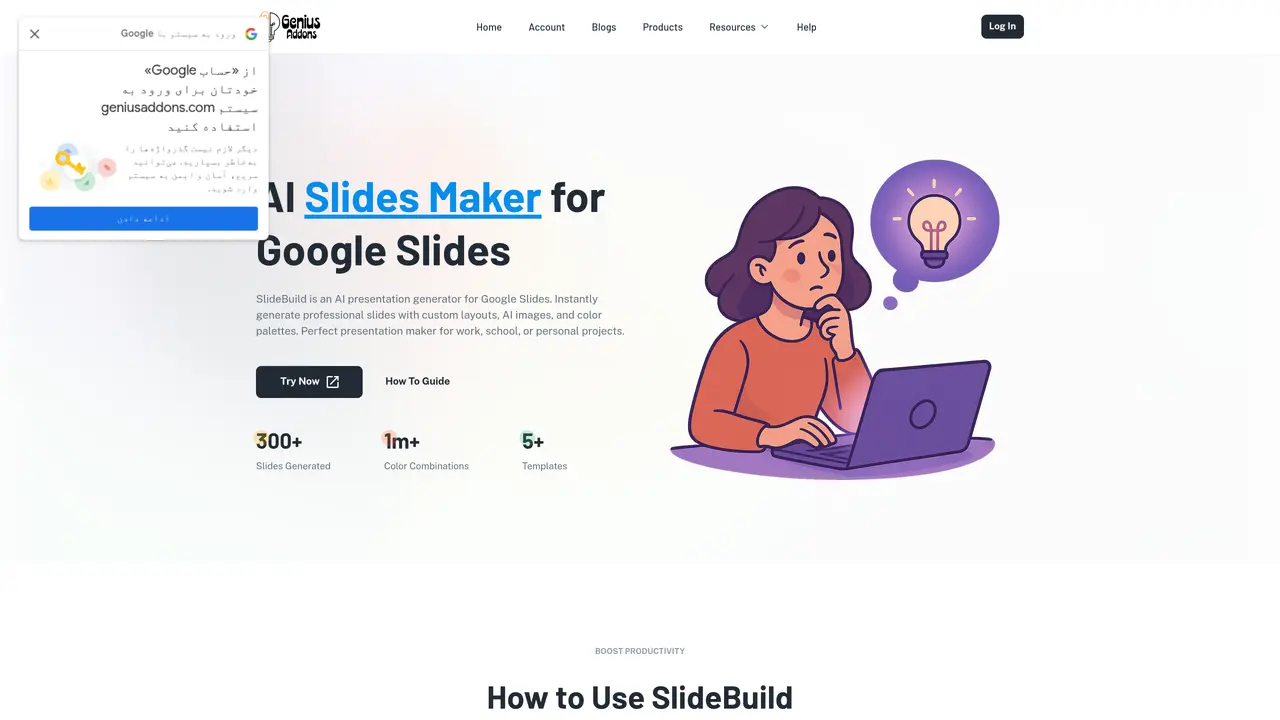
SlideBuild is a powerful Google Slides™ add-on that helps you generate professional presentations in seconds. Simply describe your topic, choose the number of slides, and let SlideBuild create a complete slideshow with titles, content, and images. Key features: Instant Slide Generation: Create presentations from text prompts with smart slide layouts and decoration options. Custom Templates: Access professional, cool slides or cute PowerPoint templates adapted for Google Slides™. AI Images: Enhance your slides with unique presentation images generated automatically. Unique Colors: Save custom palettes to style each slide the way you want and reuse when you need. Flexible Styles: From academic presentations to slideshow night ideas, choose between modern, elegant, or fun themes. SlideBuild saves you time while making your presentations look amazing. Whether you’re preparing a digital presentation for work, designing cute slides for class, or finding slideshow ideas for personal projects, SlideBuild is the perfect tool for creating professional-looking presentations quickly and easily.
SlideBuild automatically creates presentation slides from a user-provided topic or outline. It generates a polished Google Slides deck with custom layouts, AI images, and color palettes that can be further edited.
No, SlideBuild currently only supports its own themes and templates. Custom template support is planned for a future update.
SlideBuild allows users to generate up to 15 slides at a time. Free users have limited total monthly slide generation, while premium plans offer higher limits.
Yes, all generated slides are fully editable in Google Slides. Users can modify text, images, layouts, and styling as needed.
Yes, SlideBuild can generate AI-powered images to enhance presentations. Premium plans include higher limits for AI image generation.
Users can start by describing their presentation topic, selecting the number of slides and template style, then clicking generate to create the deck in Google Slides.
We use essential cookies to run aitoolnavio™, and optional cookies to analyze traffic and measure our marketing. You choose what we use — optional cookies stay off unless you turn them on. See our Privacy Policy.
One short email a week: fresh tools worth trying, honest takes and the updates that actually matter. No spam, unsubscribe any time.
Create stunning visuals, develop ideas with AI-powered tools, and instantly share content without coding or formatting.
Create captivating, customizable presentations and easily share them across devices with a cloud-based platform.
Engage audience with interactive polls, quizzes, and surveys, and monitor responses with powerful analytics.
All-in-one AI workspace for creating presentations, essays, images, videos, podcasts, and AI-powered chat responses from a single platform.
Visual collaboration platform for creating diagrams, mind maps, wireframes, and workflows with real-time teamwork.
Skywork Super Agents: Workspace productivity suite with specialized AI for research-grade documents, slides & spreadsheets + multimedia tools.
AI-powered design tool that turns templates into professional presentations, infographics, and timelines with no graphic design skills required.
AI-powered platform for creating presentations, infographics, reports, and social media graphics from text prompts with built-in brand management and collaboration tools.
Visualize processes, design network diagrams, and collaborate in real-time with templates and easy-to-use interface.
AI-powered presentation tool that generates professional slides from text with a vast library of templates, images, and customization options.
AI-powered presentation maker that generates PowerPoint and Google Slides decks from prompts, documents, or URLs for professionals, educators, and students.
Generate presentations, create interactive slideshows, and customize with themes, fonts, and colors.
Matched on what this tool does — grouped by the job you would be replacing.
matches Instant slide generation · Custom templates · AI images
AI-powered presentation tool that generates professional slides from text with a vast library of templates, images, and customization options.
AI-powered presentation maker that generates PowerPoint and Google Slides decks from prompts, documents, or URLs for professionals, educators, and students.
Generate engaging presentations, visuals for marketing campaigns, and educational content quickly.
Generate professional slide decks in seconds—just by entering a topic.