AI assistant for safe, reliable productivity with code, collaboration, and integrations.

1002 — Local AI distraction monitor
0Popularity
About 1002 — Local AI distraction monitor
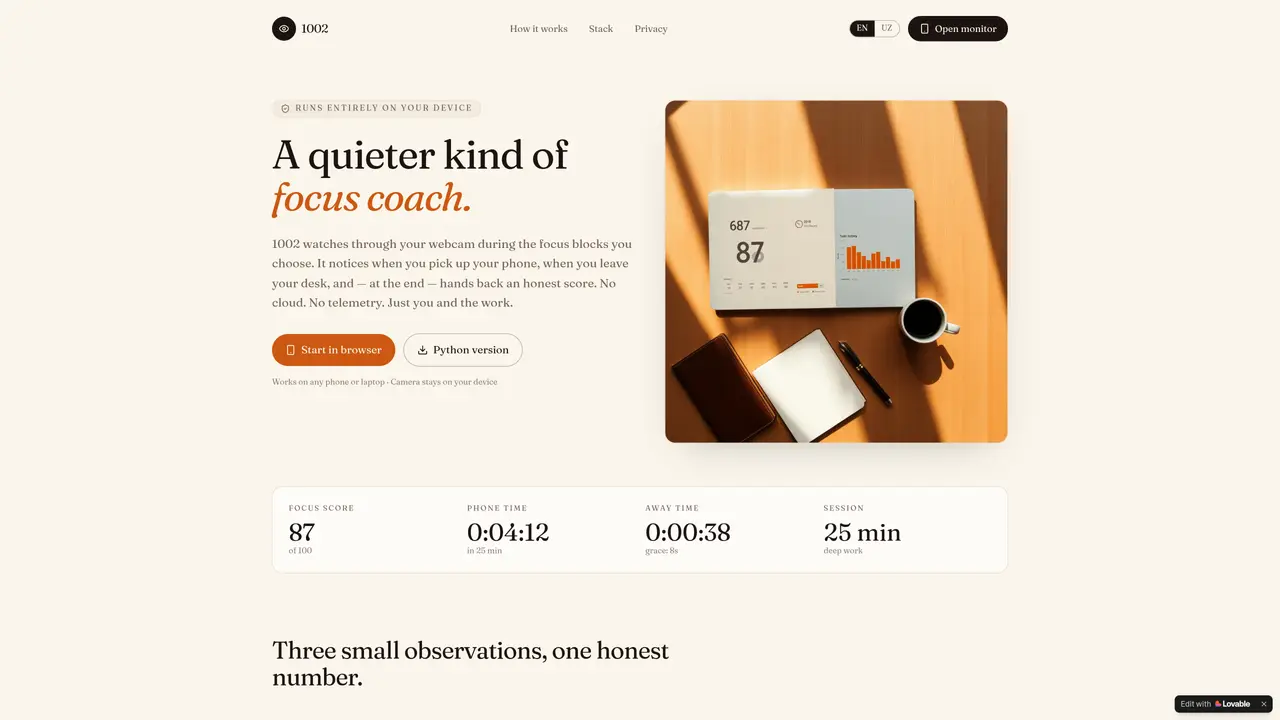
1002 is a local AI application designed to monitor focus during designated work sessions. It operates entirely on the user’s device without cloud processing or telemetry. The tool uses the device’s webcam to detect when the user picks up a phone or leaves the desk during a focus block. Sessions are initiated manually from a sidebar, ranging from 5 to 120 minutes, and the camera remains off outside these blocks. The application employs YOLOv8n for real-time phone detection and MediaPipe Face Detection to check for desk presence, with short glances and stretches forgiven by grace windows. At the end of each session, it provides an honesty score (0–100) along with a minute-by-minute timeline of distractions and a weekly trend line. All data is stored locally in an SQLite database and can be deleted at any time. The tool is intended for individuals practicing deep work or seeking to improve focus habits.
Key features
- Real-time phone detection at ~20 fps on CPU
- Desk presence check using MediaPipe Face Detection
- Manual focus block initiation (5–120 minutes)
- Grace windows for short glances and stretches
- Honesty score (0–100) with minute-by-minute timeline
- Weekly trend analysis of focus improvements
- Local SQLite storage for session history
- Dashboard accessible via browser at localhost:8501
Use cases
- Tracking focus during deep work sessions
- Monitoring desk presence for remote workers
- Analyzing personal productivity trends over time
Pros
- Runs entirely on-device with no cloud processing
- Uses proven open-source models (YOLOv8n, MediaPipe, OpenCV)
- Provides detailed session analytics including distraction timeline
- No background daemon or persistent camera access
- Local data storage with manual deletion option
Cons
- Requires manual session initiation (no automatic detection)
- Limited to devices with a webcam
- No mobile app version (browser-based only)
- Initial setup involves command-line installation
Frequently asked questions about 1002 — Local AI distraction monitor
What does 1002 do?
1002 is a local AI application that monitors focus during designated work sessions by detecting phone use or desk absence via the device’s webcam. It provides an honesty score and a timeline of distractions at the end of each session.
Who is 1002 suitable for?
The tool is designed for individuals practicing deep work or aiming to improve focus habits, such as students, professionals, or anyone seeking to minimize distractions during work blocks.
How does 1002 ensure privacy?
1002 operates entirely on the user’s device without cloud processing or telemetry. Frames are analyzed in memory and discarded, and session data is stored locally in an SQLite database that can be deleted at any time.
What are the technical requirements to run 1002?
1002 works on any phone or laptop with a webcam and runs in a browser. It requires Python and a few dependencies, which can be installed via a provided setup guide.
How do I start a focus session with 1002?
Sessions are initiated manually from a sidebar, ranging from 5 to 120 minutes. The camera remains off outside these blocks, and there is no background daemon running.
Can I customize the sensitivity of distraction detection?
1002 uses grace windows to forgive short glances or stretches, but the tool does not explicitly mention customizable sensitivity settings for distraction detection.