AI assistant for safe, reliable productivity with code, collaboration, and integrations.

AI Excel
FreeStarting price
0Popularity
About AI Excel
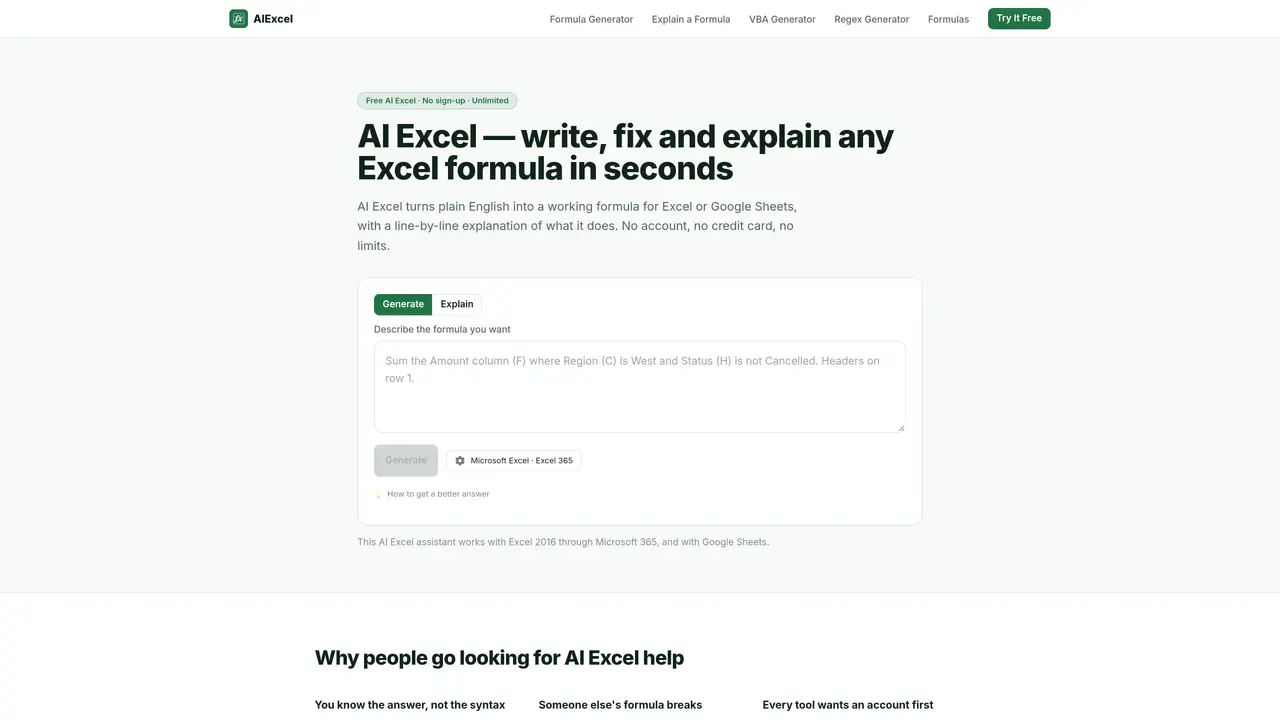
AI Excel generates, explains, and fixes Excel and Google Sheets formulas from plain English descriptions. It supports Excel 2016 through Microsoft 365 and Google Sheets, handling dialect differences between platforms. Users can input a desired outcome, paste an existing formula for explanation, or request VBA macros or regex patterns compatible with Excel’s RE2 engine. Each generated formula includes a line-by-line explanation of its logic and syntax. The tool operates without requiring an account, credit card, or storage of user data. A built-in reference library documents 336 functions with real syntax, worked examples, error modes, and function-specific generators. The interface allows browsing by function category and includes settings to match the user’s spreadsheet configuration.
Key features
- Plain English to formula conversion
- Formula explanation and reformatting
- VBA macro generation with Option Explicit
- Regex pattern generation for RE2 engine
- 336 function reference with examples and errors
- Browse functions by category
- Dialect selection for Excel or Google Sheets
- No storage of user data or formulas
Use cases
- Converting business logic into working spreadsheet formulas
- Debugging or understanding complex inherited formulas
- Generating VBA macros for repetitive tasks
Pros
- No sign-up or account required
- Supports both Excel and Google Sheets with dialect handling
- Provides line-by-line formula explanations
- Includes VBA macro and regex generation
- Offers a comprehensive function reference library
Cons
- No file upload or direct spreadsheet access
- Requires explicit column naming in descriptions
- Output must be manually verified for correctness
- Limited to browser-based operation
Frequently asked questions about AI Excel
What does AI Excel do?
AI Excel converts plain English descriptions into working Excel or Google Sheets formulas, explains existing formulas, generates VBA macros, and creates regex patterns compatible with Excel's RE2 engine.
Who is AI Excel suitable for?
It suits users who need to write, fix, or understand Excel or Google Sheets formulas without deep syntax knowledge, including analysts, accountants, and spreadsheet administrators.
Does AI Excel require an account or payment?
No, AI Excel operates without requiring an account, credit card, or storage of user data, and there are no usage limits or tiers.
What integrations does AI Excel support?
AI Excel works with Excel 2016 through Microsoft 365 and Google Sheets, handling dialect differences between platforms automatically.
How do I get started with AI Excel?
Describe the desired formula outcome in plain English, paste an existing formula for explanation, or request a VBA macro or regex pattern; the tool generates the output instantly.
Can AI Excel explain complex or inherited formulas?
Yes, it reformats and explains formulas line-by-line, even for inherited sheets with errors like #REF!, making them easier to understand and debug.