AI assistant for safe, reliable productivity with code, collaboration, and integrations.

Docovly
$19/moStarting price
0Popularity
About Docovly
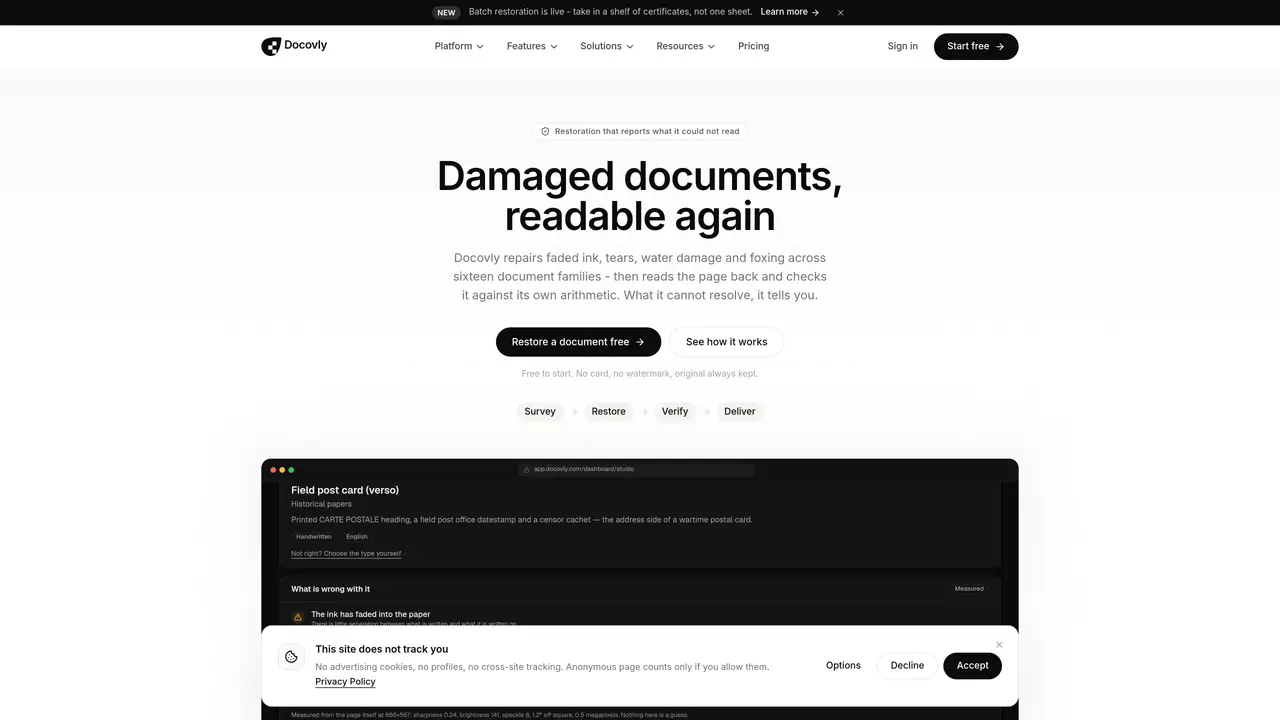
Docovly repairs damaged documents by addressing faded ink, tears, water damage, and foxing across sixteen document families. It processes images, PDFs, or Word documents and restores them to their original size while preserving the untouched original. The platform performs a condition survey, restores each page individually, and verifies the result by reading the restored text back and checking it against its own arithmetic. Users can choose between three restoration modes—Careful, Standard, or Thorough—depending on the level of detail required. The system flags unreadable regions rather than guessing content and maintains archival quality without altering the original document. It supports batch processing for large collections and provides a dashboard to manage and deliver restored documents. The platform is designed for individuals and organizations handling historical, legal, or personal documents.
Key features
- Condition survey to mark document damage
- Three restoration modes (Careful, Standard, Thorough)
- Batch processing for large document collections
- Condition survey and damage reporting
- Preservation of original document integrity
- Verification of restored text against original content
- Support for images, PDFs, and Word documents
- Archival-quality restoration without content alteration
Use cases
- Restoring faded or damaged family certificates and passports
- Repairing water-damaged or foxed historical documents for archives
- Cleaning and restoring old manuscripts or legal papers for genealogical research
Pros
- Restores faded ink, tears, water damage, and foxing across sixteen document families
- Preserves the original document without overwriting or altering it
- Offers three restoration modes (Careful, Standard, Thorough) for different needs
- Supports batch processing for large collections of documents
- Flags unreadable regions instead of guessing content
Cons
- No free tier beyond a limited monthly allowance
- Maximum document size varies by plan (10 to 2,000 pages)
- No API or integration options mentioned
- Limited to 15 specialist consoles
Frequently asked questions about Docovly
What types of documents can Docovly restore?
Docovly supports restoration for sixteen document families, including birth certificates, marriage certificates, old passports, driving licenses, degree certificates, school transcripts, deeds, wills, army discharge papers, naturalisation papers, insurance policies, bank passbooks, vaccination records, and pension statements.
How does Docovly handle unreadable regions in documents?
Docovly flags unreadable regions rather than guessing content, ensuring transparency about what could not be restored. It does not alter or invent missing information.
What restoration modes does Docovly offer?
Docovly provides three restoration modes: Careful, Standard, and Thorough. Careful preserves the original as much as possible, Standard is recommended for most cases, and Thorough is used for heavily faded documents where readability is critical.
Can Docovly process large collections of documents?
Yes, Docovly supports batch processing for large collections, allowing users to restore multiple documents efficiently. The platform includes a dashboard to manage and deliver restored documents.
Does Docovly alter the original document during restoration?
No, Docovly never overwrites or alters the original document. It preserves the untouched original while creating a restored copy.
How long does the restoration process take?
The restoration process typically takes about one minute per page, depending on the level of damage and the chosen restoration mode.