AI assistant for safe, reliable productivity with code, collaboration, and integrations.

onetwodemo
0Popularity
About onetwodemo
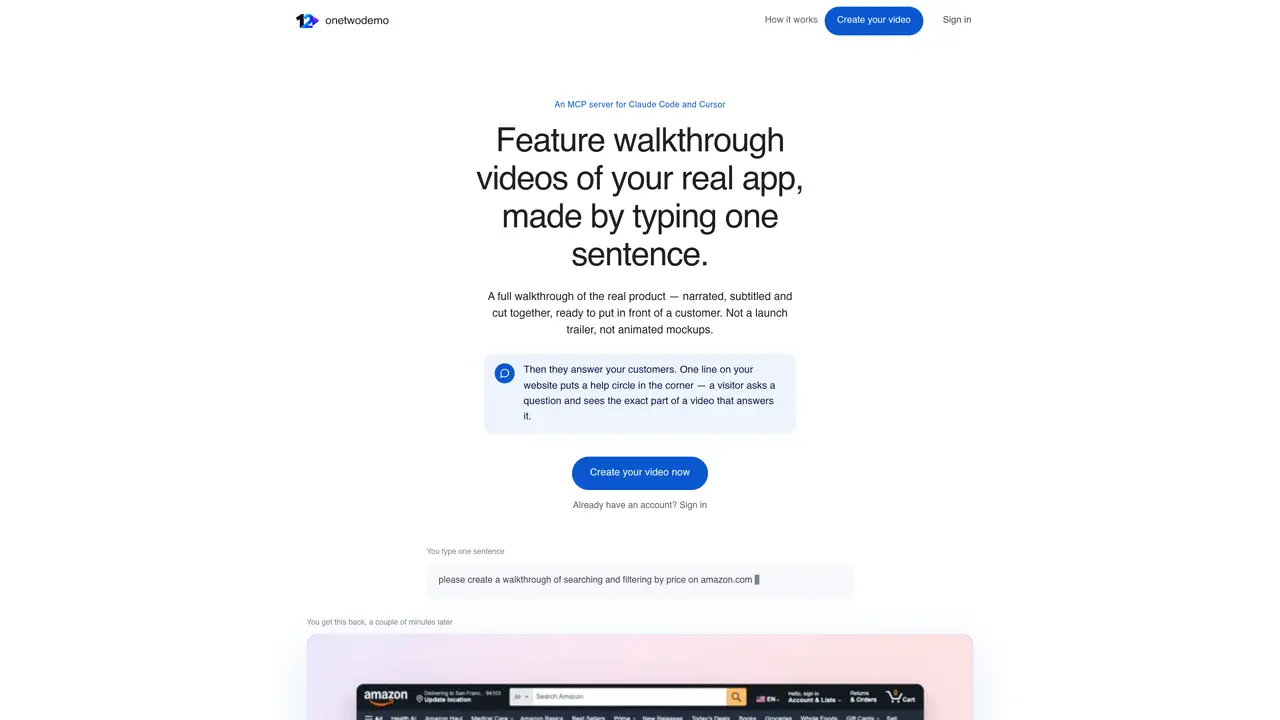
onetwodemo generates feature walkthrough videos of a live web application by interpreting a single user-provided sentence. The process occurs in a real browser, capturing actual clicks, typing, and cursor movements with an accompanying voiceover that explains each step. Videos are produced automatically, including directed camera angles, panning, scripted narration, timed cuts, and captions. Users can refine videos by re-prompting without re-recording, adjusting elements such as zoom levels or script wording directly in the chat interface. Once finalized, videos are uploaded to a dashboard where they form an interactive help center for customers. Visitors can ask questions in natural language, and the system plays the relevant segment of the appropriate video at the correct timestamp. An embeddable widget can be added to a website, allowing visitors to access help without leaving the page. The tool integrates with coding environments via an MCP server, enabling developers to request walkthroughs directly within their workflow.
Key features
- Single-sentence video generation
- Real browser interactions captured
- Directed camera angles and panning
- Automated script generation and voiceover
- Timed cuts and captions
- Interactive customer help center
- Natural language question answering
- Website embeddable widget
Use cases
- Creating product feature tutorials for customers
- Building an interactive help center on a website
- Embedding contextual help directly into web pages
Pros
- Generates videos from a single sentence prompt
- Uses real browser interactions with actual UI elements
- Supports natural language customer queries for video playback
- Embeddable widget for website integration
- MCP server integration with coding tools
Cons
- No API key required but described as early software from a small team
- Limited to web app walkthroughs (no desktop or mobile apps)
- Requires MCP-compatible coding tool for integration
Frequently asked questions about onetwodemo
What is onetwodemo and how does it work?
onetwodemo generates feature walkthrough videos of a live web application by interpreting a single user-provided sentence. It records real interactions in a browser, including clicks, typing, and cursor movements, and produces a narrated, subtitled video with directed camera angles and timed cuts.
Who should use onetwodemo?
The tool is designed for product teams, developers, and customer support professionals who need to create clear, interactive walkthroughs of their web applications without manual screen recording or editing.
How do I create a walkthrough video with onetwodemo?
Users sign in, type a sentence describing the walkthrough they want, and the system generates a video in a real browser. No manual recording or editing is required. Videos can be refined by re-prompting in the chat interface.
Can I integrate onetwodemo with coding tools like VS Code or Cursor?
Yes, onetwodemo provides an MCP server that connects to coding environments such as VS Code, Cursor, and Claude Code, allowing developers to request walkthroughs directly within their workflow.
How does the interactive help center work?
Once videos are uploaded to the dashboard, customers can ask questions in natural language, and the system plays the relevant segment of the appropriate video at the correct timestamp. An embeddable widget can also be added to a website for in-context help.
Is an API key required to use onetwodemo?
No API key is needed. The tool is designed to be accessible without complex setup, though it is described as early software from a small team.